How to Create a DIY Pet Monitoring System Using Wyze Cameras and Sensors
By Wyzeussale | Published: 2026-06-18
Category: How-to Guides
Learn how to build an affordable DIY pet monitoring system with Wyze cameras and sensors. Keep tabs on your pets, detect behaviors, and ensure their safety from anywhere.
Pet owners know the anxiety of leaving furry friends at home alone. Whether you have a curious kitten, a mischievous dog, or a senior pet that needs extra attention, knowing what they are up to can bring immense peace of mind. While professional pet monitoring systems can cost hundreds of dollars, you can build a robust, customizable, and cost-effective DIY pet monitoring system using Wyze cameras and sensors. In this guide, we will walk you through every step, from choosing the right cameras to setting up motion alerts and even monitoring pet behavior patterns—all without breaking the bank.
Why Choose Wyze for DIY Pet Monitoring?
Wyze offers a unique combination of affordability, reliability, and smart features that make it a top choice for pet owners. Unlike expensive pet-specific cameras, Wyze devices come with high-definition video, night vision, two-way audio, and seamless integration with smart sensors. This flexibility allows you to build a system tailored to your pet's habits and your home layout. Plus, with Wyze's extensive ecosystem, you can expand your setup over time—adding sensors to monitor doors, windows, or even the temperature in your pet's favorite room.
One of the standout features for pet monitoring is Wyze's advanced motion detection. You can set up activity zones to focus on your pet's bed, food bowl, or the couch they are not supposed to be on. And with free cloud recording (limited but useful) and optional subscription plans like Cam Plus, you get person/pet detection and unlimited video storage. This means you can receive instant alerts when your pet moves, barks, or triggers a sensor—without false alarms from passing cars or shifting shadows.
Step 1: Choose the Right Wyze Hardware for Your Pet Setup
Before diving into setup, you need to select the right devices based on your pet's needs. Here are three common setups:
Option A: Basic Indoor Monitoring with a Single Camera
If you just want to check in on your pet while you are at work, a single Wyze Cam v3 or Wyze Cam Pan v3 is perfect. Place it in the room where your pet spends most of its time. The pan-and-tilt feature on the Pan v3 allows you to follow your pet as it moves, which is especially useful for active dogs or cats that roam around. You can even set up a schedule so the camera automatically moves to different zones during the day.
Option B: Multi-Room Monitoring with Sensors
For homes with multiple pets or larger spaces, combine cameras with Wyze sensors. For example, place a Wyze Contact Sensor on the door to your pet's room or the back door they use to go outside. When the door opens, you can trigger a camera to start recording or send you an alert. This is ideal for pet owners who want to know when their dog goes out or when a cat sneaks into a restricted area. You can also add a Wyze Motion Sensor to detect movement in dark corners where cameras might miss.
Option C: Outdoor Monitoring for Dogs in the Yard
If your dog spends time in the backyard, consider a weather-resistant camera like the Wyze Cam Floodlight v2 + Plug-In Mount. This camera includes a bright floodlight that illuminates the area at night, so you can see your pup even in the dark. It also deters potential intruders. Pair it with a Wyze Motion Sensor placed near the gate to get alerts when your dog leaves the yard (or when someone else enters).
Step 2: Set Up Motion Detection and Activity Zones
Once your cameras are installed, fine-tune the motion detection settings to minimize false alerts. Follow these steps:
- Open the Wyze app and go to your camera's settings.
- Tap on “Detection Settings” and enable “Motion Detection.”
- Set up Activity Zones: Draw rectangles on the live feed to define areas you want the camera to monitor. For example, you can exclude a busy street outside your window and only focus on your pet's bed.
- Adjust sensitivity: Lower sensitivity if your pet triggers too many alerts (e.g., if they sleep near the camera).
- Enable pet detection (if you have Cam Plus or Cam Plus Unlimited): This feature filters alerts to only notify you when a pet is detected, not a person or vehicle.
Pro tip: Create a schedule so motion detection is only active during hours your pet is alone. For instance, you can disable alerts when you are home and re-enable them when you leave for work.
Step 3: Integrate Sensors for Advanced Behavior Monitoring
Wyze sensors add a new dimension to pet monitoring. Here are three practical use cases:
Monitor Food and Water Intake
Place a Wyze Motion Sensor near your pet's food bowl. When your pet eats, you can get a notification. This is especially helpful for anxious pet owners who worry about their pet not eating while they are away. Combine it with a camera to see exactly how much they ate.
Detect When Your Pet Leaves a Room
Attach a Wyze Lock Replacement Part Kit to a cabinet or door that you want to keep your pet out of—or use a Contact Sensor on an interior door. If your pet pushes open a door to a restricted area, you will get an instant alert. You can also set up a rule to turn on a light or sound an alarm via a Wyze Smart Plug to distract your pet.
Monitor Temperature and Humidity
If you have a reptile, bird, or small animal that requires specific temperature conditions, use a Wyze Temperature & Humidity Sensor. Place it near their enclosure. If the temperature drops too low or rises too high, you will receive a push notification. This is a lifesaver for pet owners who travel or work long hours.
Step 4: Create Automated Routines with Wyze Rules
The real power of a DIY pet monitoring system lies in automation. Using the Wyze app's “Rules” feature, you can connect cameras, sensors, and other devices to respond to your pet's actions. Here are a few examples:
- Rule 1: If the Contact Sensor on the back door is opened AND the time is between 8 AM and 9 AM, turn on the kitchen camera and send a notification “Dog is going outside.”
- Rule 2: If the Motion Sensor in the living room detects motion after 10 PM, trigger the Wyze Cam Pan v3 to pan to that area and start recording.
- Rule 3: If the Temperature Sensor in the reptile tank reads above 85°F, turn on a fan (via a Wyze Smart Plug) and send an alert.
These rules can be customized to match your pet's daily routine. Over time, you can analyze patterns—like how many times your dog gets up at night—and adjust the rules accordingly.
Step 5: Review Footage and Share with Your Vet
One underrated benefit of a pet monitoring system is the ability to review footage to track health or behavioral changes. For example, if your dog seems lethargic or is limping, you can review the last 24 hours of video to see when the behavior started. Many Wyze cameras support 24/7 continuous recording (with a microSD card), so you never miss a moment. You can download clips and share them with your veterinarian for analysis. This is especially valuable for senior pets or those with medical conditions.
To save storage space, consider using the Pet Monitoring Plus subscription, which provides extended cloud storage and pet-specific detection features. This service helps you quickly filter through hours of footage to find moments when your pet was active or in distress.
Tips for a Flawless DIY Pet Monitoring Setup
- Hide cables: Pets love to chew on cords. Use cable management clips or wireless mounts to keep cables out of reach.
- Test your Wi-Fi signal: Make sure your camera has a strong connection in the room you choose. Wyze cameras rely on 2.4 GHz Wi-Fi, so place your router centrally.
- Use the Wyze app’s “Event Timeline”: This feature shows all motion and sensor events in a chronological list, making it easy to see your pet’s activity throughout the day.
- Involve your family: Share camera access with family members or a pet sitter via the app’s sharing feature, so everyone can keep an eye on your pet.
- Regularly clean camera lenses: Dust and pet dander can blur the image. Wipe the lens gently with a microfiber cloth every few weeks.
Why DIY Beats Commercial Pet Cameras
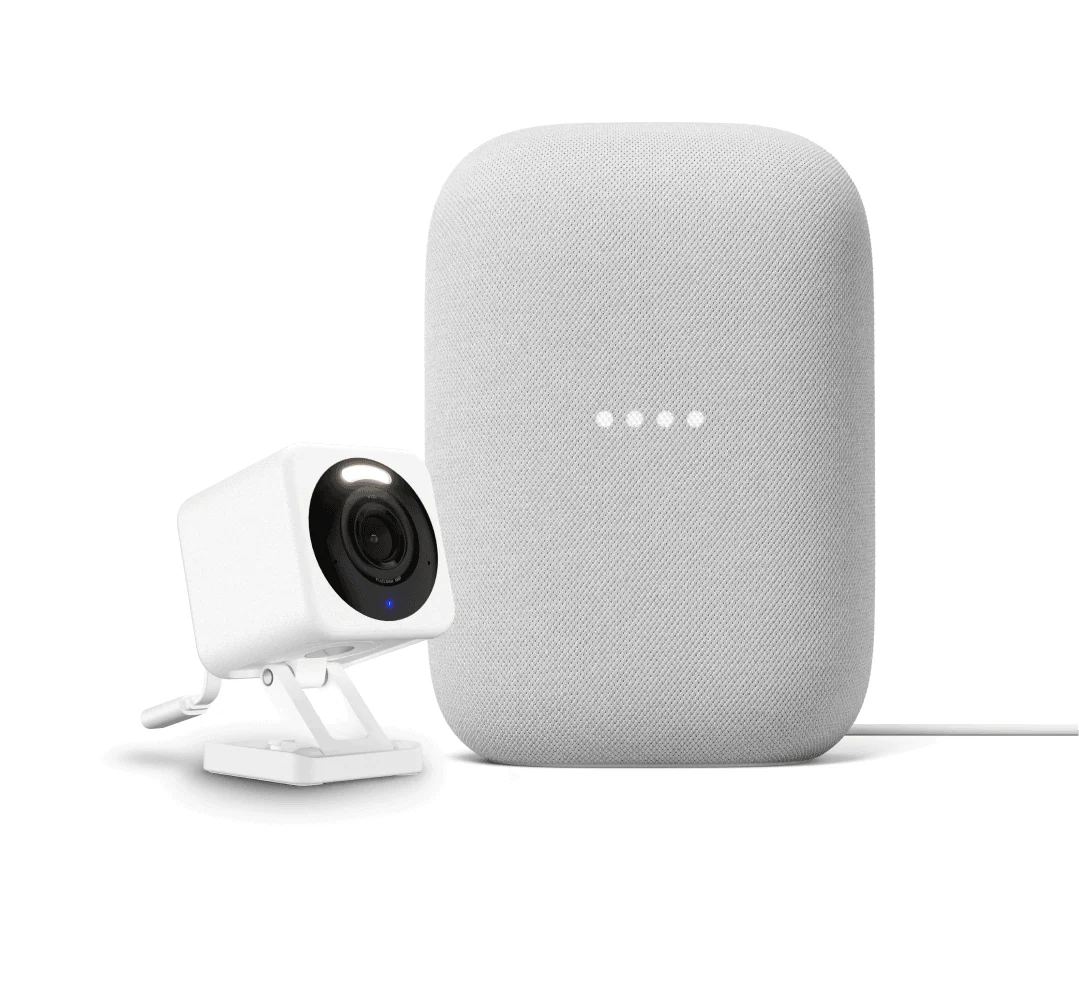
Commercial pet cameras like Furbo or Petcube often come with subscription fees for basic features like treat dispensing or cloud recording. With Wyze, you pay a fraction of the cost and get a fully customizable system. You can add as many cameras and sensors as you want, set up unlimited rules, and even integrate with Alexa or Google Assistant. Plus, since Wyze devices are modular, you can repurpose them later for home security if your pet needs change. In the long run, this DIY approach saves money and gives you complete control.
Final Thoughts: Keep Your Pets Safe and Happy
Creating a DIY pet monitoring system with Wyze cameras and sensors is not only easy but also incredibly rewarding. You will gain insights into your pet's behavior, reduce anxiety when you are away, and even catch potential health issues early. Start with one camera and one sensor, then expand as you discover new ways to use the system. Whether you are monitoring a playful puppy, a curious cat, or a senior pet, Wyze has the tools to build the perfect setup for your home.
Ready to get started? Check out the Wyze Cam Floodlight v2 + Plug-In Mount for outdoor monitoring or the Wyze Video Doorbell v2 Wedge Kit to keep an eye on the front door (and your pet’s escape artist tendencies). With Wyze, peace of mind is just a setup away.