How to Choose the Best Smart Home Hub for Your Wyze Devices
By Wyzeussale | Published: 2026-06-03
Category: How-to Guides
Discover how to select the perfect smart home hub for your Wyze ecosystem. Learn about hub compatibility, automation, and key features to unify your devices.
Building a smart home with Wyze devices offers incredible value and flexibility, but as your collection grows—from security cameras and sensors to vacuums and smart locks—you may wonder how to control everything seamlessly. A smart home hub acts as the central brain, enabling devices from different categories to communicate, automate routines, and respond to voice commands. Choosing the right hub for your Wyze ecosystem is crucial for a smooth, unified experience. This guide will walk you through the key factors to consider, compatibility details, and how to make your Wyze devices work together effortlessly.
Understanding Smart Home Hubs and Compatibility
A smart home hub is a device or software platform that connects and manages various smart home products. For Wyze users, the primary hub is often the Wyze app on your smartphone, but for advanced automation and cross-brand integration, you may need a dedicated hardware hub or a third-party platform like Amazon Alexa, Google Home, or Apple HomeKit (via a bridge).
What Does a Hub Do for Wyze Devices?
Hubs enable features such as:
- Unified control: Manage all Wyze devices from one interface.
- Automation: Create rules like turning on lights when a Wyze Room Sensor detects motion or locking doors when you leave.
- Voice control: Use Amazon Alexa or Google Assistant to command devices hands-free.
- Remote access: Monitor and control your home from anywhere.
Wyze's Native Hub Approach
Most Wyze devices connect directly to your Wi-Fi network and are managed through the Wyze app. However, certain devices like the Wyze Sense Hub or the Wyze Lock Gateway require a dedicated hub for connectivity. The Wyze app itself acts as a virtual hub, but for true home automation hub functionality, you might integrate with a third-party ecosystem.
Key Factors When Choosing a Smart Home Hub for Wyze
Not all hubs are created equal. Here’s what to evaluate before making a decision.
1. Compatibility with Your Wyze Devices
Ensure the hub supports the specific Wyze products you own or plan to buy. Most Wyze devices work with Amazon Alexa and Google Assistant out of the box. For example, you can ask Alexa to show your Outdoor Security Basic camera feed on an Echo Show. However, if you use Apple HomeKit, you'll need a bridge like HomeBridge or a compatible hub.
2. Automation and Routine Capabilities
A good home automation hub lets you create complex routines. For instance, you can set your Wyze Bulbs to turn on when your Wyze Room Sensor detects you've entered a room, or have your Wyze Lock automatically lock when you arm your security system. The Wyze app offers basic rules, but third-party hubs like SmartThings or Hubitat provide more advanced scripting.
3. Voice Assistant Integration
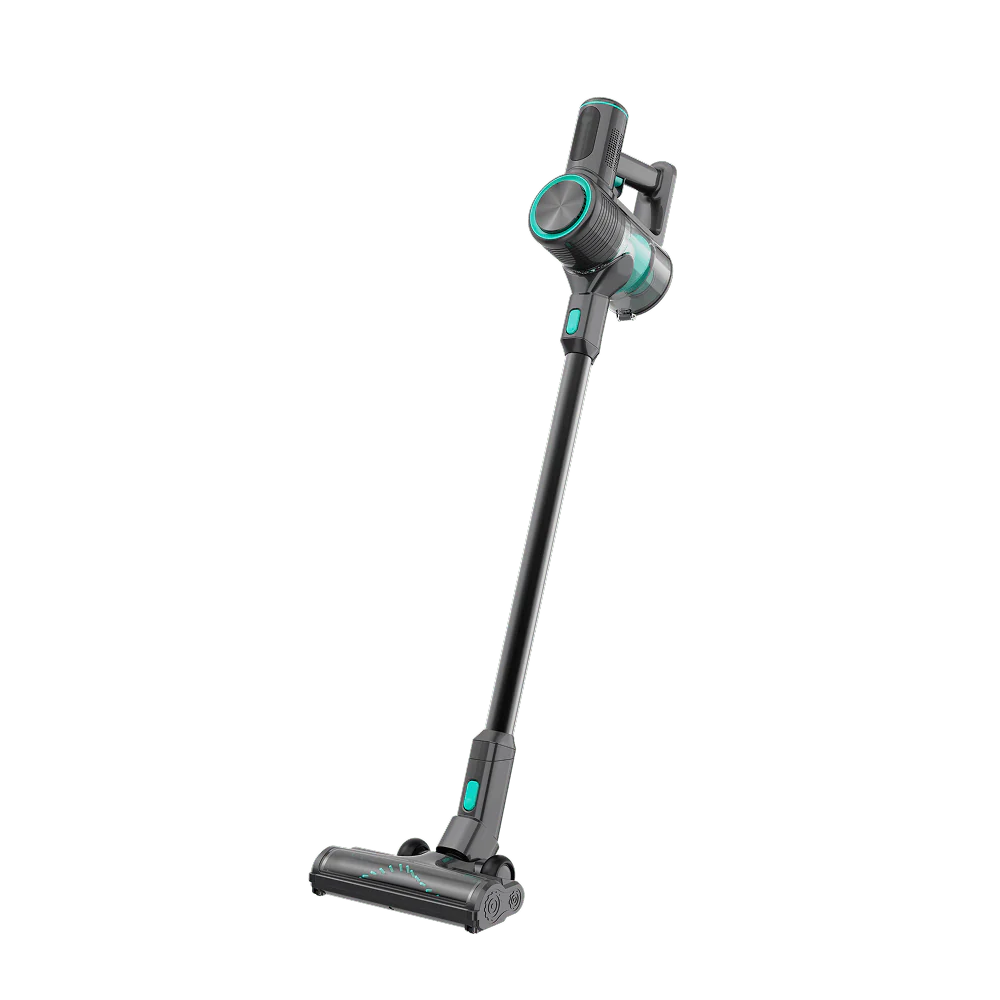
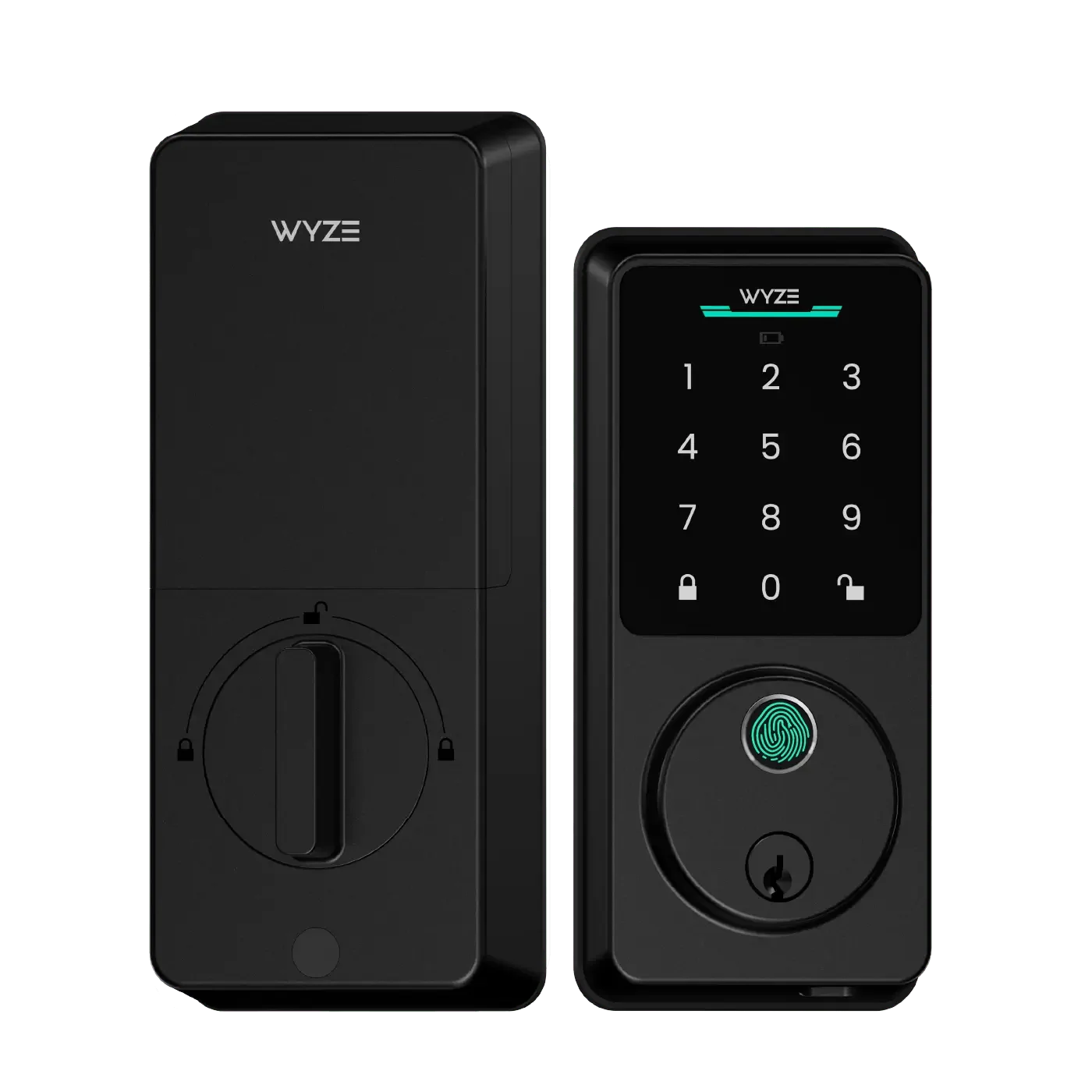
If you rely on voice commands, choose a hub that pairs seamlessly with your preferred assistant. Amazon Alexa and Google Home both offer robust support for Wyze devices. You can say, "Alexa, start vacuuming" to trigger a Wyze Handheld Vacuum, or "Hey Google, lock the front door" to secure your Wyze Lock.
4. Connectivity Protocol Support
Wyze devices primarily use Wi-Fi, but some sensors use Zigbee or Z-Wave. If you plan to add third-party sensors, consider a hub that supports multiple protocols. The Wyze Sense Hub (included with some kits) uses a proprietary protocol but is limited to Wyze sensors. For broader compatibility, a hub like Hubitat Elevation or Samsung SmartThings supports Zigbee and Z-Wave alongside Wi-Fi.
5. Ease of Setup and Use
Some hubs require technical know-how (e.g., Home Assistant), while others are plug-and-play (e.g., Amazon Echo Plus). If you're new to smart homes, stick with a user-friendly hub that offers guided setup. The Wyze app is intuitive, but adding a third-party hub should not complicate your experience.
6. Scalability
Think about future expansion. If you plan to add more Wyze devices—like the Wyze Scale X for health tracking or the Wyze Palm Lock for hands-free entry—your hub should handle increased traffic without lag. Cloud-based hubs (e.g., Alexa) scale well, while local hubs (e.g., Home Assistant) offer speed but require more hardware.
Top Smart Home Hub Options for Wyze Users
| Hub | Compatibility | Best For | Price Range |
|---|---|---|---|
| Wyze App (virtual hub) | All Wyze devices | Basic control and simple routines | Free |
| Amazon Echo (4th Gen) | Alexa, Zigbee, Wi-Fi | Voice control and automation | $99-$199 |
| Google Nest Hub (2nd Gen) | Google Assistant, Wi-Fi | Visual feedback and routines | $99 |
| Hubitat Elevation | Zigbee, Z-Wave, LAN | Advanced local automation | $149 |
| Home Assistant (Green) | Vast protocol support | Customization and cross-brand | $99+ |
Why the Wyze App Is a Great Starting Point
For most users, the Wyze app itself serves as a capable hub. You can group devices, create schedules, and receive notifications. However, its automation engine is limited compared to dedicated hubs. For example, you can't trigger a camera recording based on a sensor from another brand unless you use a third-party integration.
Third-Party Hubs for Power Users
If you want to combine Wyze with non-Wyze devices (e.g., Philips Hue lights or August locks), consider a platform like Hubitat or Home Assistant. These hubs offer local processing (faster response), advanced rules, and wide protocol support. They require more initial setup but unlock incredible flexibility.
Step-by-Step: Setting Up Your Wyze Hub
Once you've chosen a hub, follow these general steps:
- Connect the hub to your Wi-Fi router via Ethernet (if wired) or follow the app's wireless setup.
- Enable Wyze skills in your voice assistant app (e.g., Alexa Skills or Google Home Actions).
- Discover devices by asking your assistant to scan for new devices or by linking your Wyze account in the hub's app.
- Create routines such as "Good Night" that turn off lights, lock doors, and arm your security system.
- Test automation to ensure everything triggers correctly.
Common Mistakes to Avoid
- Ignoring protocol compatibility: Not all hubs support Zigbee or Z-Wave, so check before buying.
- Overcomplicating your setup: Start with the Wyze app and add a hub only when you need advanced features.
- Forgetting about power backup: In a power outage, battery-powered hubs (like some Amazon Echos) keep working.
- Skipping firmware updates: Keep your hub and devices updated for best performance and security.
Final Recommendations
To choose the best smart home hub for your Wyze devices, start by assessing your current needs. If you're a beginner, the Wyze app combined with an Alexa or Google device is perfect. For enthusiasts who want to automate everything, Hubitat or Home Assistant offers unmatched control. Remember, the best hub is one that integrates smoothly with your existing Wyze products, supports your future plans, and fits your technical comfort level.
Call to Action
Ready to unify your smart home? Start by exploring the Outdoor Security Basic to see how a central hub can enhance your security setup. Visit Wyzeussale today to find the perfect hub and devices for your home automation journey.