How to Choose the Best Smart Lock for Your Home: Key Features and Comparisons
By Wyzeussale | Published: 2026-06-08
Category: How-to Guides
Looking for the best smart lock? This guide covers key features like keyless entry, Wi-Fi vs. Z-Wave, and security. Compare top options including Wyze Lock Bolt and Entry Point Security Kit Pro to find your perfect match.
Smart locks have become a cornerstone of modern home security, offering convenience, control, and peace of mind. Whether you’re tired of fumbling for keys, want to grant temporary access to guests, or simply desire a smarter entryway, choosing the right smart lock can feel overwhelming. With dozens of options on the market, it’s essential to understand the key features that matter most for your home. In this comprehensive buying guide, we’ll walk you through the critical considerations, compare popular models, and help you decide which smart lock fits your lifestyle and budget.
Why Upgrade to a Smart Lock?
Traditional locks have served us well for centuries, but smart locks bring a new level of convenience and security. With a smart lock, you can lock or unlock your door remotely using your smartphone, set up temporary access codes for service providers, and monitor entry logs to see who’s coming and going. Many smart locks also integrate with voice assistants like Alexa and Google Assistant, allowing hands-free control. For renters or homeowners who want to avoid drilling new holes, some models install over existing deadbolts, making the upgrade simple and reversible. The peace of mind that comes with knowing you can check your door status from anywhere is invaluable.
Key Features to Consider When Buying a Smart Lock
Not all smart locks are created equal. To make an informed decision, evaluate these critical features:
1. Connectivity: Wi-Fi, Bluetooth, or Z-Wave?
Wi-Fi smart locks connect directly to your home network, allowing remote access without a hub. Bluetooth locks typically require you to be in range, though some can connect via a bridge. Z-Wave locks need a compatible hub (like a Wyze Hub) but offer robust mesh networking and lower power consumption. For most users, a Wi-Fi lock provides the best balance of convenience and simplicity. If you already have a smart home hub, a Z-Wave lock might integrate more seamlessly.
2. Keyless Entry Methods
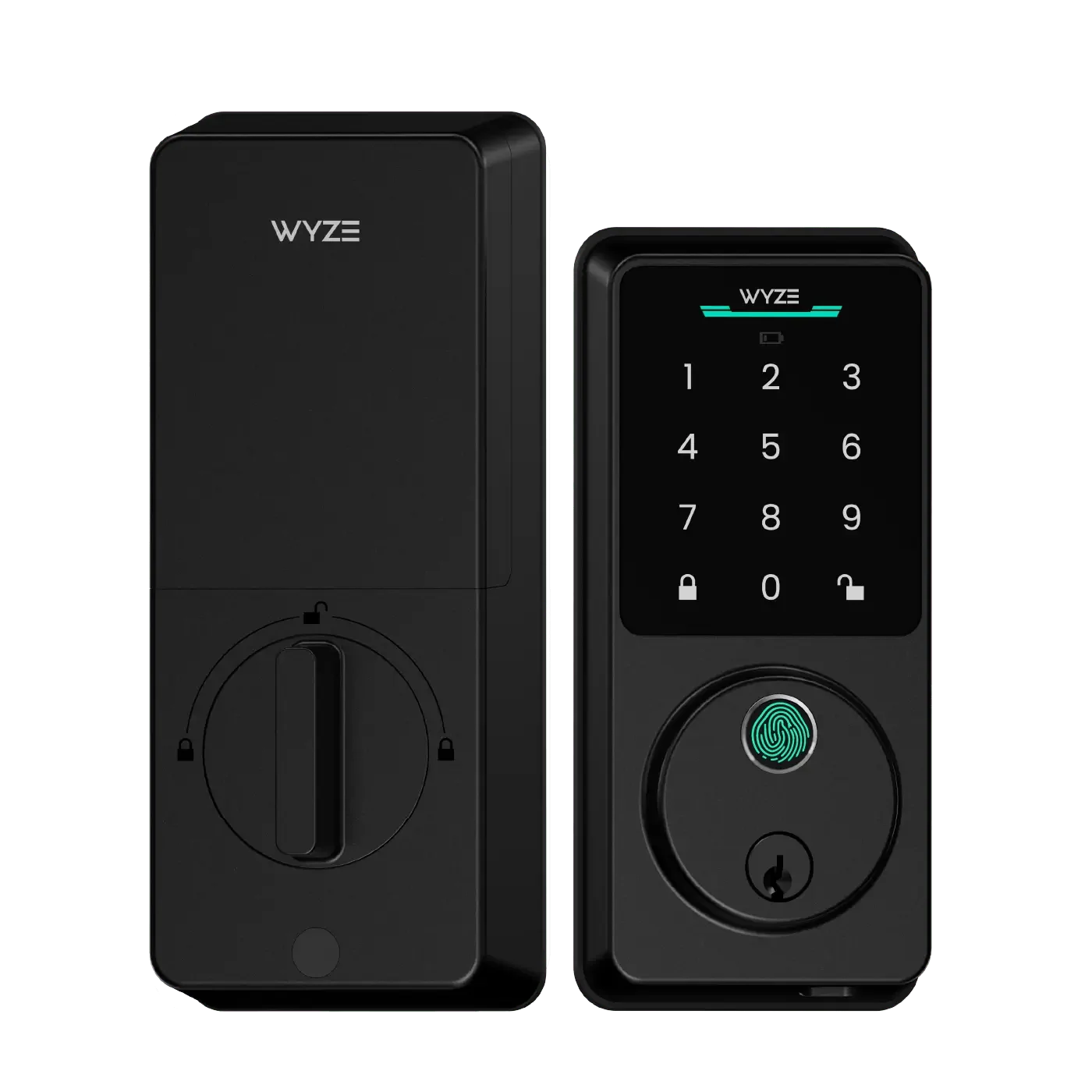
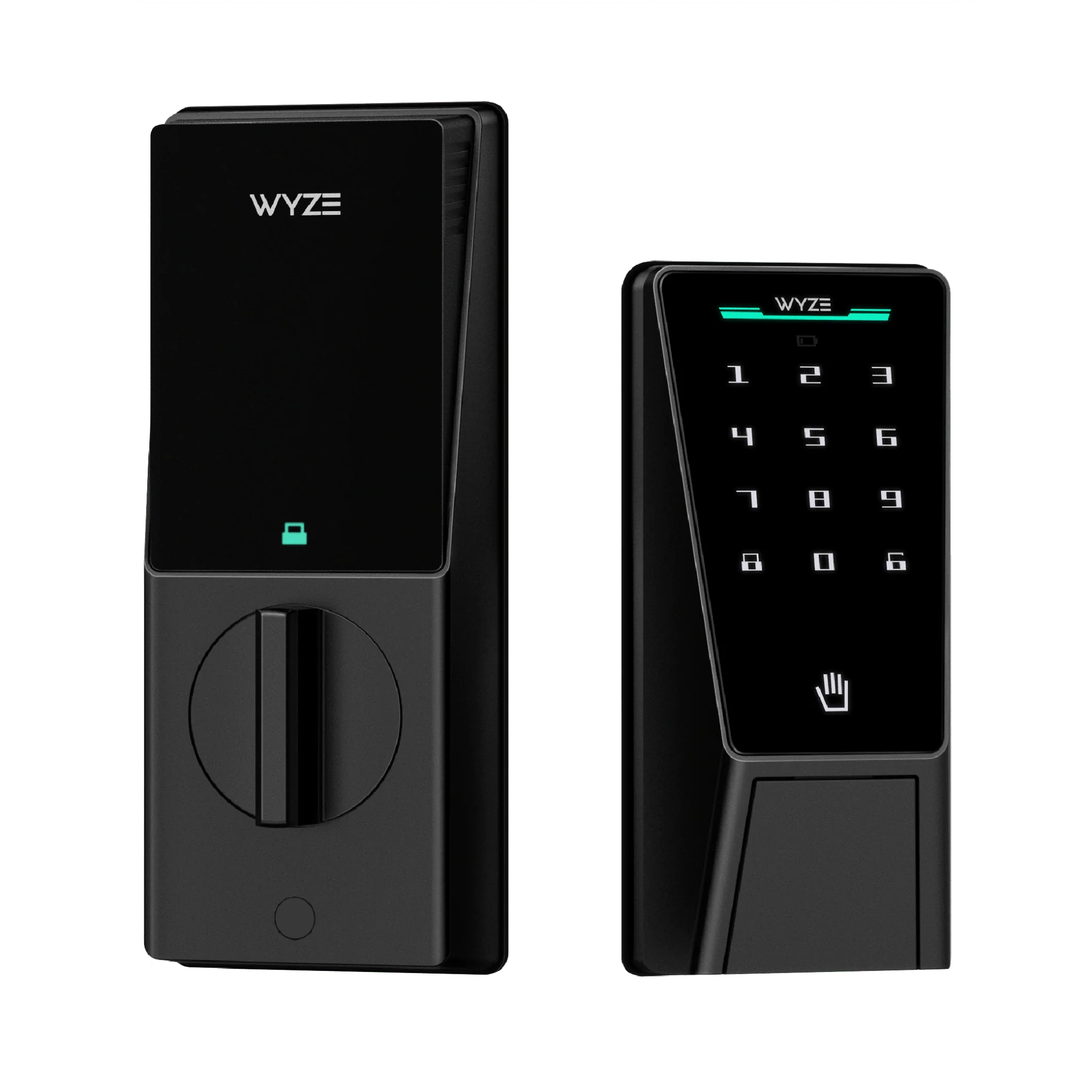
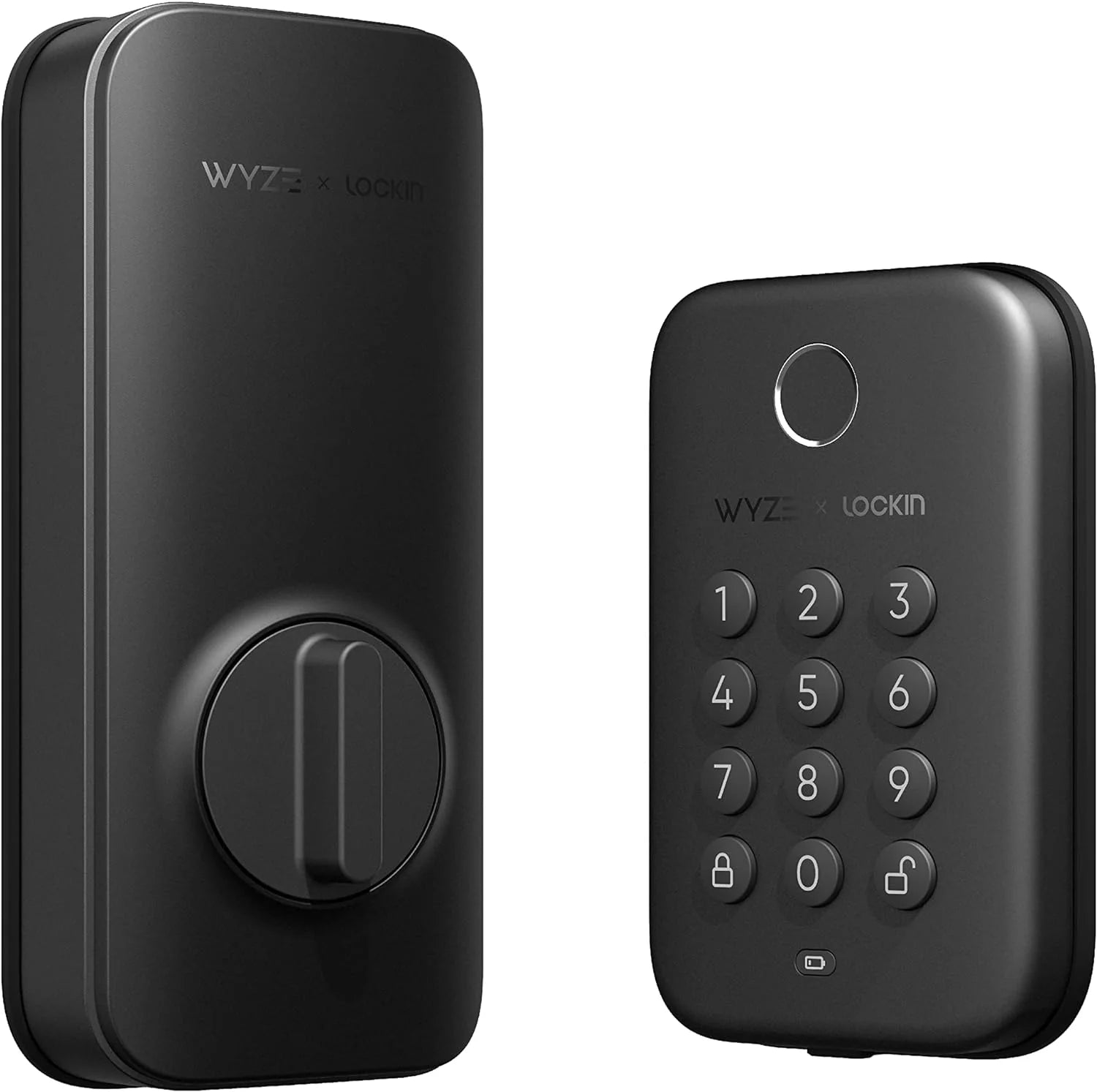
Smart locks offer various ways to enter: PIN codes, fingerprint scanners, smartphone app, voice commands, and even auto-unlock via geofencing. Consider which methods suit your household. For families, multiple user codes are a must. For high-traffic homes, a fingerprint reader can be faster than typing a code. Some locks also retain a traditional key backup, which is useful for emergencies.
3. Security and Encryption
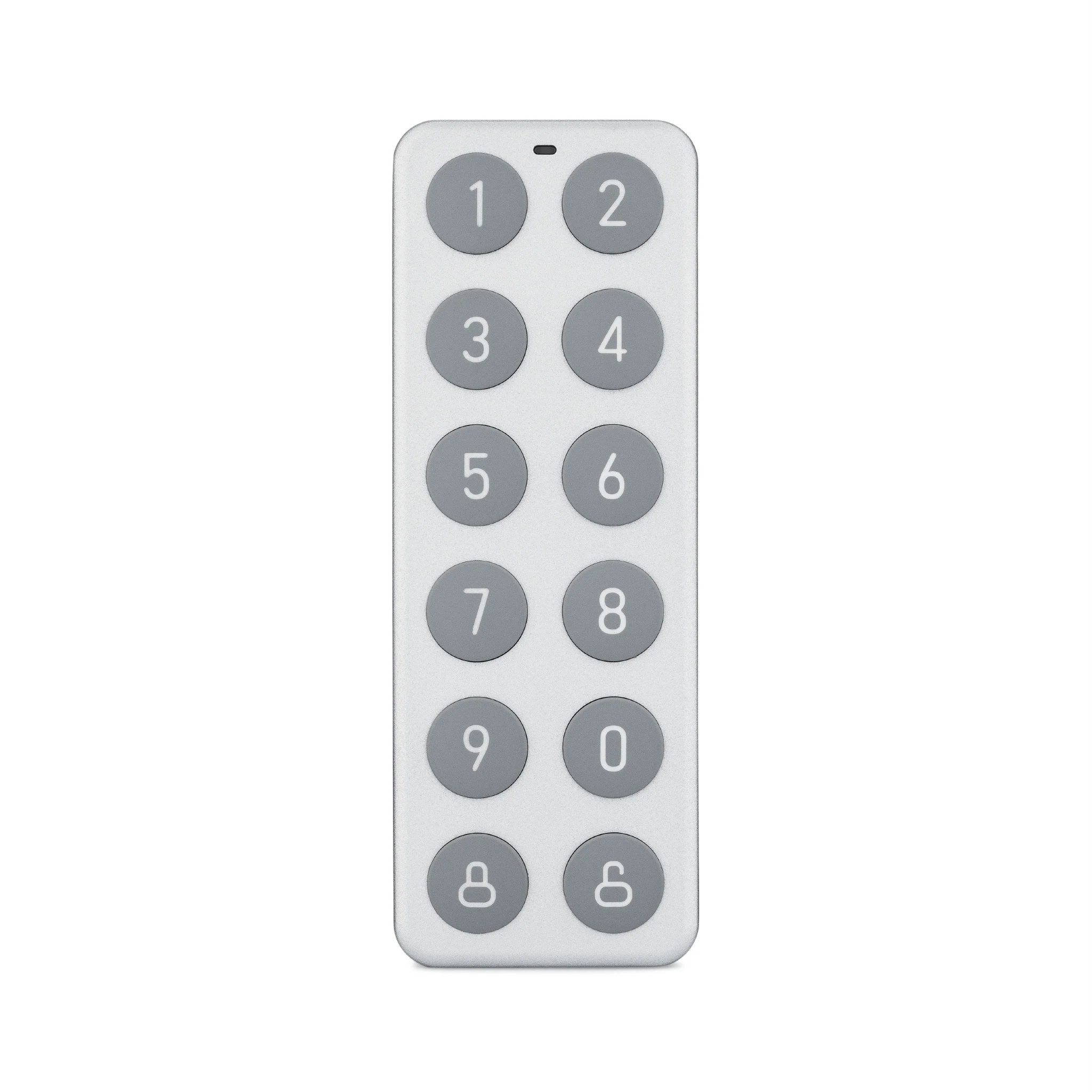
A smart lock is only as secure as its encryption and hardware. Look for locks with AES-128 or higher encryption, tamper alarms, and anti-pick pins. Physical security matters too: a sturdy metal construction resists drilling and bumping. Models like the Entry Point Security Kit Pro bundle sensors and keypad for layered protection, while the Wyze Sense Keypad adds a dedicated entry controller for your system.
4. Battery Life and Power Backup
Most smart locks run on AA or lithium batteries, lasting 6–12 months depending on usage. Check for low-battery alerts in the app. Some locks include a 9V backup terminal or USB-C port for emergency power. A lock that fails mid-winter is a headache you want to avoid.
5. Installation and Compatibility
Measure your door’s thickness, backset, and cross bore before buying. Many smart locks fit standard US doors (1⅜ to 2 inches thick), but always verify. Some are designed for deadbolt-only setups, while others integrate with existing handle locks. If you’re handy, you can install most smart locks in 15–30 minutes with just a screwdriver. For renters, look for models that reuse your existing deadbolt and don’t require new holes.
6. Smart Home Integration
Do you use Alexa, Google Assistant, Apple HomeKit, or IFTTT? Ensure your chosen lock works with your ecosystem. Integration allows you to create automations, like locking the door when you arm your security system or turning on lights when you unlock the door. For a cohesive security setup, pairing a smart lock with a comprehensive kit like the Entry Point Security Kit Plus can provide seamless entry and alarm control.
Comparing Top Smart Lock Options
To help you visualize the landscape, here’s a comparison of popular smart lock categories and their standout features:
| Feature | Wi-Fi Smart Lock | Z-Wave Smart Lock | Keypad-Only Lock |
|---|---|---|---|
| Remote Access | Yes (no hub needed) | Requires hub | No (local codes only) |
| Installation Complexity | Low to moderate | Moderate | Low |
| Battery Life | 6–12 months | 8–14 months | 12–18 months |
| Security Level | High (encrypted) | High (mesh network) | Moderate (no remote) |
| Best For | General home users | Smart home enthusiasts | Budget or rental use |
Smart Lock vs. Traditional Lock: Which Is Safer?
Many wonder if smart locks compromise security for convenience. In reality, most reputable smart locks exceed physical security standards of traditional deadbolts. They use hardened steel components and advanced encryption to prevent hacking. However, no lock is 100% secure—both types can be picked or bypassed with enough skill. The advantage of a smart lock is you can monitor access and receive instant alerts of tampering. For maximum security, combine a smart lock with a door sensor and a security camera. Many smart locks also feature vacation modes that disable codes until reactivated.
Tips for Installing and Maintaining Your Smart Lock
Once you’ve chosen your lock, proper installation ensures it works reliably:
- Check your door alignment: A misaligned door can cause the bolt to stick. Adjust the strike plate if needed.
- Use fresh, high-quality batteries: Alkaline or lithium batteries provide consistent power. Replace them annually.
- Test the lock functions: Before finalizing, test the keypad, app, and any auto-lock features.
- Keep the firmware updated: Manufacturers often release patches to improve security and fix bugs.
- Set up notifications: Enable alerts for low battery, failed attempts, and door status changes.
Frequently Asked Questions About Smart Locks
Q: Can smart locks be hacked?
A: While any connected device has theoretical risk, reputable locks use strong encryption and constant updates. Using two-factor authentication on your account adds another layer.
Q: Do smart locks work during a power outage?
A: Yes, they run on batteries and don’t depend on home power. However, if your Wi-Fi is down, remote access may be unavailable, but you can still use keypad codes or keys.
Q: Can I install a smart lock on a rental property?
A: Yes, many models install over existing deadbolts without drilling. Always check with your landlord first, and save the original lock for move-out.
Q: How do I grant temporary access?
A: Most apps allow you to create time-limited codes for guests, cleaners, or dog walkers. You can revoke them instantly when no longer needed.
Conclusion: Finding Your Ideal Smart Lock
Choosing the best smart lock for your home comes down to balancing convenience, security, and budget. Start by identifying your must-have features: remote access, voice control, or simple keyless entry. Then evaluate your existing smart home ecosystem. For a reliable, integrated solution, consider combining a smart lock with a complete security bundle. The key is to pick a lock that fits your door, your lifestyle, and your peace of mind.
Ready to upgrade your entryway? Explore the Entry Point Security Kit Pro for a comprehensive security and access solution that pairs perfectly with your new smart lock. Your home deserves the best protection—start your smart lock journey today.