How to Choose the Right Smart Lock for Your Door Type: A Wyze Lock Bolt Installation Guide
By Wyzeussale | Published: 2026-05-31
Category: How-to Guides
Learn how to select and install a smart lock for your door type. This guide covers compatibility, tools, and step-by-step Wyze Lock Bolt installation tips.
Upgrading to a smart lock is one of the most impactful steps you can take toward modernizing your home security. However, not all doors are created equal. From standard wooden doors to metal frames, double-bore holes, and mortise locks, the door type in your home directly influences which smart lock will fit and function properly. In this comprehensive guide, we'll walk you through how to choose the right smart lock for your specific door type, with a focus on the Wyze Lock Keypad and the broader Wyze ecosystem. You'll also get a step-by-step installation guide to ensure a seamless setup.
Understanding Your Door Type: The First Step in Smart Lock Selection
Before you buy a smart lock, you need to assess your door's physical characteristics. The most common door types in residential homes include:
- Standard Wooden Doors: Typically 1.375 to 1.75 inches thick, with a single bore hole for the knob and a separate hole for the deadbolt.
- Metal or Steel Doors: Common in apartments and commercial buildings, these require smart locks that can handle the thickness (often 1.75 inches) and may need metal-specific screws.
- Glass or French Doors: Thinner and more delicate; smart locks must be compact and lightweight.
- Mortise Lock Doors: Older homes may have mortise locks, which require specialized smart lock adapters.
Most modern smart locks, including the Wyze Lock Bolt, are designed to fit standard US doors with a 2-1/8 inch bore hole and a 1-inch diameter latch hole. However, you should always measure your door's thickness and bore hole diameter before purchasing.
Key Features to Look for in a Smart Lock for Your Door Type
When choosing a smart lock, consider these features to ensure compatibility and convenience:
1. Door Thickness Compatibility
Most smart locks accommodate door thicknesses between 1.375 inches (35 mm) and 1.75 inches (44 mm). Check the product specifications for your door's thickness. The Wyze Lock Bolt, for example, supports standard residential doors. If your door is thicker—like a front door with a storm door—you may need an extended latch kit.
2. Backset Size
The backset is the distance from the edge of the door to the center of the bore hole. Common sizes are 2-3/8 inches (60 mm) or 2-3/4 inches (70 mm). Most smart locks come with an adjustable latch to support both sizes. Measure your current deadbolt's backset and match it.
3. Bore Hole Diameter
The standard bore hole for a deadbolt is 2-1/8 inches. If your door has a smaller hole (e.g., 1.5 inches for old mortise locks), you may need to enlarge it or use a conversion kit.
4. Lock Mechanism Type
Single-cylinder locks (keyed on outside, thumb turn inside) are most common. Double-cylinder locks (keyed both sides) are sometimes used for doors with glass panels but are less compatible with smart locks due to safety codes. The Wyze Lock Bolt works best with single-cylinder setups.
5. Power Source and Connectivity
Battery-powered smart locks like the Wyze Lock Bolt use standard AA or CR123 batteries. Ensure your lock has a low-battery alert and a physical key backup. Wi-Fi or Bluetooth connectivity should match your home network.
Installing the Wyze Lock Bolt: A Step-by-Step Guide
Now that you've confirmed your door type is compatible, let's walk through the installation process for the Wyze Lock Bolt. This guide assumes you have a standard wooden or metal door with a pre-existing deadbolt hole.
Tools You'll Need
- Phillips head screwdriver
- Tape measure
- Pencil (for marking)
- Drill (if enlarging holes)
Step 1: Remove Your Existing Deadbolt
Unscrew the interior and exterior plates of your old deadbolt. Remove the latch assembly and the bolt. Keep the screws—they may be reused.
Step 2: Measure and Adjust the Backset
Measure the backset (distance from door edge to center of bore hole). If it's 2-3/8 inches, set the adjustable latch to the shorter position. If it's 2-3/4 inches, set it to the longer position. The Wyze Lock Bolt latch includes a sliding mechanism for this.
Step 3: Install the Latch and Strike Plate
Insert the latch into the door edge, ensuring the beveled side faces the door frame. Screw it in place. Then, attach the strike plate to the door frame, aligning it with the latch.
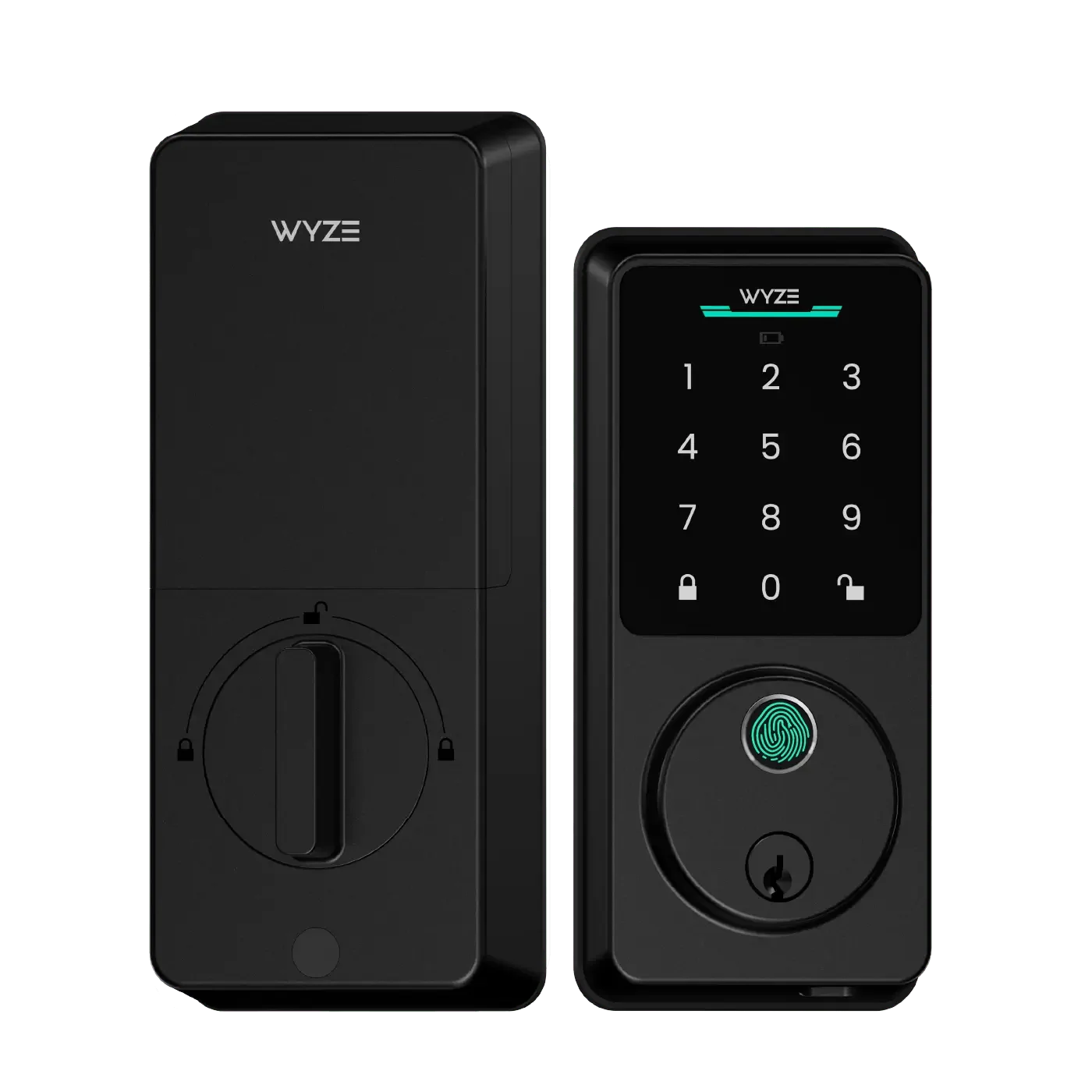
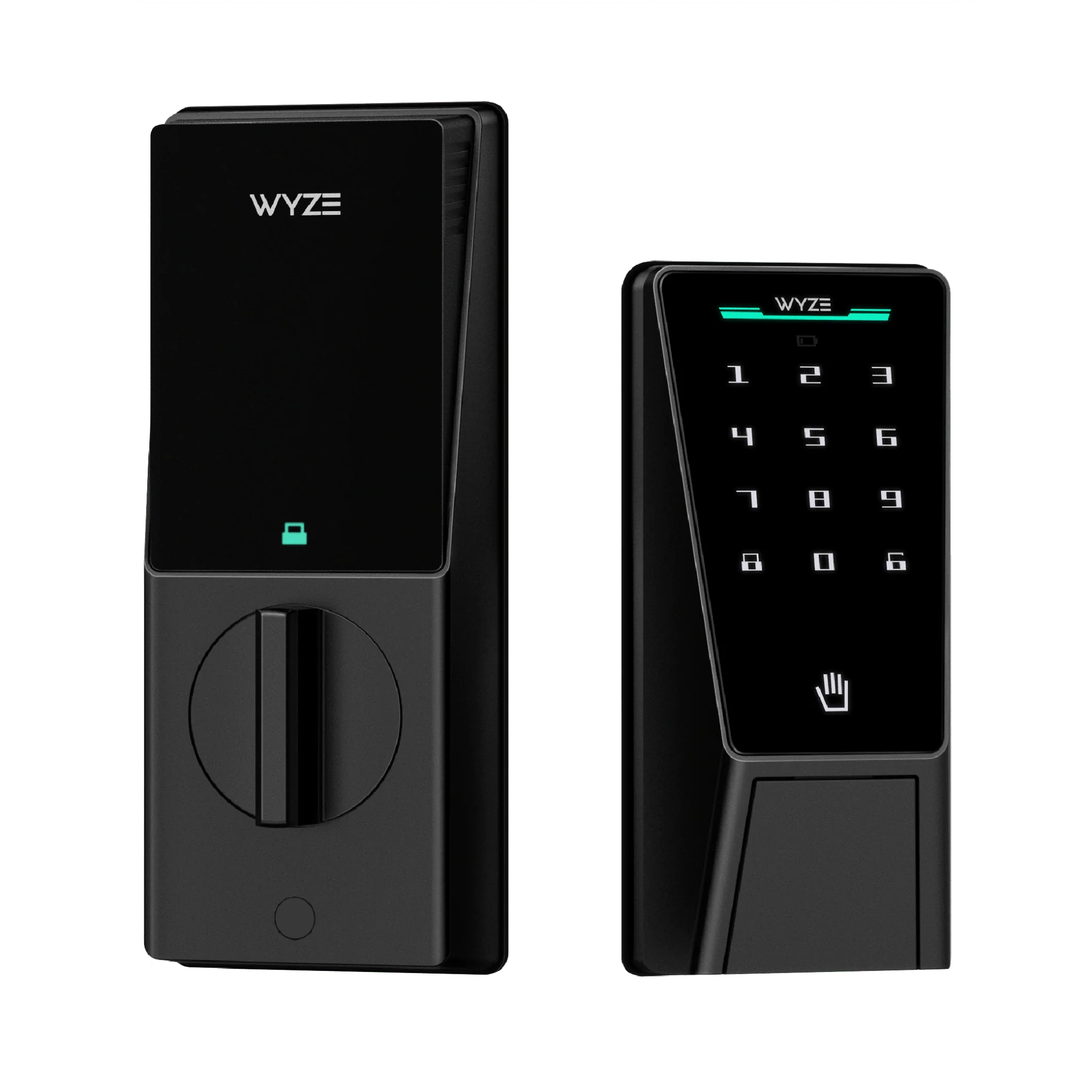
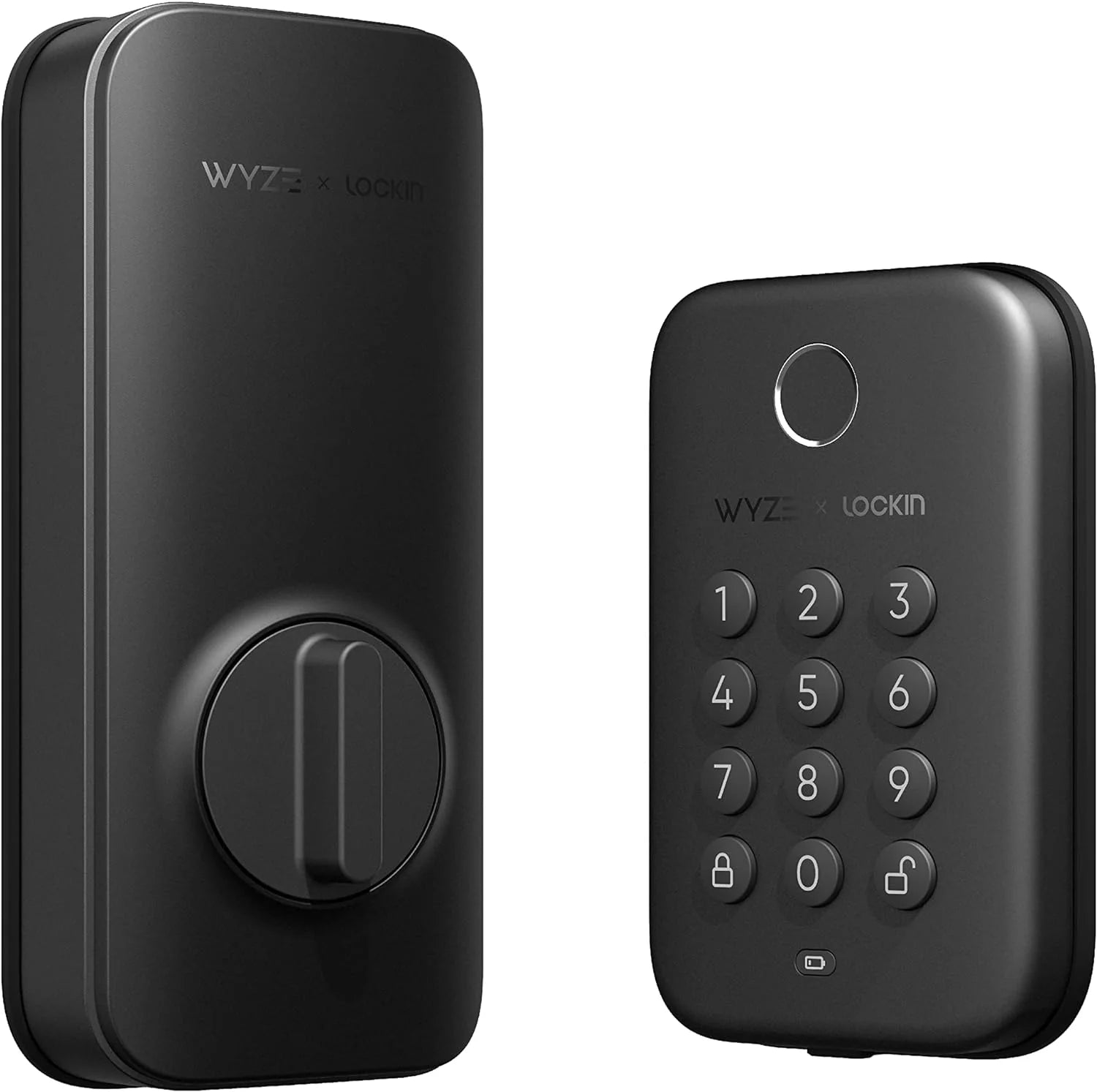
Step 4: Mount the Exterior Keypad and Interior Assembly
Feed the cable from the exterior keypad through the bore hole. Attach the exterior plate with the provided screws. On the inside, connect the cable to the interior assembly, then mount it over the screws. Tighten securely.
Step 5: Install Batteries and Pair the Lock
Insert the batteries (typically 4 AA) into the interior assembly. Follow the Wyze app instructions to pair the lock via Bluetooth. You'll set up a 6-8 digit code and test the lock.
Step 6: Test and Calibrate
Close the door and use the keypad to lock and unlock. If the bolt doesn't fully extend, adjust the strike plate position or the latch depth. The Wyze app will guide you through alignment.
Common Door Type Challenges and Solutions
Metal Doors
Metal doors often have a narrower edge and may require shorter screws. Use the included screws and ensure they don't strip. For extra security, consider pairing the Wyze Lock Bolt with a Wyze Bulb Cam to monitor the door area via light fixture.
Thick Doors (Over 1.75 inches)
If your door is thicker than standard, you may need to purchase an extended latch kit. These kits are available for many smart locks, including the Wyze Lock Bolt. Contact support for compatibility.
Glass Doors
French or glass doors are tricky because they are thinner. Use a compact smart lock like the Wyze Lock Keypad with a minimalist design. Avoid heavy interior assemblies that could crack the glass.
Mortise Locks
Mortise lock doors require a conversion kit. Some smart locks offer mortise adapters, but the Wyze Lock Bolt may not be compatible without drilling. Consult a professional locksmith for retrofitting.
Integrating Your Smart Lock with Other Wyze Devices
Once installed, your smart lock becomes part of a larger smart home ecosystem. For example, you can create automation rules that turn on a Wyze Bulb Cam + Accessory Bulbs when the door unlocks at night. You can also pair the lock with motion sensors to trigger alerts.
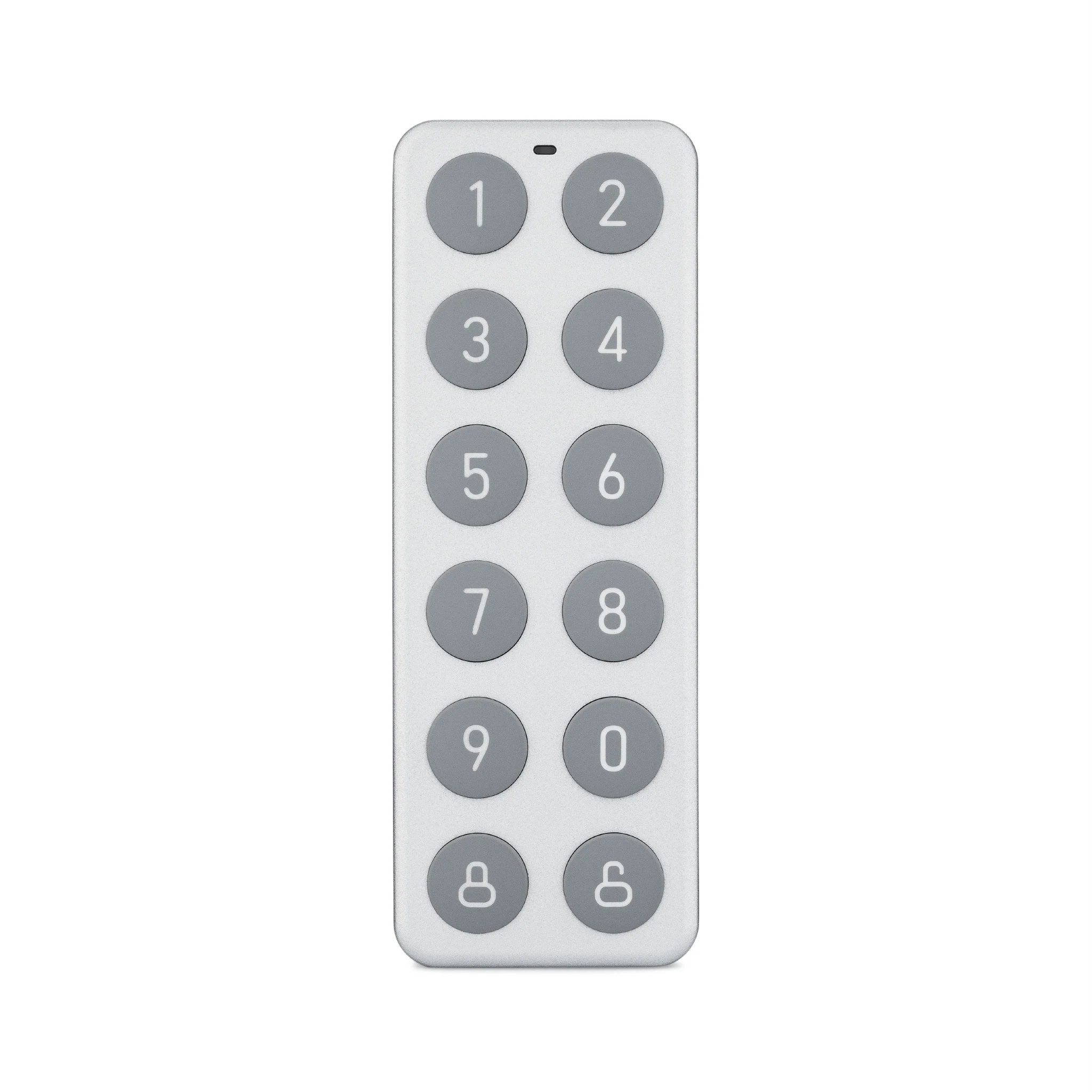
Additionally, the Wyze Lock Keypad offers a tactile backup option for family members who prefer a physical code entry, while the Wyze app provides remote access logs.
Tips for Maintaining Your Smart Lock
- Replace batteries every 6-12 months or when the low-battery warning appears.
- Lubricate the latch and bolt with graphite powder (avoid oil-based lubricants).
- Check alignment seasonally—wood doors can warp with humidity.
- Keep the keypad clean from dust and moisture.
Frequently Asked Questions
Can I install a smart lock on a door with a deadbolt and a knob?
Yes, as long as the deadbolt bore hole is separate and standard size. Some smart locks replace the deadbolt entirely, leaving the knob unchanged.
Do I need a professional installer?
For standard doors, installation is DIY-friendly. For complex doors (mortise, metal, or thick), consider a professional to avoid damage.
Will the Wyze Lock Bolt work with smart home hubs?
Yes, it works with the Wyze ecosystem and can be integrated via IFTTT or Alexa routines for voice control.
Conclusion
Choosing the right smart lock for your door type ensures a smooth installation and reliable security. By measuring your door's thickness, backset, and bore hole, you can confidently select a model like the Wyze Lock Bolt. The installation process is straightforward for most standard doors, and with the added benefits of remote access and automation, you'll enhance both convenience and safety. For more information or to buy, explore the Wyze Lock Keypad today and take the first step toward a smarter, more secure home.