How to Create a Smart Home Emergency Kit with Wyze Security Sensors and Alarms
By Wyzeussale | Published: 2026-05-29
Category: How-to Guides
Build a reliable smart home emergency kit with Wyze security sensors and alarms. Learn how to combine entry sensors, floodlights, and routers for safety.
Emergencies can strike without warning: a break-in, a fire, a gas leak, or even a severe storm. While traditional emergency kits focus on food, water, and first aid, modern homes can benefit from a smart home emergency kit that uses connected devices to detect threats early and alert you instantly. With Wyze security sensors and alarms, you can build a system that not only protects your property but also gives you peace of mind. In this guide, we'll show you how to assemble a comprehensive emergency kit using Wyze products, from entry point sensors to smart lighting and networking.
Whether you're a renter or a homeowner, a smart home emergency kit doesn't require professional installation. Wyze offers affordable, easy-to-set-up devices that work together through the Wyze app. Let's dive into the essential components and how to configure them for maximum safety.
Why You Need a Smart Home Emergency Kit
Traditional emergency kits are passive: you have to open them and use tools manually. A smart home emergency kit is proactive. It uses sensors to detect problems—like a door opening unexpectedly, water leaking, or smoke rising—and sends alerts to your phone. It can also trigger alarms, lights, and even lock doors automatically. This early warning can make the difference between a minor incident and a major disaster.
For example, if a window is forced open while you're away, a smart sensor can notify you immediately, allowing you to call for help before the intruder leaves. Similarly, if a fire starts in the kitchen, a smart smoke alarm can turn on all your lights to help you evacuate safely. By integrating Wyze security sensors into your emergency plan, you're not just reacting—you're preventing.
Core Components of a Wyze-Powered Emergency Kit
1. Entry Point Sensors
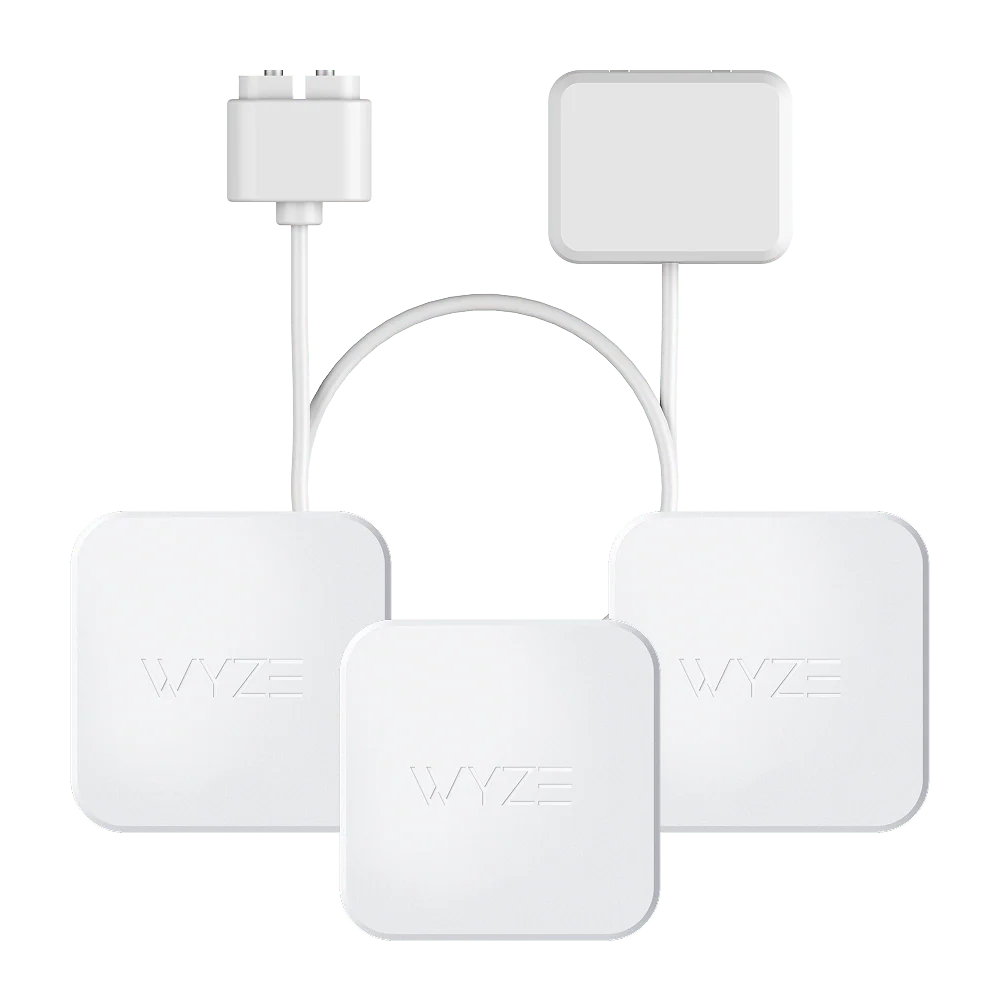
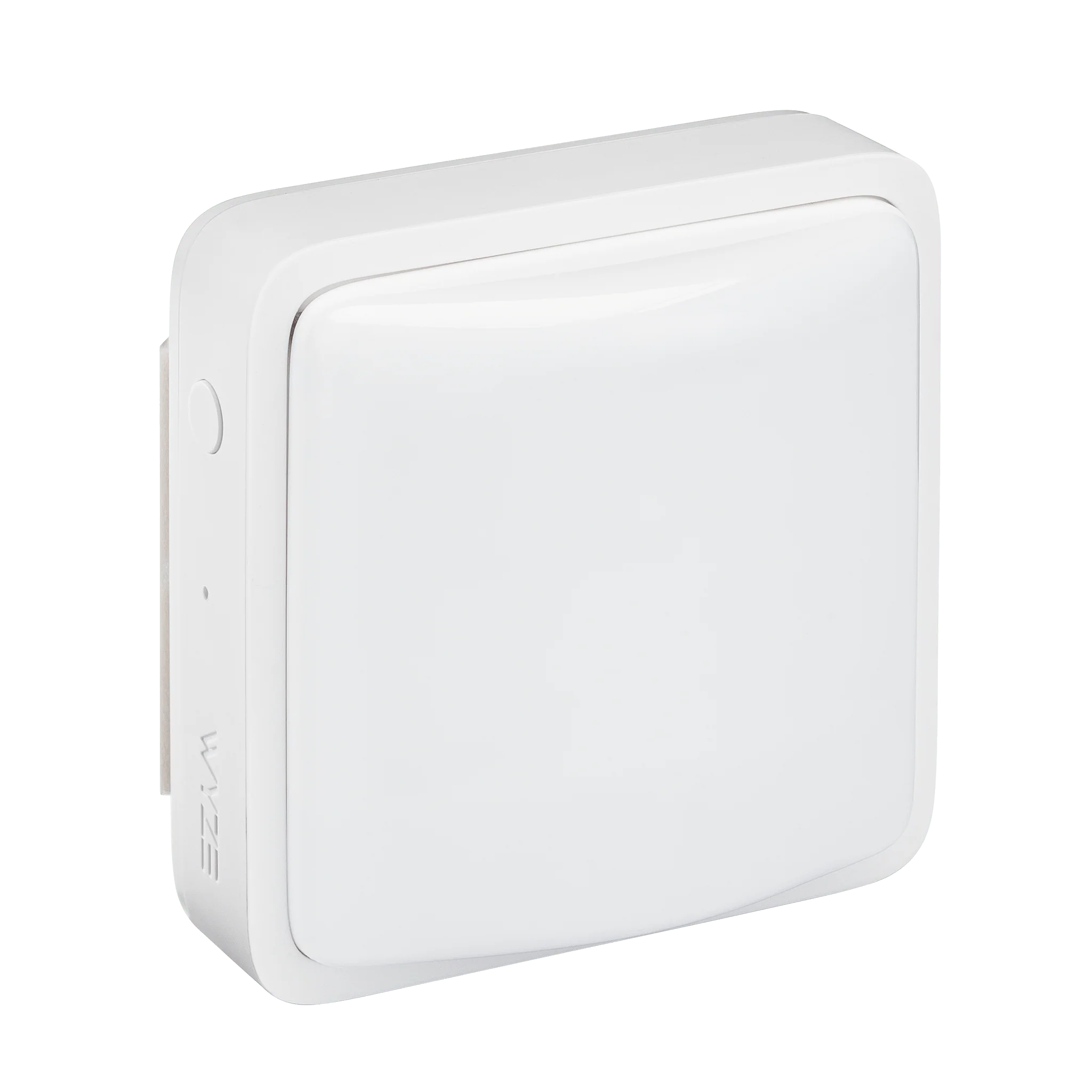
The foundation of any security system is knowing when a door or window opens. The Entry Point Security Kit Basic includes two entry sensors and a hub that connects to your Wi-Fi. Place one on your front door and one on a sliding glass door or back window. When a sensor detects an opening, you'll get a push notification, and if you set up rules, the Wyze app can trigger an alarm or turn on a camera.
For larger homes or more vulnerable entry points, consider the Entry Point Security Kit Plus, which includes four entry sensors and a siren. This kit gives you broader coverage and a louder alarm, which is essential for scaring off intruders and alerting neighbors. Pair it with a Wyze Cam Pan v2 to get a live view of any triggered entry point, with the camera automatically panning to the area.
2. Smart Lighting for Evacuation and Deterrence
In an emergency, especially at night, seeing clearly is critical. A smart floodlight can illuminate your yard or driveway, helping you spot potential dangers. The Wyze Cam Floodlight v2 + Plug-In Mount combines a bright LED floodlight with a security camera. If a sensor detects motion, the floodlight can turn on automatically, and the camera starts recording. This is perfect for covering dark corners or the front porch.
You can also set up rules so that when a smoke alarm goes off, all your Wyze smart lights flash on to guide your family to safety. This integration turns a simple light into a life-saving tool.
3. Reliable Network for Instant Alerts
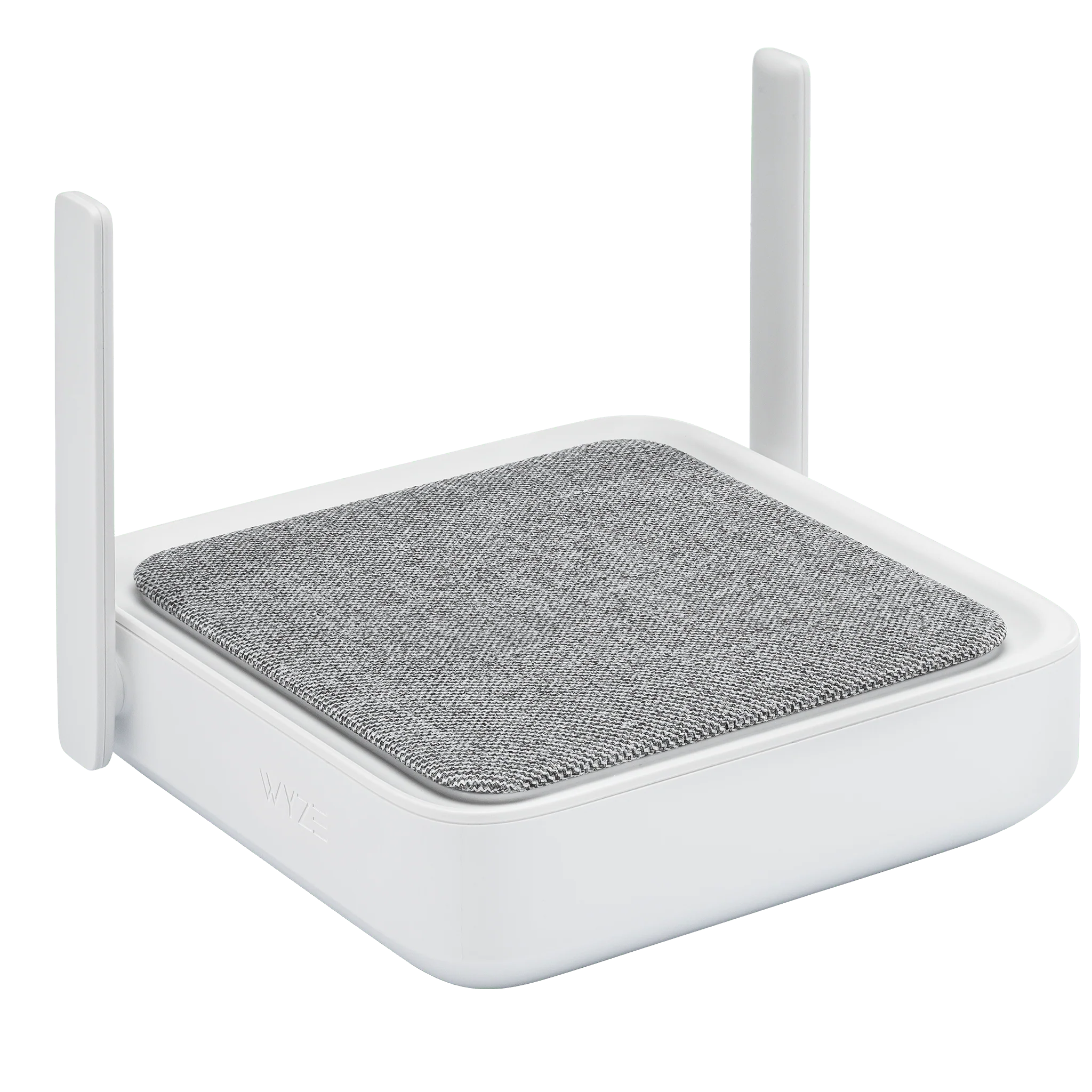
A smart home emergency kit is only as good as its Wi-Fi connection. If your router goes down during a storm or power outage, your sensors become useless. That's why a mesh Wi-Fi system is a smart investment. The Wyze Wi-Fi 6 Mesh Router provides whole-home coverage with fast speeds and failover support. With a mesh network, if one node loses power, the others still keep your devices online. This ensures that your entry sensors and cameras never miss a beat during a crisis.
For an extra layer of resilience, consider a backup battery pack for your router. The Wyze Removable Battery Pack can keep your router running for hours after a blackout, so your emergency alerts keep flowing.
Step-by-Step Setup Guide
Step 1: Plan Your Coverage
Walk through your home and identify all potential entry points: doors, windows, garage doors, and even pet doors. Also, note areas where water leaks or fires might start, like under sinks, near the water heater, and in the kitchen. List at least five vulnerable spots and prioritize them.
Step 2: Install Entry Sensors
Start with the front door. Peel the adhesive backing on the sensor and attach it to the door frame and the door itself. Open the Wyze app, add the device, and name it (e.g., "Front Door"). Repeat for other entry points. For the Entry Point Security Kit Plus, you'll also mount the siren in a central location, like a hallway, so it can be heard throughout the house.
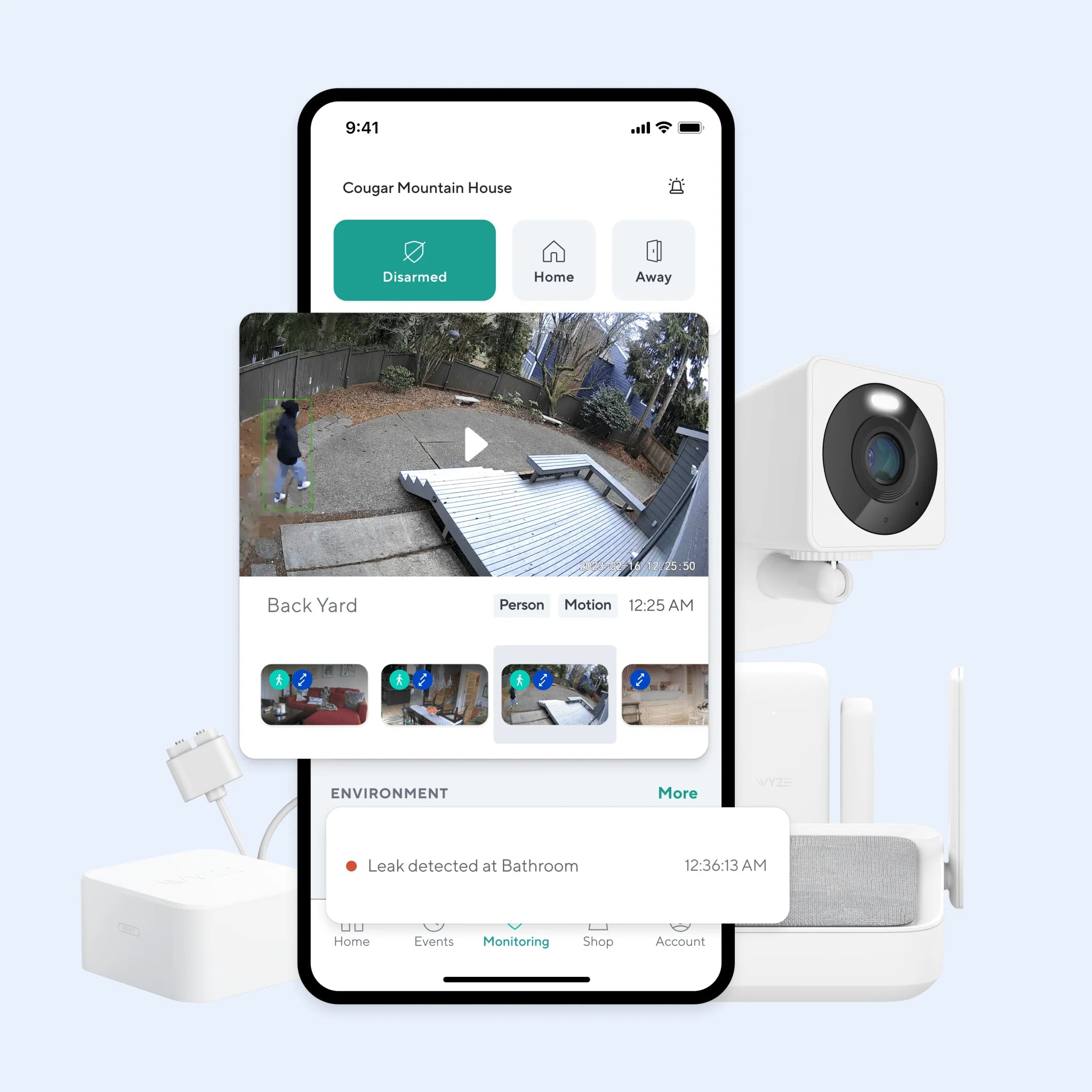
Step 3: Set Up Automation Rules
In the Wyze app, create rules such as:
- "If front door opens after 10 PM, turn on Floodlight and send alert."
- "If any entry sensor triggers, record video with Cam Pan v2."
- "If smoke alarm detected, flash all smart lights."
These automations make your kit smart—it reacts without you needing to push a button.
Step 4: Test Your System
Open a door and wait for the notification. Verify that the camera starts recording and the floodlight turns on. Test the siren to ensure it's loud enough. Also, simulate a power outage by unplugging your router and see if the backup battery pack keeps your network alive. Adjust the sensitivity of sensors as needed.
Integrating Alarms and Notifications
While push notifications are useful, you can also set the Wyze app to trigger a loud alarm from the siren included in the Entry Point Security Kit Plus. For even more coverage, consider adding a Wyze Cam Floodlight v2 near your back door, which has a built-in siren and can be activated by motion or entry sensor triggers.
You can also configure the app to send critical alerts to family members or neighbors. For example, if you're on vacation and a sensor detects an opening, the app can automatically send a text to a trusted contact. This feature turns your smart home emergency kit into a community safety tool.
Maintenance and Upgrades
Check your sensors monthly. Replace batteries in entry sensors about once a year, or when the app shows low battery. Update the firmware on your Wyze devices regularly via the app to ensure security patches are applied.
As your needs grow, you can expand your kit. Add a Wyze Cam OG Telephoto for zoomed-in views of a distant driveway or gate. Or integrate a smart lock for automatically securing doors when the alarm triggers. The beauty of the Wyze ecosystem is that it scales with you.
Conclusion
Creating a smart home emergency kit doesn't have to be expensive or complicated. With Wyze security sensors, smart lighting, and a reliable mesh router, you can build a system that detects threats early and alerts you instantly. By following the steps above, you'll turn your home into a fortress that's always on guard, whether you're sleeping, at work, or on vacation.
Ready to start building your smart home emergency kit? Check out the Entry Point Security Kit Plus for a complete starter set with entry sensors and a siren. Add a floodlight, a mesh router, and you'll have a comprehensive emergency response system that fits any home.