How to Maintain Your Wyze Cordless Vacuum for Long-Lasting Performance: Battery and Brush Care Tips
By Wyzeussale | Published: 2026-06-10
Category: How-to Guides
Learn essential tips for maintaining your Wyze cordless vacuum, including battery care, brush roll cleaning, and filter upkeep, to ensure peak performance for years.
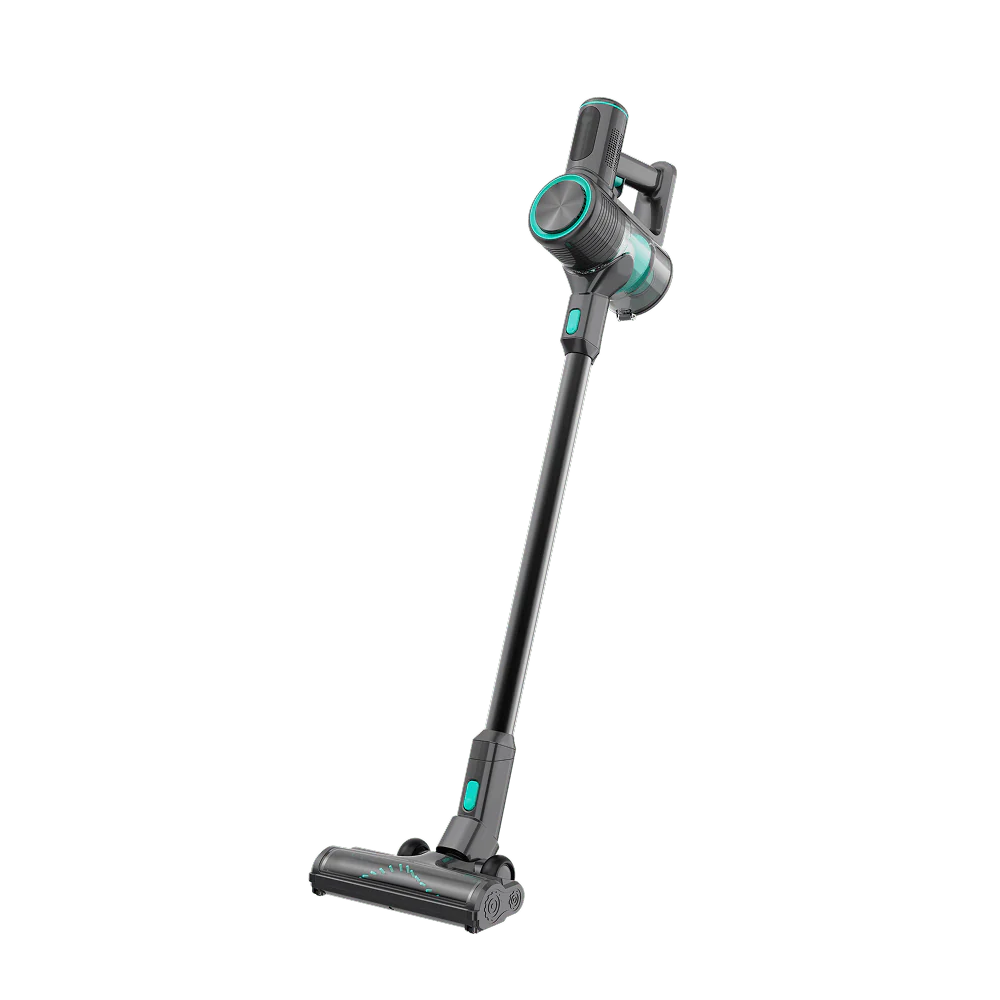
Your Wyze cordless vacuum is a powerful ally in keeping your home clean, but like any high-performance tool, it requires regular maintenance to deliver its best. Without proper care, battery life can degrade, brush rolls can clog, and suction power can drop. In this guide, we’ll walk you through actionable tips for Wyze Cordless Vacuum maintenance, focusing on battery care, brush roll cleaning, and filter upkeep. By following these steps, you can extend the life of your vacuum and keep it running like new.
Why Regular Maintenance Matters for Your Cordless Vacuum
Cordless vacuums rely on a delicate balance of battery power, motor efficiency, and airflow. Dust, hair, and debris can quickly accumulate in key areas, reducing performance and straining components. Neglecting maintenance can lead to costly repairs or early replacement. With a few minutes of care each month, you can maximize suction, maintain runtime, and avoid common issues like overheating or motor burnout.
Battery Care: Extend the Life of Your Wyze Vacuum’s Power Source
The battery is the heart of any cordless vacuum. Here’s how to keep it healthy:
1. Charge Correctly
Always use the official charger designed for your vacuum. Avoid leaving the battery plugged in continuously after it’s fully charged—most modern lithium-ion batteries, like those in Wyze devices, benefit from being unplugged once full. For optimal longevity, try to keep the battery between 20% and 80% charge for daily use, and avoid deep discharges (below 10%) regularly.
2. Store in a Cool, Dry Place
Heat is the number one enemy of lithium-ion batteries. Store your vacuum and any spare batteries in a cool, dry location away from direct sunlight or heaters. Extreme cold can also temporarily reduce performance, so aim for room temperature storage.
3. Use the Wyze Battery Charging Dock
For users with multiple Wyze devices, the Wyze Battery Charging Dock is a game-changer. It not only charges spare batteries efficiently but also helps maintain their health by preventing overcharging. This dock is ideal for keeping a backup battery ready, ensuring you never run out of power mid-clean. If you own other Wyze gadgets like cameras or sensors, this dock simplifies your charging routine.
4. Avoid Extreme Temperatures During Use
Using your vacuum in very hot or cold environments can strain the battery. If you’re vacuuming a car in summer, try to work in the shade. Similarly, avoid leaving the vacuum in a freezing garage for extended periods.
Brush Roll Care: Keep Your Vacuum Picking Up Everything
The brush roll (or beater bar) is responsible for agitating carpet fibers and loosening debris. Hair, string, and fibers can wrap around it, reducing effectiveness and potentially damaging the motor.
1. Clean the Brush Roll Monthly
Turn off and unplug your vacuum before cleaning. Remove the brush roll according to your model’s instructions—usually by releasing a latch or unscrewing end caps. Use scissors or a seam ripper to carefully cut away hair and threads wrapped around the bristles. Wipe the roll with a damp cloth to remove dust buildup. Let it dry completely before reinstalling.
2. Inspect for Wear
Check the bristles for signs of wear—if they are frayed, broken, or missing, the brush roll should be replaced. A worn brush reduces cleaning efficiency and can scratch hard floors. For most Wyze vacuums, replacement brush rolls are affordable and easy to swap.
3. Clear the Brush Roll Housing
While the brush roll is removed, inspect the housing for debris like hair clumps or small objects that may have been sucked in. Use a soft brush or compressed air to clear any blockages. This step improves airflow and prevents strain on the motor.
4. Pair with the Wyze Handheld Vacuum for Detail Work
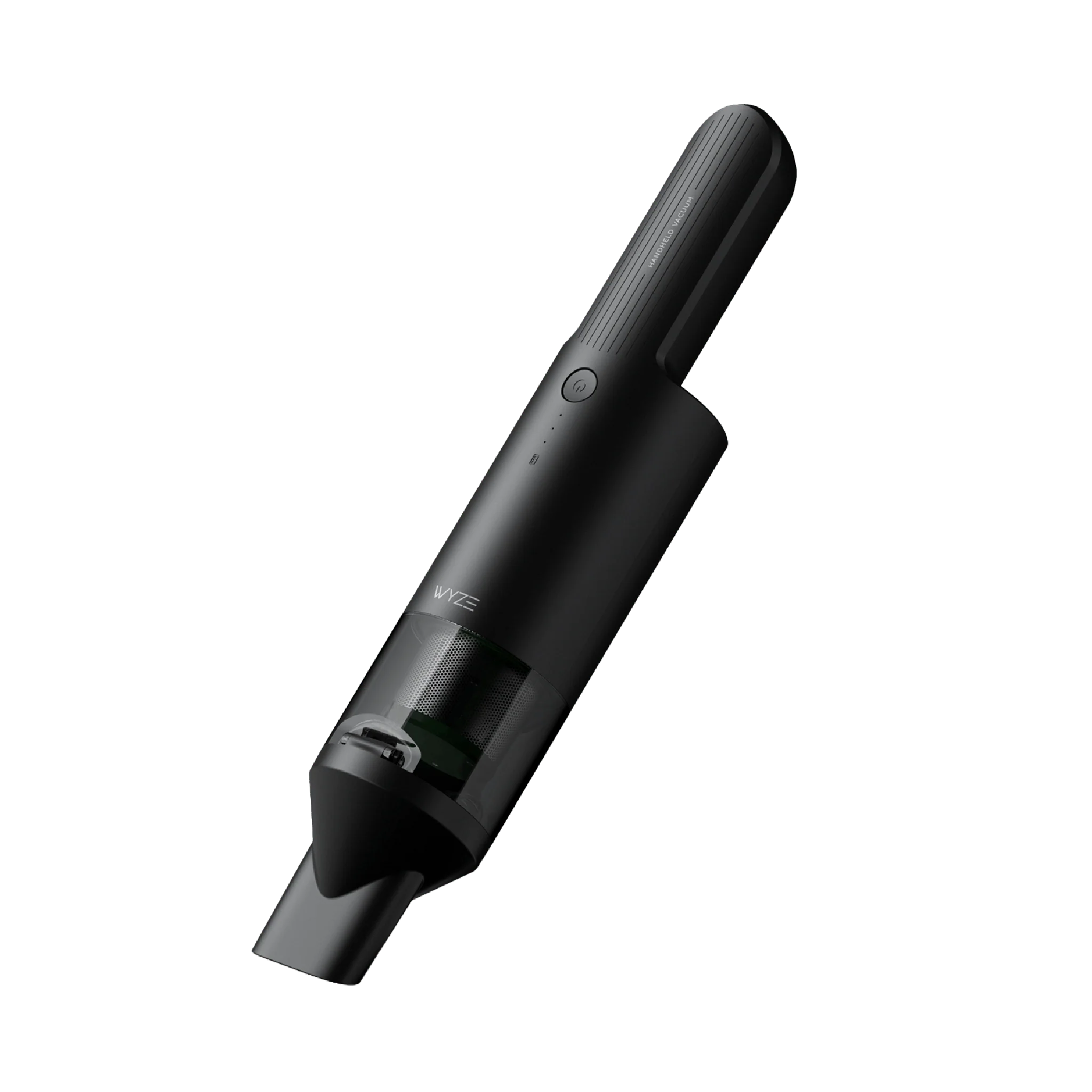
For tough spots like furniture crevices or car interiors, the Wyze Handheld Vacuum is an excellent companion. Its compact design allows you to tackle debris that the main vacuum might miss, reducing the load on your cordless vacuum’s brush roll. This synergy keeps both devices performing optimally.
Filter Maintenance: The Key to Strong Suction
Filters trap fine dust and allergens, but they can clog over time. A dirty filter reduces suction and forces the motor to work harder.
1. Tap and Rinse Filters Regularly
Most Wyze cordless vacuums have washable filters. After every few uses, tap the filter gently to remove loose dust. For a deeper clean, rinse it under lukewarm water (no soap) until the water runs clear. Allow the filter to air dry for at least 24 hours before reinstalling—never put a wet filter back in the vacuum.
2. Replace Filters Every 3-6 Months
Even with regular washing, filters lose efficiency over time. Replace them every 3-6 months depending on usage frequency and the amount of dust in your home. If you notice a drop in suction even after cleaning, it’s time for a new filter.
3. Check the Pre-Motor Filter
Some models have a secondary pre-motor filter that protects the motor from fine particles. This filter should be cleaned more frequently—check your user manual for location and instructions.
Other Essential Maintenance Tips
Beyond battery, brush roll, and filters, here are additional tips to keep your vacuum in top shape:
- Empty the Dustbin After Every Use: A full bin reduces airflow and forces the motor to work harder. Empty it outdoors to avoid spreading dust.
- Check for Blockages: Inspect the hose, wand, and nozzle for clogs. Use a long, flexible brush or a straightened coat hanger to dislodge obstructions.
- Clean Sensors and Contacts: Wipe battery contacts and charging ports with a dry cloth to ensure good conductivity. This prevents charging issues.
- Store with the Brush Roll Off the Floor: If your vacuum has a parking mode or wall mount, use it. Storing the brush roll against carpet can cause it to flatten over time.
- Update Firmware (If Applicable): Some smart vacuums receive firmware updates that optimize battery management and motor performance. Check the Wyze app for updates.
Troubleshooting Common Issues
Even with regular maintenance, issues can arise. Here’s how to address them:
| Issue | Likely Cause | Solution |
|---|---|---|
| Battery drains quickly | Old battery or heavy usage | Replace battery; avoid high-power modes for routine cleaning |
| Suction feels weak | Clogged filter or brush roll blockage | Clean filter and brush roll; check for hose clogs |
| Brush roll won’t spin | Hair wrapped around axle or motor issue | Remove hair; if still stuck, consult support |
| Vacuum won’t charge | Dirty contacts or faulty charger | Clean contacts; test with another charger |
When to Seek Professional Help or Replacement Parts
If you’ve performed all the steps above and your vacuum still underperforms, it may be time to replace certain components. Wyze offers a range of official parts and accessories to keep your vacuum going strong. For instance, if you’ve noticed your vacuum’s brush roll has worn down significantly, consider purchasing a replacement. Similarly, if the battery no longer holds a charge, a fresh battery can restore full runtime.
By investing a little time in regular maintenance, you can ensure your Wyze cordless vacuum delivers reliable performance for years. Remember, the key is consistency—set a monthly reminder to check the brush roll, filter, and battery condition.
Final Thoughts
Maintaining your Wyze cordless vacuum doesn’t have to be a chore. With simple habits like cleaning the brush roll, caring for the battery, and replacing filters on schedule, you’ll enjoy powerful suction and extended battery life. Whether you’re using the main cordless model or the versatile Wyze Handheld Vacuum, these tips apply across the lineup.
Ready to keep your vacuum performing at its best? Explore our full range of Wyze vacuum accessories and replacement parts to find everything you need for maintenance and upgrades. For a quick and efficient way to charge spare batteries, check out the Wyze Battery Charging Dock—it’s the perfect addition to your cleaning toolkit.