How to Maximize Home Security with Wyze Camera Accessories: Mounts, Skins, and Lenses
By Wyzeussale | Published: 2026-06-05
Category: How-to Guides
Discover how Wyze camera accessories like mounts, skins, and lenses can enhance your home security setup. Learn tips for choosing the right gear to improve coverage, protection, and image quality.
Your Wyze camera is a powerful tool for keeping an eye on your home, but even the best security camera can benefit from the right accessories. Whether you're looking to improve placement, add a layer of protection, or get more detailed footage, the world of Wyze camera accessories offers simple, affordable upgrades. In this guide, we'll explore how mounts, skins, and lens attachments can transform your camera setup and help you get the most out of your home security accessories.
Why Invest in Camera Accessories?
Standard camera setups often come with basic adhesive mounts or simple stands, but these aren't always ideal for every situation. A poorly placed camera can miss critical angles, while a camera exposed to the elements might suffer from weather wear. With the right security camera mounts and accessories, you can:
- Achieve better field of view by mounting cameras in optimal locations.
- Protect your cameras from dust, rain, and sun damage.
- Enhance image quality for identifying faces, license plates, or package details.
- Customize the look of your cameras to blend in or stand out as a deterrent.
Wyze offers a range of accessories designed specifically for their cameras, making upgrades seamless and effective.
Choosing the Best Mounts for Your Wyze Camera
Mounts are the foundation of a solid security setup. A good mount keeps your camera stable, secure, and aimed exactly where you need it. Here are the most common types and how to use them:
Wall and Ceiling Mounts
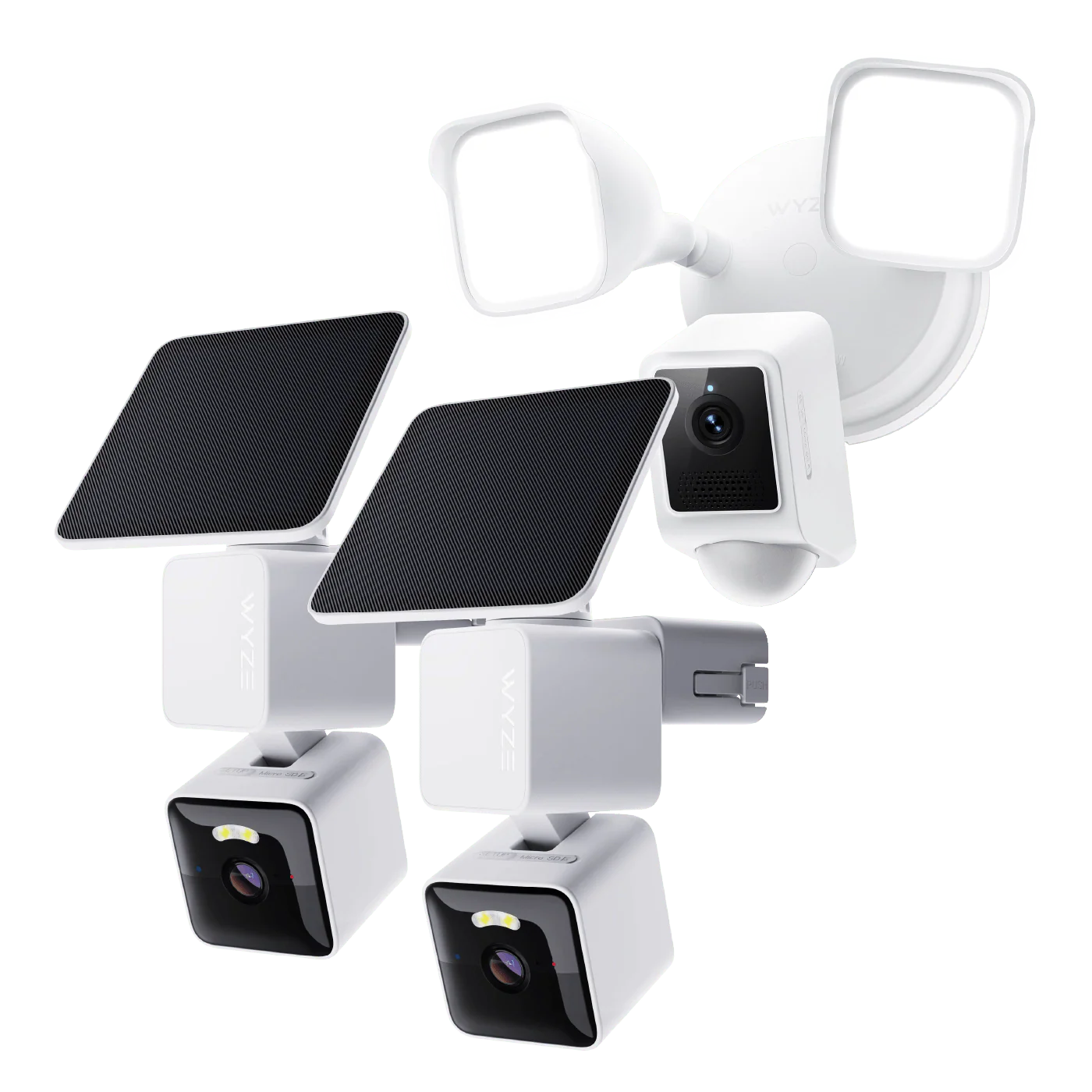
For indoor or outdoor use, wall and ceiling mounts allow you to position your camera high up, out of reach of tampering. They're perfect for covering entry points, hallways, or large rooms. Many Wyze mounts come with swivel and tilt adjustments, giving you full control over the viewing angle. When mounting outdoors, ensure the mount is rated for weather exposure to prevent rust or loosening over time.
Magnetic Mounts
If you need flexibility, magnetic mounts are a game-changer. They let you attach your camera to any metal surface like a fridge, security gate, or metal shelf. This is ideal for temporary setups or renters who can't drill holes. Just make sure the magnet is strong enough to hold the camera securely, especially in windy conditions.
Corner Mounts
Corner mounts are designed to attach cameras in corners, offering a wider vantage point. They're great for monitoring large areas like living rooms or garages. Using a corner mount can help reduce blind spots that flat wall mounts might create.
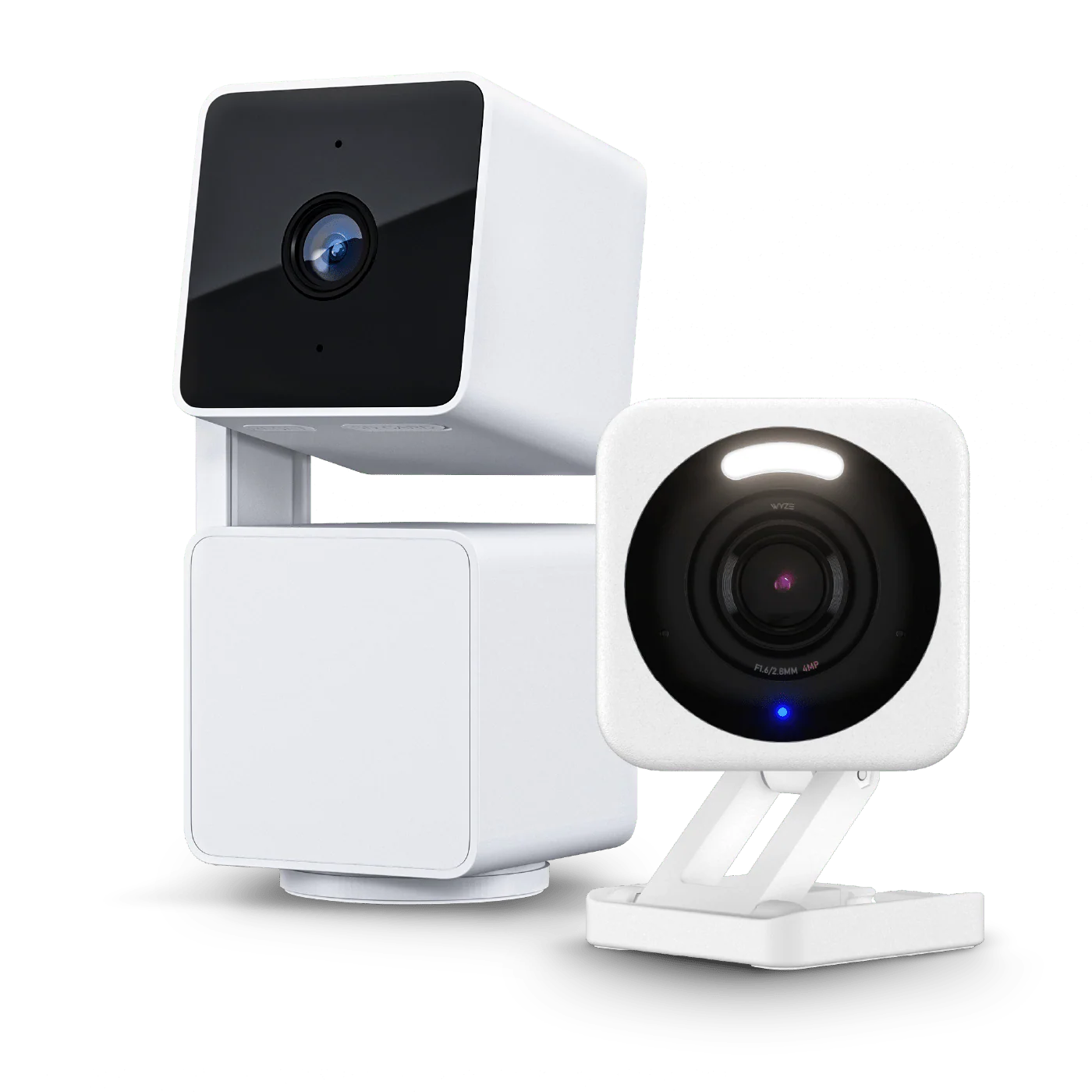
When selecting a mount, always check compatibility with your specific Wyze model. For example, the Wyze Cam v4 has a slightly different form factor than older versions, so ensure the mount fits snugly.
Protecting Your Camera with Skins and Covers
While not always the first thing that comes to mind, Wyze camera upgrades like skins and covers serve dual purposes: protection and customization. Skins are thin vinyl wraps that adhere to the camera's surface. They can:
- Shield the camera from scratches, dust, and UV rays.
- Provide a camouflage pattern to help the camera blend into its environment.
- Add a pop of color or personal style to your home security setup.
Skins are especially useful for outdoor cameras that face constant sun exposure. Over time, UV rays can fade the plastic or cause cracking. A quality skin acts as a sacrificial layer that can be replaced when worn out. They're also easy to apply and remove without leaving residue.
For those who want a more rugged solution, consider silicone covers or weatherproof housings. These add a rubberized layer that absorbs impact and provides extra grip, making the camera easier to handle during adjustments.
Enhancing Image Quality with Lens Attachments
Stock camera lenses are versatile, but sometimes you need to zoom in on a specific area. This is where camera lens attachments come into play. Wyze offers clip-on lenses that can dramatically change what your camera sees.
Wide-Angle Lenses
A wide-angle lens expands your camera's field of view, letting you cover more area with fewer cameras. This is perfect for large open spaces like backyards, warehouses, or open-plan living rooms. Just be aware that wide-angle lenses can introduce some distortion at the edges, but the trade-off is often worth it for broader coverage.
Telephoto and Macro Lenses
For detailed monitoring, like reading a license plate or checking a specific spot, a telephoto lens is invaluable. Alternatively, macro lenses let you inspect small objects up close, such as a package left at your door or a lock mechanism. These attachments are typically easy to clip onto the camera's existing lens and can be swapped depending on your needs.
When using lens attachments, make sure they are clean and properly aligned. Even a tiny smudge can degrade image quality. Pairing a lens with a stable mount ensures you get sharp, clear footage.
Integrating Accessories with Your Smart Home
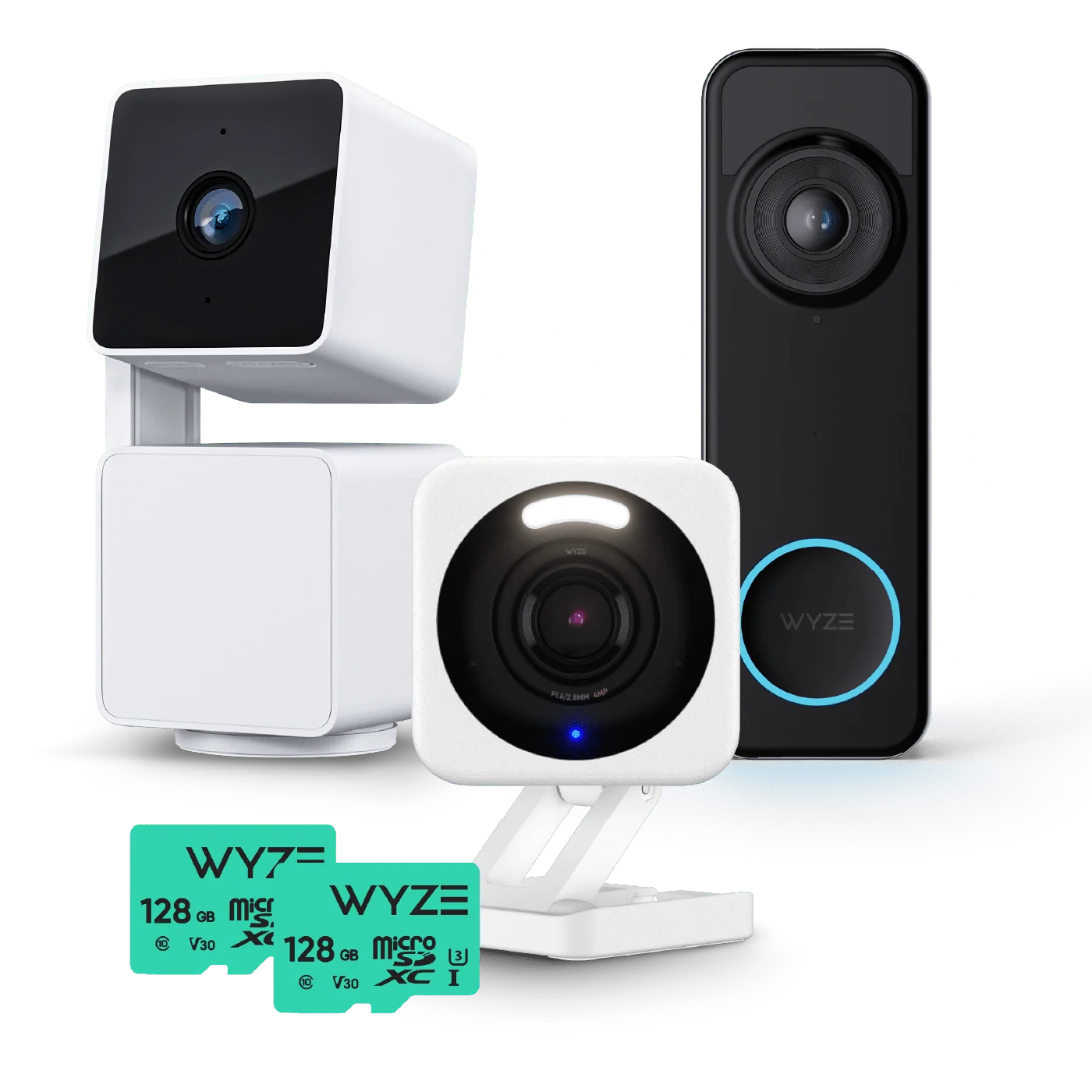
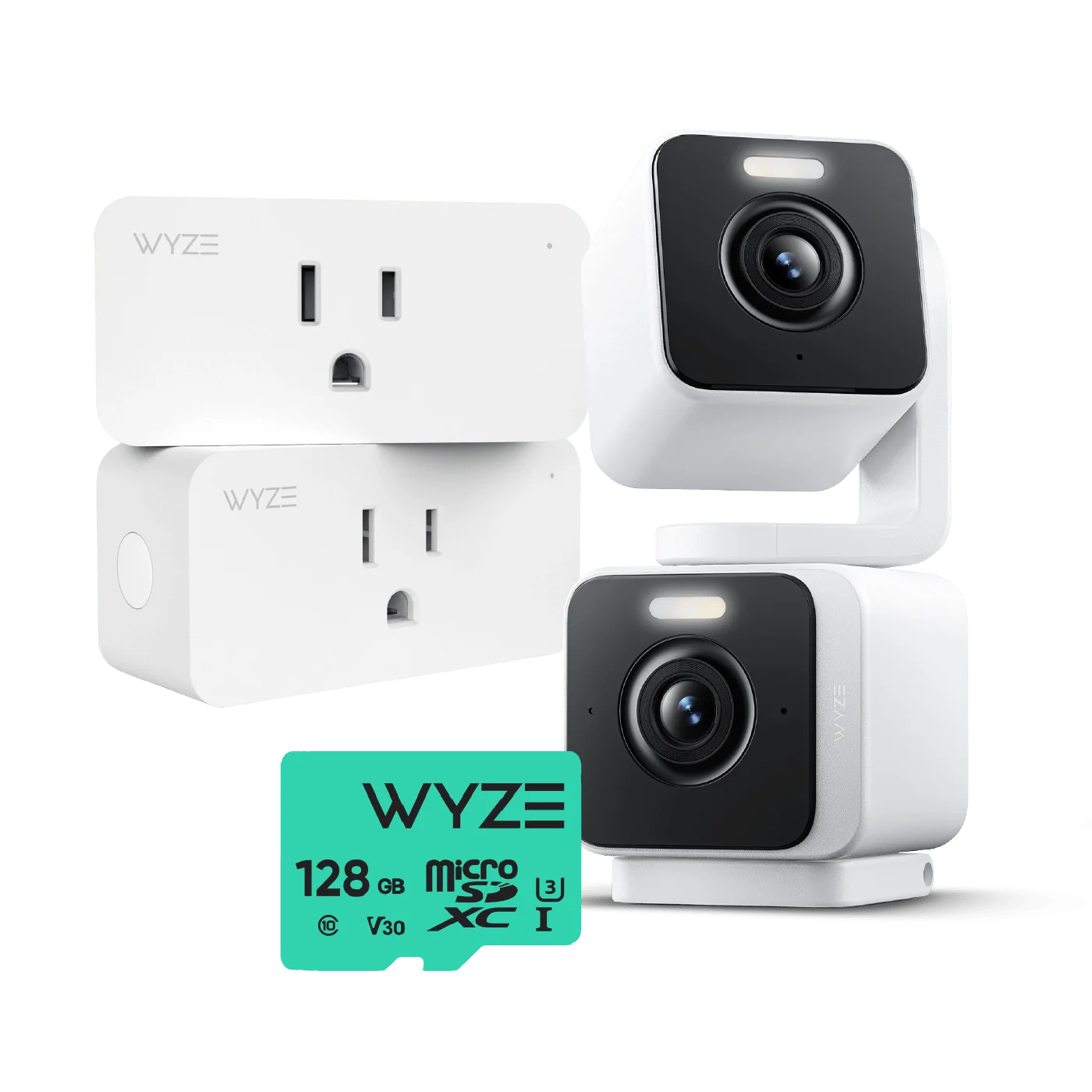
Wyze cameras don't work in isolation. To truly maximize your home security, think about how accessories integrate with other devices. For example, you can set up a camera with a motion-triggered light using a smart plug. Or, pair your camera with a doorbell or lock for a layered security approach. While this article focuses on camera accessories, remember that they fit into a larger ecosystem. If you're looking to expand your setup, consider products like the Google Nest Audio + Wyze Bundles for voice control and alerts.
Cost-Effective Upgrades for Any Budget
One of the best things about Wyze is that accessories are affordable. You don't need to spend hundreds to see a real difference. A simple mount can reposition a camera to cover a blind spot, while a skin can extend the life of your device. Lens attachments often cost less than a pizza, yet they can turn a standard camera into a specialized tool. Focus on what matters most for your home: entry points, package delivery areas, and high-traffic zones.
For instance, if you have a robot vacuum that moves around, adding a camera with a wide-angle lens can help you monitor its path. Or, if you're using a cordless vacuum like the Wyze Cordless Vacuum - Foldable Vacuum Tube, you might want a camera to keep an eye on charging stations or clutter zones.
Common Mistakes to Avoid
Even with great accessories, there are pitfalls to watch out for:
- Using the wrong mount for outdoor conditions (e.g., adhesive mounts that weaken in rain).
- Installing lenses without cleaning the camera lens first, leading to blurry footage.
- Placing cameras too high, where they capture only ceilings or treetops.
- Forgetting to secure cables if the camera is wired, leaving them vulnerable to damage.
Always test your setup after installation. Check the camera feed during different times of day to ensure lighting is adequate and no obstructions have appeared.
Maintaining Your Accessories
To get long-term value, maintain your accessories. Clean mounts and lenses regularly with a microfiber cloth. Replace skins if they start peeling or cracking. Check screws and brackets for tightness every few months, especially after storms. A little upkeep goes a long way in keeping your security system reliable.
Final Thoughts
Maximizing your home security isn't just about buying the best camera—it's about equipping it with the right tools. Wyze camera accessories like mounts, skins, and lenses offer practical solutions for better coverage, durability, and image quality. Whether you're a DIY enthusiast or a beginner, these upgrades are easy to install and budget-friendly. Start by identifying your biggest security gaps, then choose the accessories that address them. With the right setup, you'll have peace of mind knowing your home is protected from every angle.
Ready to enhance your security? Check out the Wyze Cam v4 and explore compatible accessories to build your perfect surveillance system today.