How to Pair and Sync Your Wyze Smart Lock with Existing Home Security Systems
By Wyzeussale | Published: 2026-06-14
Category: How-to Guides
Learn step-by-step how to pair and sync your Wyze Smart Lock with existing home security systems, including Wyze app setup, lock sync tips, and integration with cameras and sensors for a unified smart home.
Integrating a smart lock into your home security setup can significantly enhance both convenience and safety. The Wyze Smart Lock bolt is a popular choice for its affordability and seamless integration with other Wyze devices. However, many users wonder how to pair and sync it with existing security systems—whether you have a full Wyze ecosystem, a mix of brands, or a traditional alarm system. This guide walks you through the entire process, from initial setup to advanced integration, ensuring your Wyze Sense Climate Sensor and other sensors work in harmony with your lock for a truly connected home.
Understanding Wyze Smart Lock Compatibility
Before diving into pairing, it's essential to understand what the Wyze Lock Bolt is compatible with. The lock works natively with the Wyze app and can be synced with other Wyze devices like cameras, sensors, and lights. For existing home security systems, compatibility depends on the system's protocol. Most modern security panels support Z-Wave or Zigbee, but the Wyze Lock uses Bluetooth and Wi-Fi via a Wyze Bridge. If your existing system uses Z-Wave, direct integration may require a third-party hub like SmartThings. However, you can still achieve integration through the Wyze app and routines, which we'll cover in detail.
Step-by-Step Pairing Process
1. Install the Wyze Lock Bolt Hardware
Start by physically installing the lock on your door. Remove your existing deadbolt and follow the included instructions. The process is straightforward—most doors require only a screwdriver. Ensure the lock is properly aligned and the latch works smoothly. Once installed, insert the batteries and close the battery cover.
2. Download and Set Up the Wyze App
If you haven't already, download the Wyze app from the App Store or Google Play. Create an account or log in. Tap the '+' icon to add a new device, then select 'Lock' from the list. The app will prompt you to press the setup button on the lock (usually located near the battery compartment). Follow the on-screen instructions to complete Bluetooth pairing. This process typically takes less than five minutes.
3. Connect to Wi-Fi via the Wyze Bridge
For remote access and integration with other Wyze devices, you'll need a Wyze Bridge (sold separately or included in some bundles). Plug the Bridge into a USB port near your router. In the app, go to your lock's settings and select 'Connect to Bridge.' The app will search for the Bridge and establish a connection. Once connected, your lock can be controlled from anywhere via the internet.
Syncing with Existing Security Systems
Using Wyze App Routines
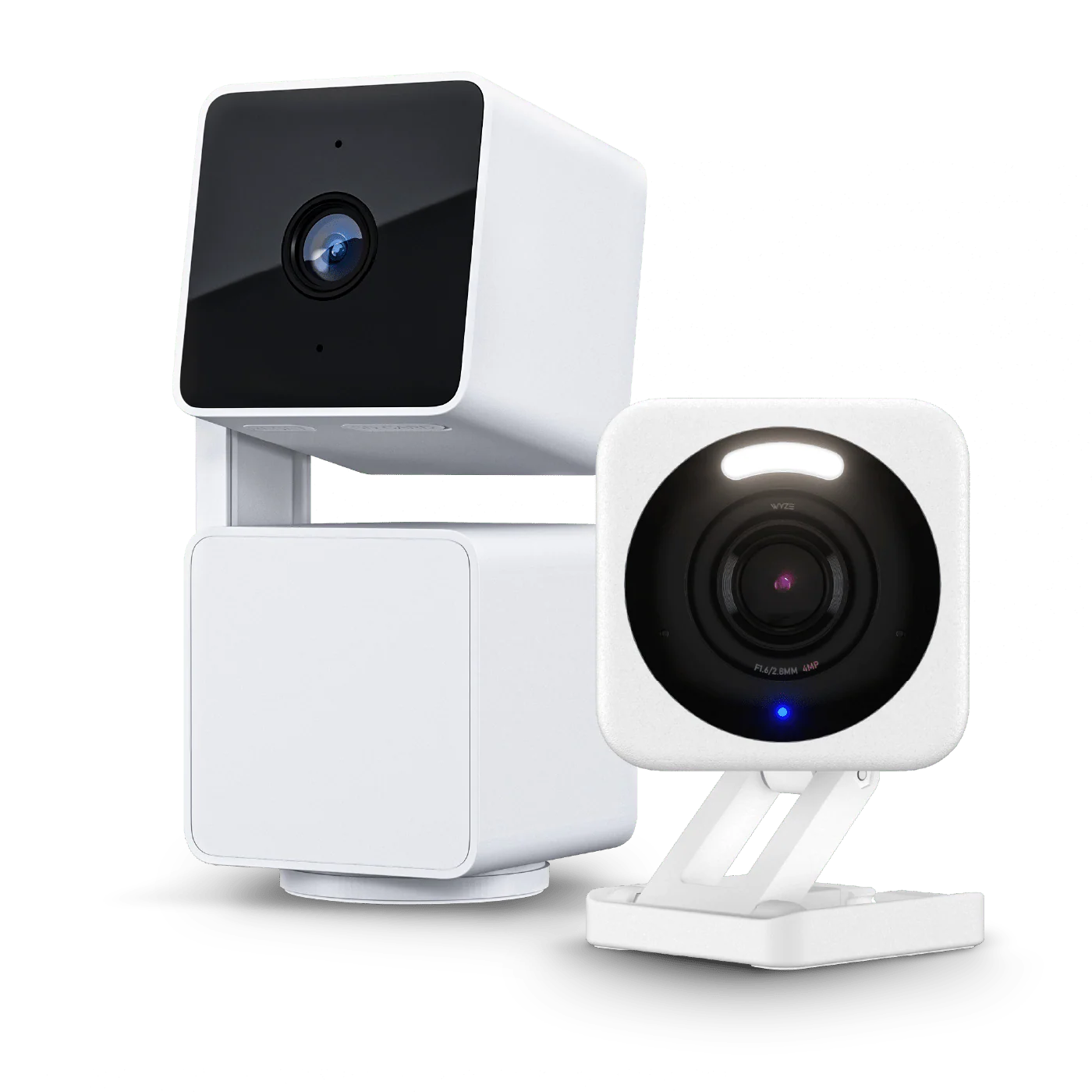
The most flexible way to sync your lock with existing security systems is through Wyze app routines. For example, you can create a routine that arms your Wyze Cam Floodlight Plug-In Mount when the lock is locked or sends a notification to your phone if the door is unlocked while you're away. To do this, go to the 'Routines' tab in the app, tap '+', and select 'When a device is triggered.' Choose your lock as the trigger, then set actions like turning on a Wyze Bulb Color or recording a clip from your camera. This creates a cohesive security response without needing direct hardware integration.
Integrating with Third-Party Platforms
If your existing security system supports IFTTT (If This Then That), you can bridge the gap. Wyze offers IFTTT integration for locks. Create applets such as 'If lock is locked, then arm security system' or 'If alarm is triggered, then unlock lock.' This works with popular platforms like Ring, SimpliSafe, or ADT. For more advanced users, platforms like Home Assistant or Hubitat can pull in Wyze devices via community integrations, allowing deeper control.
Using Wyze Sensors for Enhanced Sync
Wyze sensors, such as the Wyze Sense Climate Sensor, can serve as triggers for lock actions. For instance, if the temperature drops below a certain point (indicating a window is open), you can set a routine to lock the door automatically. While the climate sensor primarily monitors temperature and humidity, pairing it with a Wyze Contact Sensor on the door can create a robust security network. This indirect sync ensures your lock responds to environmental changes, adding a layer of intelligence to your security system.
Optimizing Lock Sync for Maximum Security
Auto-Lock and Away Mode
Sync your lock with your phone's location to enable auto-lock when you leave and auto-unlock when you return. In the lock settings, enable 'Geofencing' and set a radius. This works seamlessly with other Wyze devices—for example, when you leave, the lock can trigger your Wyze Cordless Vacuum - Floor Brush to start cleaning, or arm your cameras. However, ensure your existing security system's away mode is also triggered. You can achieve this by setting up a routine that sends a notification to your security system's app or using IFTTT for direct communication.
Two-Factor Authentication and Guest Access
For shared households or rental properties, sync guest access codes with your security system's user list. The Wyze Lock supports temporary codes that can be set to expire. When a guest uses their code, you can have your security system disable the alarm temporarily. This is done by creating a routine that triggers when a specific code is used—though this requires careful setup to avoid security gaps. Always test the integration thoroughly.
Troubleshooting Common Pairing Issues
- Bluetooth not connecting: Ensure your phone's Bluetooth is on and the lock is within 10 feet during setup. Reset the lock by removing and reinserting the batteries.
- Bridge not detected: Move the Bridge closer to the router or use a USB extension cable. The Wyze Cam USB Extension Cable - 20ft can help position the Bridge optimally.
- Routines not executing: Check that all devices are on the same Wi-Fi network and that the Wyze app has permission to run in the background. Update the app and firmware.
- Lock lag: If your lock responds slowly, ensure the Bridge has a strong connection. Metal doors or thick walls can weaken Bluetooth or Wi-Fi signals.
Advanced Integration: Multi-Device Scenarios
Lock + Camera + Light Sync
Create a security sequence: When the lock is unlocked with a specific code, the Wyze Cam Floodlight turns on to illuminate the entryway, and the Wyze Bulb Color in the hallway turns green to indicate safe entry. Conversely, if the lock is forced or tampered with, all indoor lights turn red and cameras start recording. This level of sync requires careful routine chaining but is entirely achievable within the Wyze app.
Integrating with Smart Alarms
If you have a Wyze Alarm System, pairing is native. The lock can arm/disarm the alarm directly. For third-party alarms, use IFTTT or a smart home hub. For example, with a Hubitat hub, you can create a rule that when the lock is locked after 10 PM, the alarm arms in 'Night' mode. This ensures your security system adapts to your lock's state without manual intervention.
Conclusion: Unify Your Smart Home Security
Pairing and syncing your Wyze Smart Lock with existing home security systems doesn't have to be complicated. By leveraging the Wyze app's routines, integrating with IFTTT, and using sensors like the Wyze Sense Climate Sensor, you can create a responsive, intelligent security network. The key is to start with simple routines and gradually add complexity as you become comfortable. With the right setup, your lock becomes the cornerstone of a seamless smart home experience.
Ready to enhance your entryway security? Explore the Wyze Sense Climate Sensor to pair with your lock for environmental monitoring, or check out other smart home accessories to complete your security system.