How to Secure Your Home with Wyze Smart Locks and Sensors: A DIY Guide
By Wyzeussale | Published: 2026-05-23
Category: How-to Guides
Learn how to build a DIY home security system using Wyze smart locks, sensors, and cameras. Step-by-step setup, integration tips, and product recommendations.
Home security is a top priority for every homeowner, but professional systems can be expensive and complex. With modern smart lock technology and affordable security sensors, you can build a robust DIY home automation security network without breaking the bank. Wyze offers a range of devices that work together seamlessly to protect your home. In this guide, we’ll show you how to secure your home with Wyze smart locks and sensors, covering everything from setup to integration with other Wyze products.
Why Choose Wyze for Home Security?
Wyze has become a household name for affordable, high-quality smart home devices. Their smart lock options, combined with motion detectors, contact sensors, and cameras, give you complete control over your home’s security. Whether you’re a renter or a homeowner, Wyze solutions are easy to install and integrate with voice assistants like Alexa and Google Assistant. Plus, the Wyze app provides real-time alerts, remote access, and automation rules that make home security truly hands-free.
Getting Started: The Core Components
To build a comprehensive system, you’ll need a few key devices. Let’s break them down.
1. Smart Locks
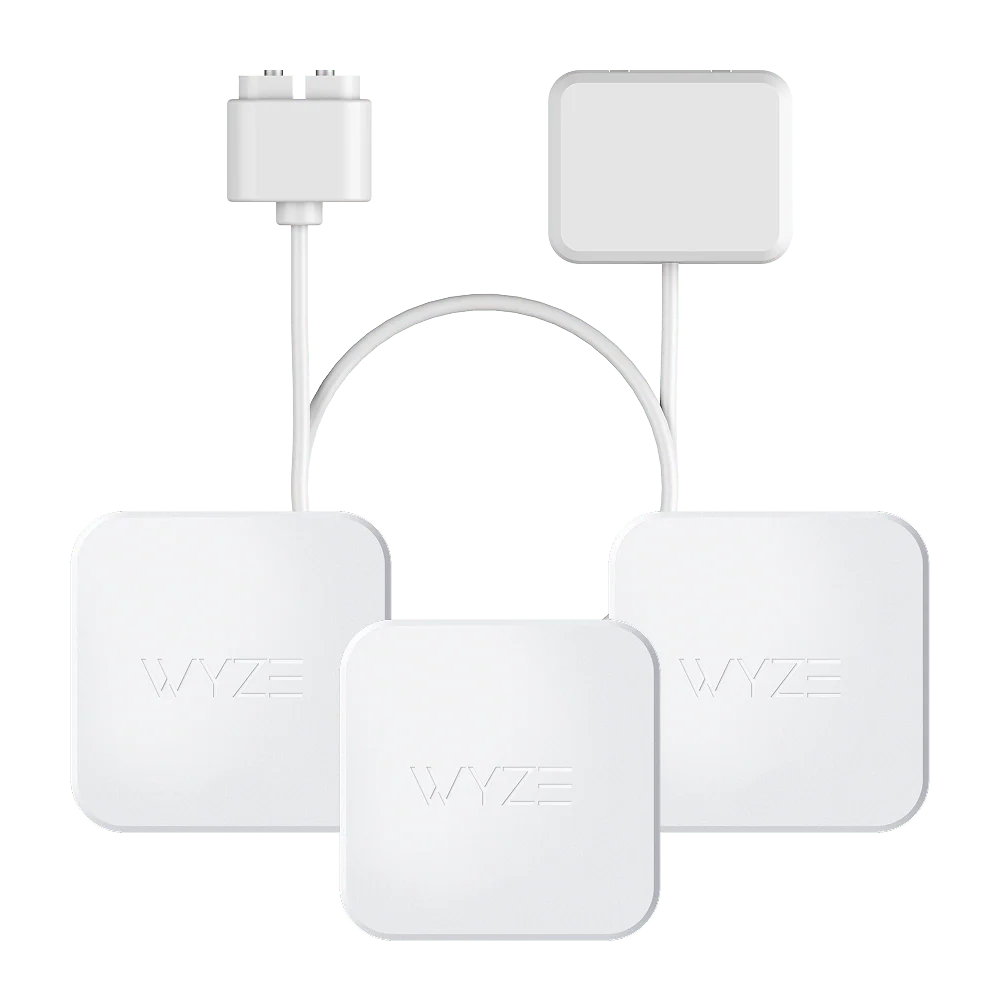
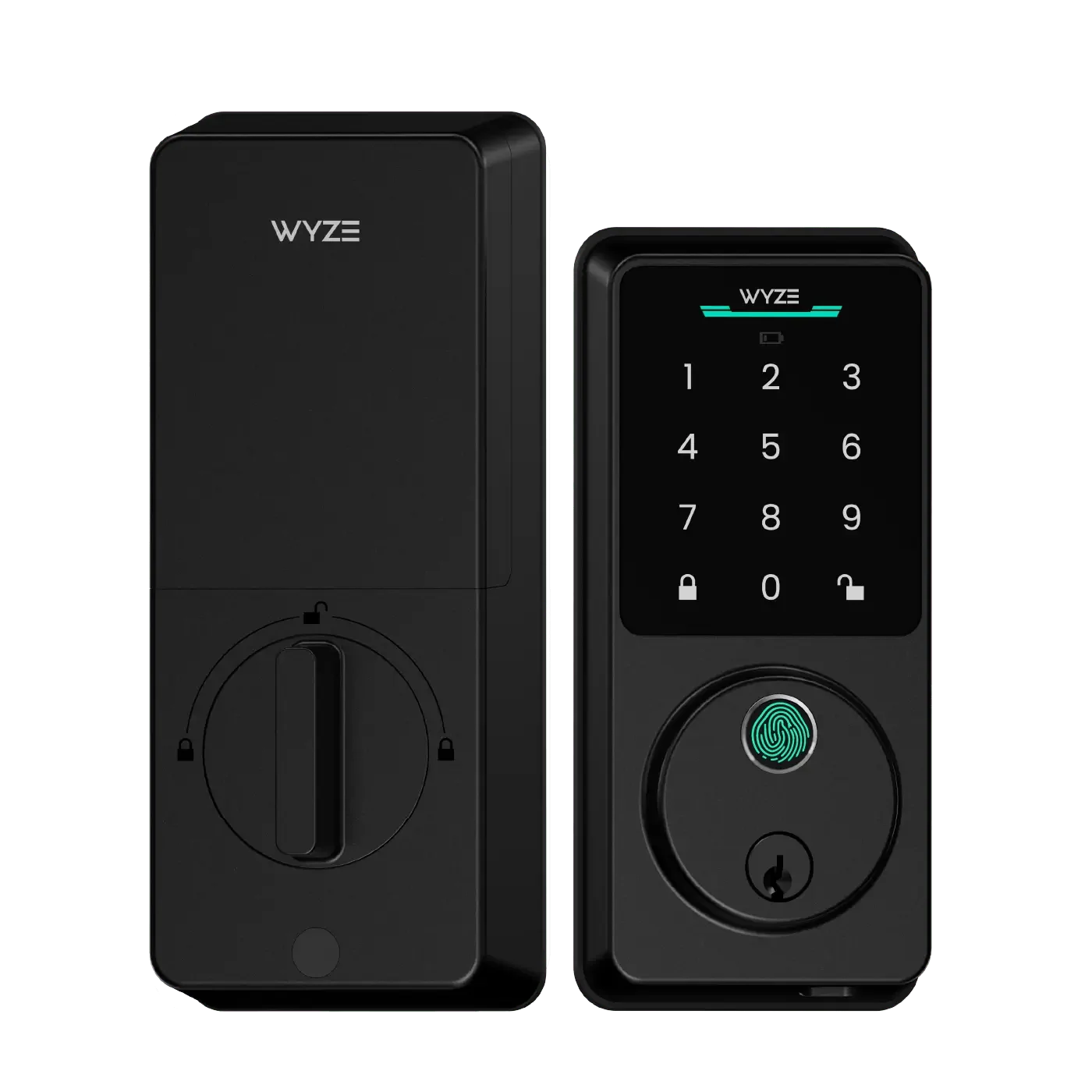
A Wyze lock is the first line of defense for your front door. While Wyze offers a dedicated smart lock (the Wyze Lock), you can also integrate it with the Entry Point Security Kit Pro for advanced control. This kit includes a keypad, a door/window sensor, and a motion detector, giving you multiple ways to secure entry points. You can lock or unlock your door from anywhere using the app, set up auto-lock timers, and grant temporary access to guests.
2. Security Sensors
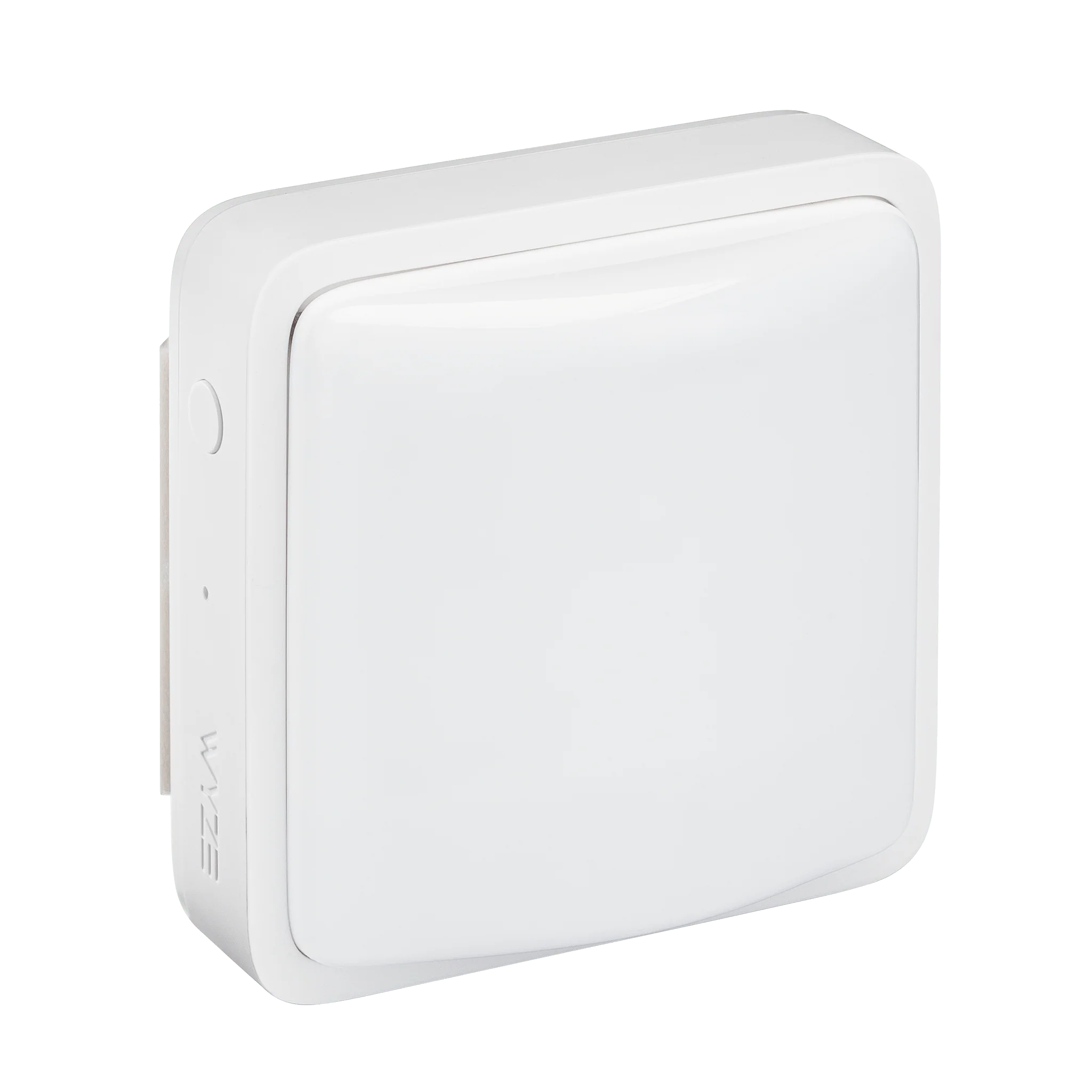
Security sensors are the eyes and ears of your system. The Wyze Sense Leak Sensor & Probe detects water leaks near pipes, appliances, or basements, preventing costly damage. For doors and windows, Wyze’s entry sensors (included in the Entry Point Security Kit Pro) alert you when they are opened unexpectedly. These sensors are battery-powered and communicate with the Wyze hub, ensuring reliable coverage throughout your home.
3. Cameras and Lighting
Visual verification is critical for any home security system. The Wyze Cam v3 is a versatile indoor/outdoor camera with color night vision, motion detection, and two-way audio. Pair it with a Wyze Bulb Color to trigger lights when motion is detected, deterring intruders. For outdoor areas, the Wyze Plug Outdoor lets you control landscape lights or other devices, creating a simulated “occupied” look when you’re away.
Step-by-Step Setup Guide
Follow these steps to build your Wyze security system.
Step 1: Install the Wyze App and Hub
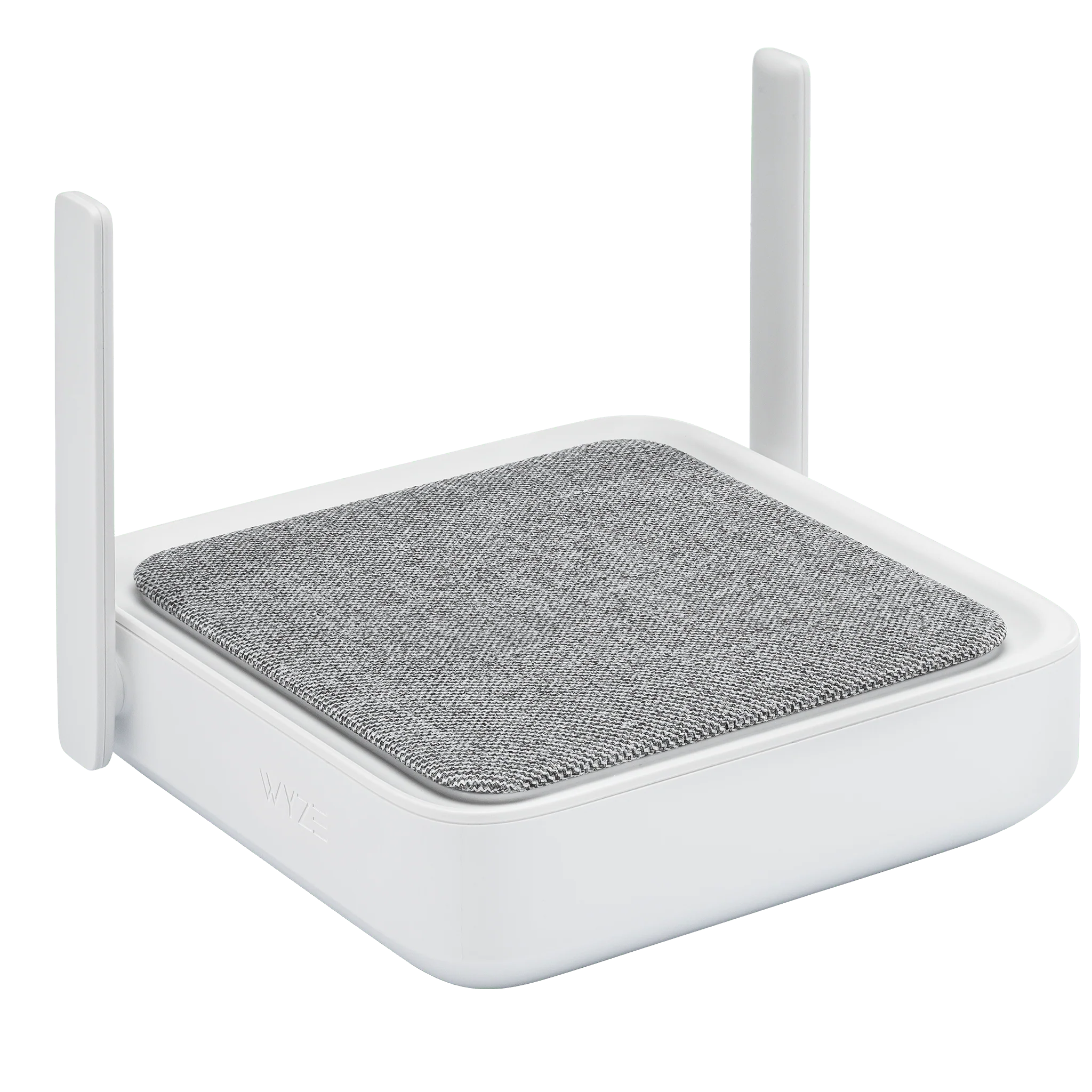
Download the Wyze app on your smartphone and create an account. If you have an Entry Point Security Kit Pro, plug in the hub near your router and follow the in-app pairing instructions. The hub acts as the central brain, connecting sensors and locks to your Wi-Fi network.
Step 2: Mount Your Smart Lock
Replace your existing deadbolt with the Wyze Lock (sold separately). Installation takes about 15 minutes using standard tools. Once installed, calibrate it through the app to recognize your door’s alignment. Set up auto-lock to activate after a few minutes, so you never accidentally leave your home unlocked.
Step 3: Place Sensors Strategically
Attach the Wyze Sense Leak Sensor & Probe near water heaters, under sinks, or behind washing machines. The probe can be extended to reach tight spaces. For doors and windows, stick the entry sensor on the frame and the magnet on the moving part. Test each sensor by opening the door or window—you should receive an instant push notification.
Step 4: Position Cameras and Lights
Mount your Wyze Cam v3 at eye level on shelves or walls near entry points. Plug in the Wyze Plug Outdoor and connect a lamp or string lights. In the app, create a rule: “If motion detected on the Wyze Cam v3, turn on the Wyze Bulb Color.” This not only illuminates the area but also signals to anyone watching that the home is active.
Step 5: Set Automation Rules
Go to the “Rules” section in the Wyze app. Create a “Goodbye” rule that locks your door, arms sensors, and turns off devices when you leave. A “Welcome Home” rule can disarm sensors, unlock the door, and turn on lights. These automations make DIY home automation effortless and ensure your security is always active.
Integrating with Other Wyze Products
Wyze devices are designed to work together. For example, you can pair your Wyze Cordless Vacuum S - Battery Pack with a motion sensor to start cleaning when you leave the house. Similarly, the Wyze Buds can be used for hands-free voice commands through the app. The ecosystem is flexible, letting you scale your home security system over time.
Tips for Maximizing Security
- Test regularly: Check your sensors and locks monthly to ensure they respond correctly.
- Use geofencing: Enable location-based rules so your system arms automatically when you leave a certain distance from home.
- Share access wisely: Grant temporary codes to house sitters or delivery personnel through the app.
- Update firmware: Keep all devices updated to patch security vulnerabilities.
Common Mistakes to Avoid
- Placement errors: Don’t install sensors near heat sources or direct sunlight, as this can cause false alarms.
- Ignoring battery life: Monitor battery levels in the app. Replace batteries in sensors and locks before they die.
- Skipping the hub: For a reliable connection, always use the dedicated hub (included with the Entry Point Security Kit Pro) instead of relying solely on Wi-Fi.
Why This System Works
The combination of a smart lock, security sensors, and cameras creates layers of protection. Even if an intruder bypasses one layer, another alerts you. Wyze’s affordability means you can cover multiple entry points without spending thousands. Plus, the app’s intuitive interface makes DIY home automation achievable for anyone, regardless of technical skill.
Ready to build your own security system? Explore the Entry Point Security Kit Pro to get started with a comprehensive bundle that includes everything you need.