How to Set Up a Complete Smart Home Security System on a Budget: A DIY Guide
By Wyzeussale | Published: 2026-05-23
Category: How-to Guides
Discover how to build an affordable DIY home security system with Wyze products. Learn step-by-step setup tips for cameras, sensors, and more without breaking the bank.
Securing your home doesn't have to cost a fortune. With the rise of smart home technology, you can now build a comprehensive security system that rivals professional setups—without monthly fees or expensive contracts. Whether you're a renter, a first-time homeowner, or simply looking to upgrade your current setup, this guide will walk you through creating a budget smart home security system that's both effective and affordable. We'll focus on Wyze's lineup of products, which are known for their low cost and high reliability, making them perfect for a DIY home security system.
Why Choose a DIY Smart Home Security System?
Traditional home security systems often come with installation fees, long-term contracts, and monthly monitoring costs. A DIY approach puts you in control. You can start small and expand over time, choosing only the components that suit your needs. Plus, with affordable security cameras and sensors from brands like Wyze, you get professional-grade features without the premium price tag. This flexibility is ideal for anyone following a smart home setup guide on a budget.
Step 1: Assess Your Home's Security Needs
Before buying any equipment, take a walk around your property. Identify key areas: entry points (doors, windows), high-traffic zones (hallways, living rooms), and outdoor spaces (front porch, backyard). Ask yourself:
- How many entry points do I need to monitor?
- Do I need both indoor and outdoor coverage?
- Am I most concerned about break-ins, package theft, or general awareness?
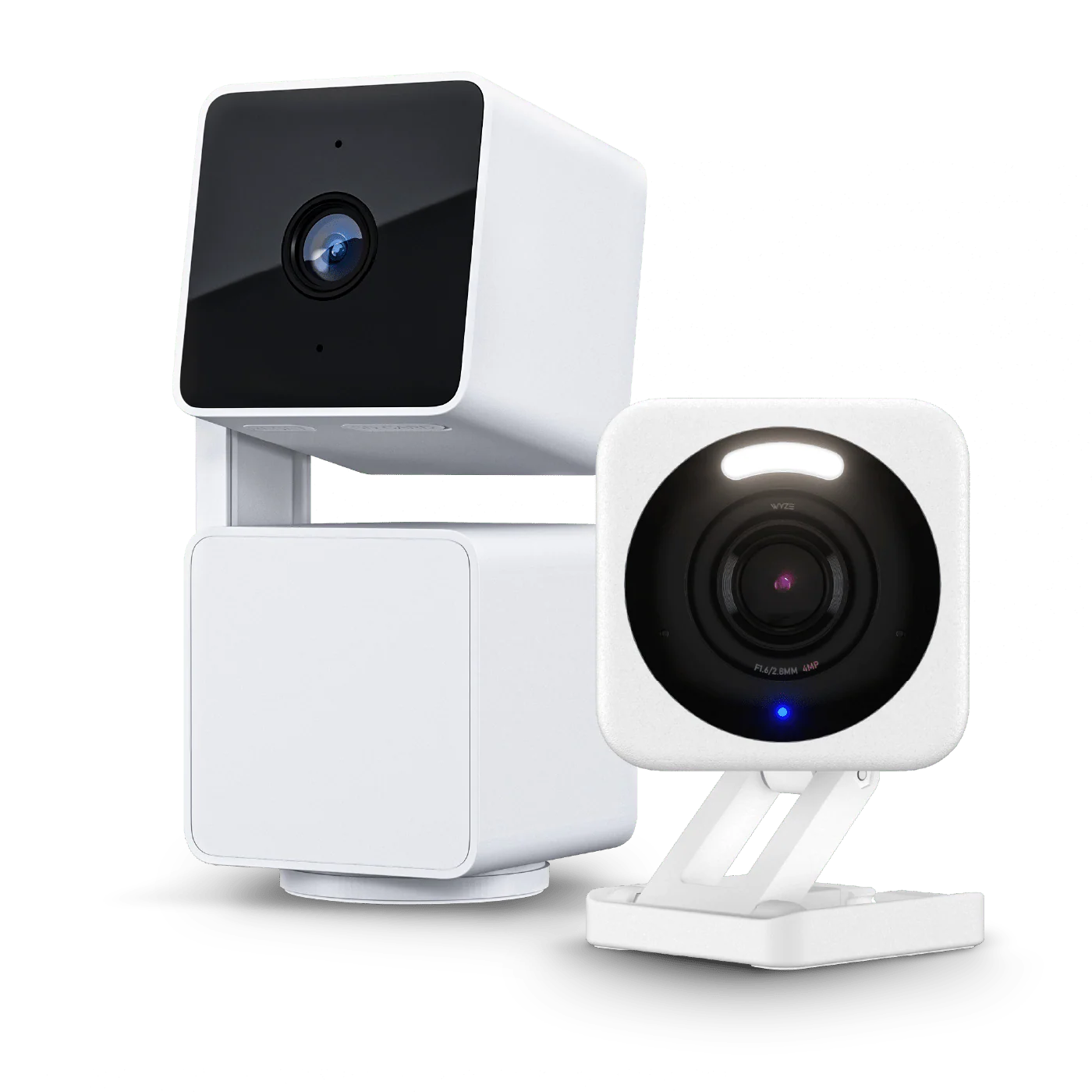
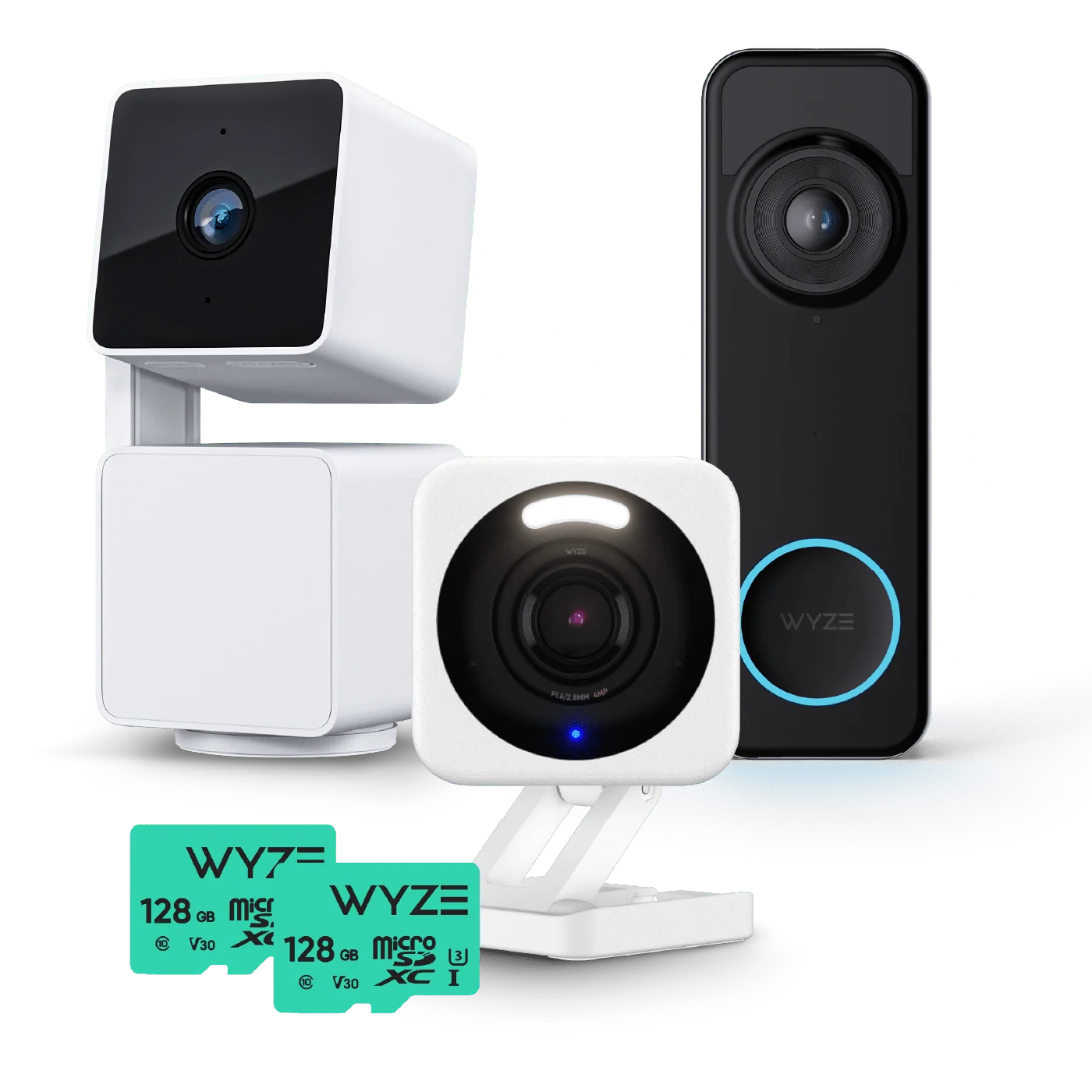
For most homes, a starter setup includes a few cameras, a doorbell camera, and basic sensors for doors and windows. This is where a package like the Security Camera Starter Kit Basic shines—it provides a solid foundation at a low cost.
Step 2: Choose Your Core Components
Building a budget system means prioritizing essentials. Here are the key components you'll need:
Cameras
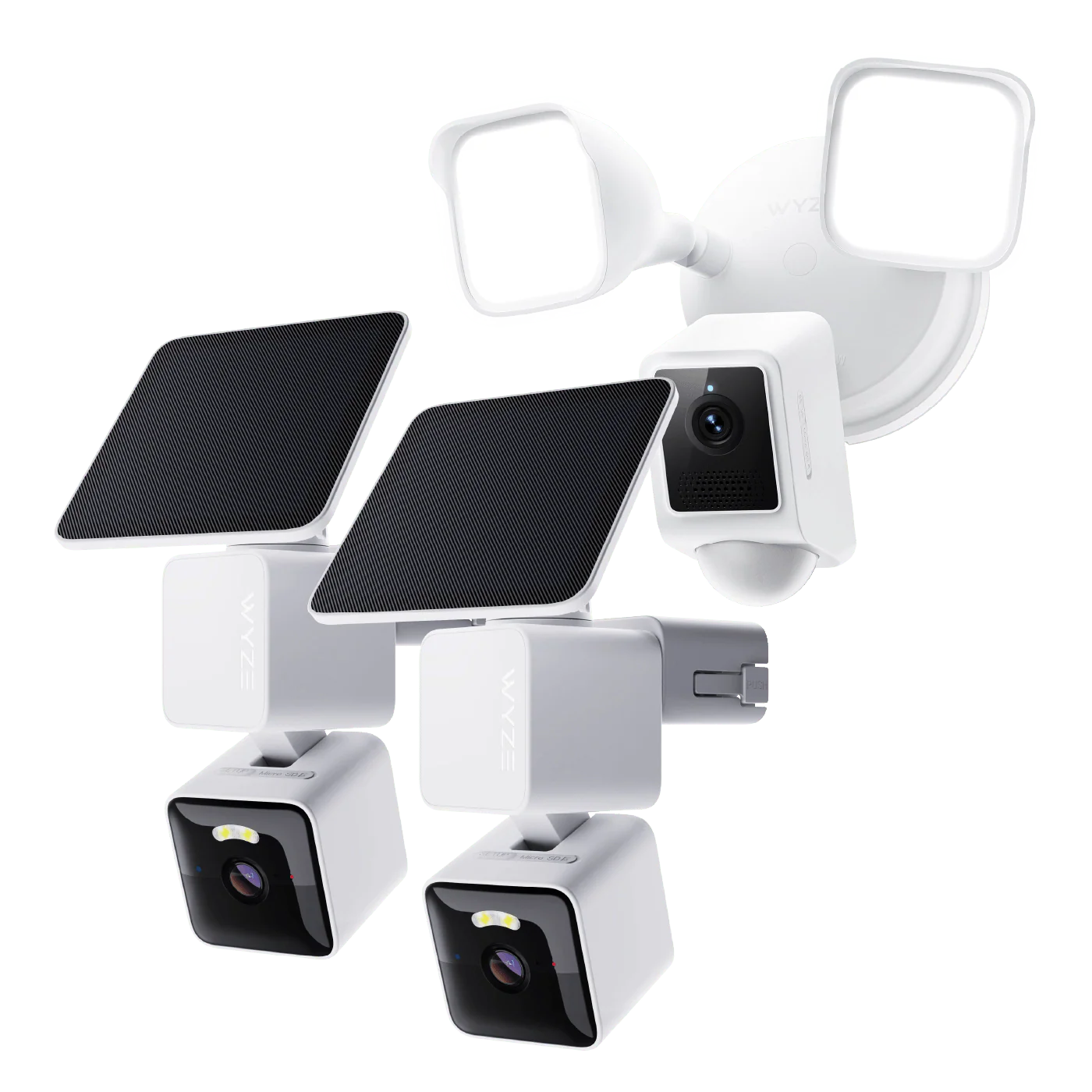
Cameras are the backbone of any security system. For indoor monitoring, consider a pan-and-tilt model like the Wyze Duo Cam Pan, which offers 360-degree coverage and dual lenses for wide and zoomed views. It’s perfect for living rooms or open spaces. For outdoor use, Wyze offers weather-resistant options that connect to your Wi-Fi easily.
If you prefer a more discreet setup, wired cameras offer constant power and recording. Battery-powered cameras are great for areas without nearby outlets. Choose based on your specific placement needs.
Sensors and Alarms
Sensors add an extra layer of protection by detecting when doors or windows open. The Wyze Sense Hub acts as the brain for your sensor network, connecting to entry sensors and motion detectors. Pair it with the Wyze Sense Keypad to arm and disarm your system easily—no smartphone required for quick access.
These components work together to trigger alarms and notifications, giving you peace of mind even when you're away.
Lighting and Automation
Smart lighting can act as a deterrent. The Wyze Light Strip Pro can be programmed to turn on when motion is detected, making your home look occupied. Combine it with a smart bulb like the Wyze Accessory Light Bulb for automated entryway lighting—both are affordable upgrades.
Step 3: Plan Your Installation
Once you have your components, plan where each device will go. For cameras:
- Front door: Install a video doorbell or a camera pointed at the entrance.
- Back door and windows: Place sensors on all accessible points.
- Common areas: Use a pan-and-tilt camera to cover large spaces.
- Garage or basement: Battery-powered cameras work well where wiring is tricky.
Most Wyze devices use a simple magnetic mount or adhesive, so no drilling is required—perfect for renters. The included QR codes make pairing to the Wyze app a breeze.
Step 4: Set Up the Wyze App and Automations
Download the Wyze app (available for iOS and Android). Follow these steps:
- Create an account and log in.
- Tap 'Add Device' and scan the QR code on your camera or sensor.
- Connect the device to your Wi-Fi network (2.4 GHz band is recommended for stability).
- Position each device and test the connection.
Once all devices are added, create automations. For example:
- Set a rule: If front door sensor opens after 10 PM, turn on living room light and start recording on the camera.
- Use the Wyze Sense Keypad to arm the system at night, triggering all sensors and cameras.
These automations turn a collection of devices into a cohesive budget smart home security system that reacts intelligently.
Step 5: Expand Over Time
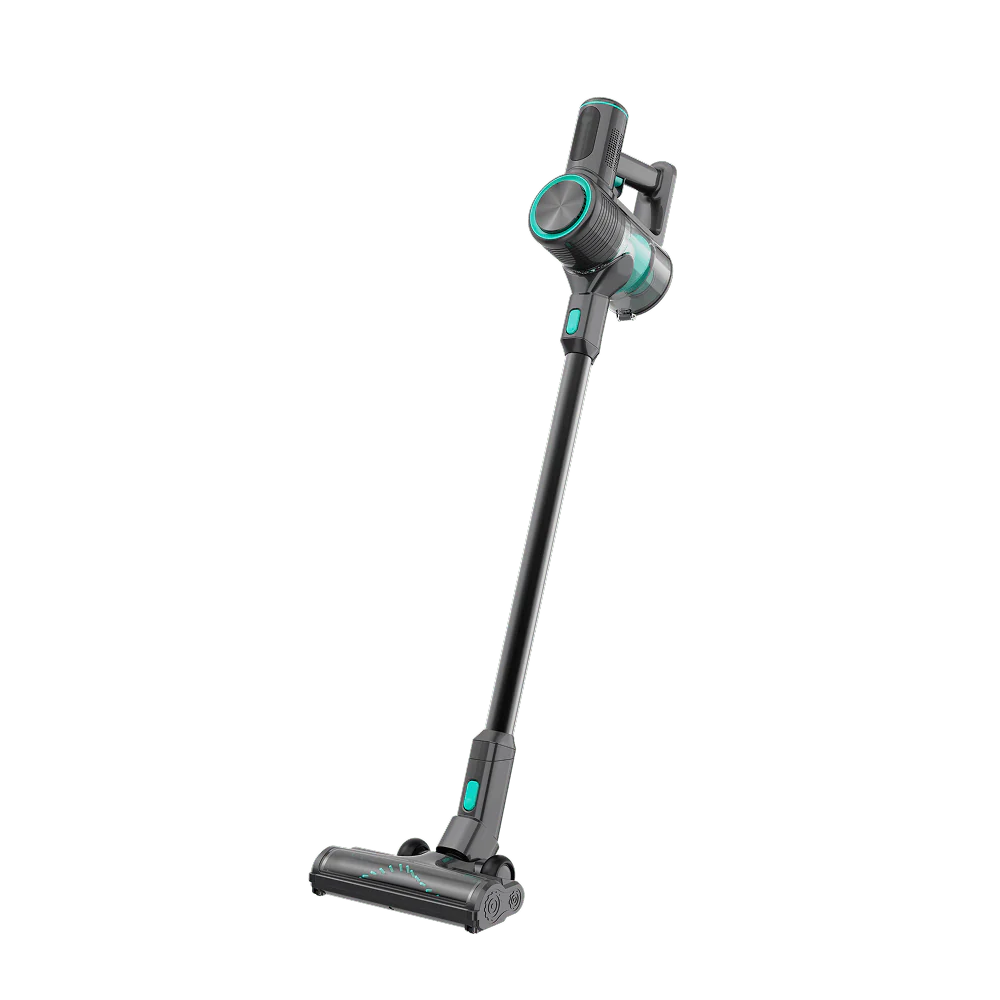
One of the biggest advantages of a DIY system is scalability. Start with a basic package like the Apartment Pro Kit, which bundles essential components for small spaces. As your needs grow, add more cameras, sensors, or even a smart lock. You can also integrate vacuums like the Wyze Cordless Vacuum for cleaning routines—though that’s a bonus, not a security item.
Remember to keep your firmware updated via the app to ensure security patches and new features.
Tips for Keeping Your Budget Intact
- Buy bundles: Kits like the Security Camera Starter Kit Basic save money versus buying individually.
- Skip the cloud subscription: Wyze offers free 12-second clip recording with a local microSD card (sold separately). Only subscribe if you need longer cloud storage.
- Use existing Wi-Fi: No need for a separate hub—most devices connect directly to your router.
- Repurpose old devices: Use an old smartphone as a secondary camera with the Wyze app’s live view feature.
Conclusion: Your Affordable Security System Awaits
Building a complete smart home security system on a budget is not only possible—it's easier than ever. With Wyze’s lineup of cost-effective cameras, sensors, and accessories, you can create a tailored setup that protects your home without draining your wallet. Start with the essentials, add automations, and expand as you see fit. Your peace of mind is worth the small investment.
Ready to get started? Explore the Security Camera Starter Kit Basic to begin your DIY journey today—it’s the perfect foundation for any budget-friendly security system.