How to Set Up Wyze Home Monitoring for Enhanced Apartment Security
By Wyzeussale | Published: 2026-06-15
Category: How-to Guides
Learn how to build a DIY Wyze home monitoring system for your apartment. Step-by-step guide to enhance renters security with sensors, cameras, and smart locks.
Living in an apartment comes with unique security challenges. You can't always drill holes for permanent mounts, and you might not have access to the building's existing alarm system. That's where Wyze home monitoring shines. With a range of affordable, wireless, and renter-friendly devices, you can build a robust DIY security system that protects your space without a long-term contract or complex installation. In this guide, we'll walk you through everything you need to know to enhance your apartment security using Wyze products—from sensors and cameras to smart locks and beyond.
Why Choose Wyze for Apartment Security?
Wyze has become a household name in the smart home security space for good reason. Their devices are compact, easy to install, and incredibly affordable compared to traditional security systems. For renters, the ability to set up and remove devices without damaging walls or wiring is a game-changer. Plus, the Wyze app centralizes control, allowing you to arm, disarm, and monitor your apartment from anywhere. Whether you live alone or with roommates, a Wyze-based system offers peace of mind without breaking the bank.
Step 1: Assess Your Apartment's Vulnerabilities
Before buying any gear, walk through your apartment and note the weak spots. Common entry points are doors and windows, but also consider less obvious areas like sliding glass doors or ground-floor windows. For a basic DIY security system, you'll want to cover:
- Front and back doors – Use a video doorbell or contact sensor.
- Windows – Place sensors on accessible ground-floor windows.
- Common areas – Add a camera for a wide view of the living room or hallway.
- Storage or utility closets – Protect valuable items.
If you're on a higher floor, focus on doors and shared hallways. For ground-floor units, prioritize windows and sliding doors.
Step 2: Choose the Right Wyze Devices
Wyze offers a wide ecosystem of products that work together seamlessly. For apartment security, here are the essential components:
Entry Sensors for Doors and Windows
Start with contact sensors for all entry points. The Entry Point Security Kit Pro is a perfect starter bundle—it includes multiple sensors and a hub that connects to your Wi-Fi. Each sensor triggers an alert in the Wyze app when a door or window opens, and you can set rules (like turning on lights when a door opens).
Indoor Cameras for Interior Monitoring
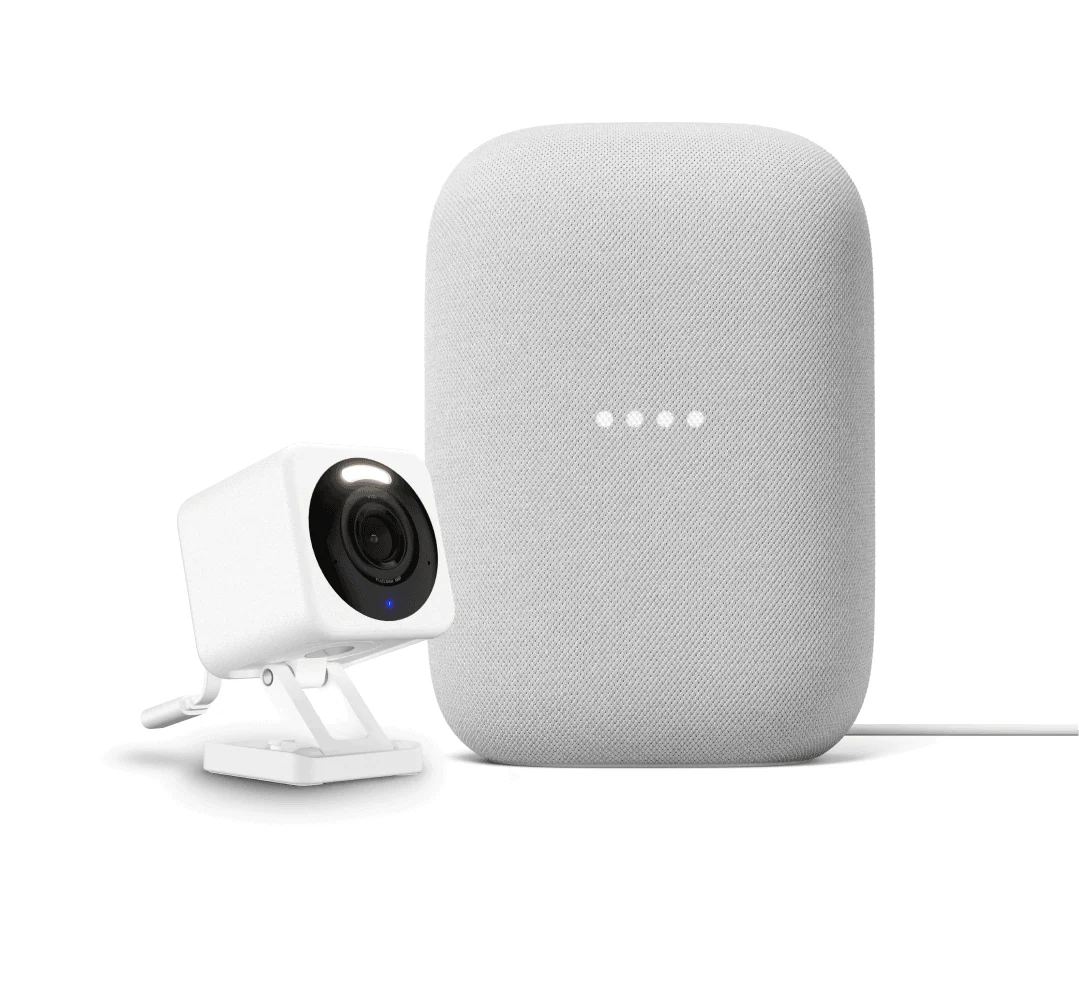
Place a camera facing the main entry door or a hallway. Wyze cameras offer motion detection, two-way audio, and night vision. You can also integrate them with other devices for automated responses, such as recording when a sensor triggers.
Smart Lighting for Deterrence
Smart lights can simulate occupancy when you're away. The Wyze Light Strip Pro is versatile—you can mount it under cabinets, along baseboards, or behind furniture. Set it to turn on automatically when a sensor detects motion, creating the illusion that someone is home.
Environmental Sensors
Don't forget safety! Smoke and CO detectors are essential, but Wyze also offers leak sensors for under sinks and near water heaters. These can prevent costly damage and alert you immediately.
Step 3: Install Without Damaging Walls
One of the biggest fears for renters is losing a security deposit due to holes or adhesive residue. Wyze devices come with strong, removable adhesive pads. For cameras and sensors, use double-sided mounting tape (included or purchased separately) or command strips. Avoid drilling unless absolutely necessary. The Wyze Switch, for example, replaces an existing light switch easily, and the Entry Point Security Kit Pro sensors stick directly to door and window frames with no tools required.
Step 4: Set Up the Wyze App and Automations
Once your devices are placed, it's time to configure them in the Wyze app. Here's a quick workflow:
- Create a group for your apartment (e.g., "My Apartment").
- Add each device via the app's setup wizard—most take under 5 minutes.
- Set up rules: For example, when a door sensor opens, turn on the Wyze Light Strip Pro and send a push notification.
- Enable geofencing so your system automatically arms when you leave and disarms when you return.
- Test everything: Walk through your apartment and trigger each sensor to confirm alerts work.
Step 5: Enhance with Additional Accessories
Once the basics are in place, consider these extras:
- Video doorbell – See who's at your door from anywhere.
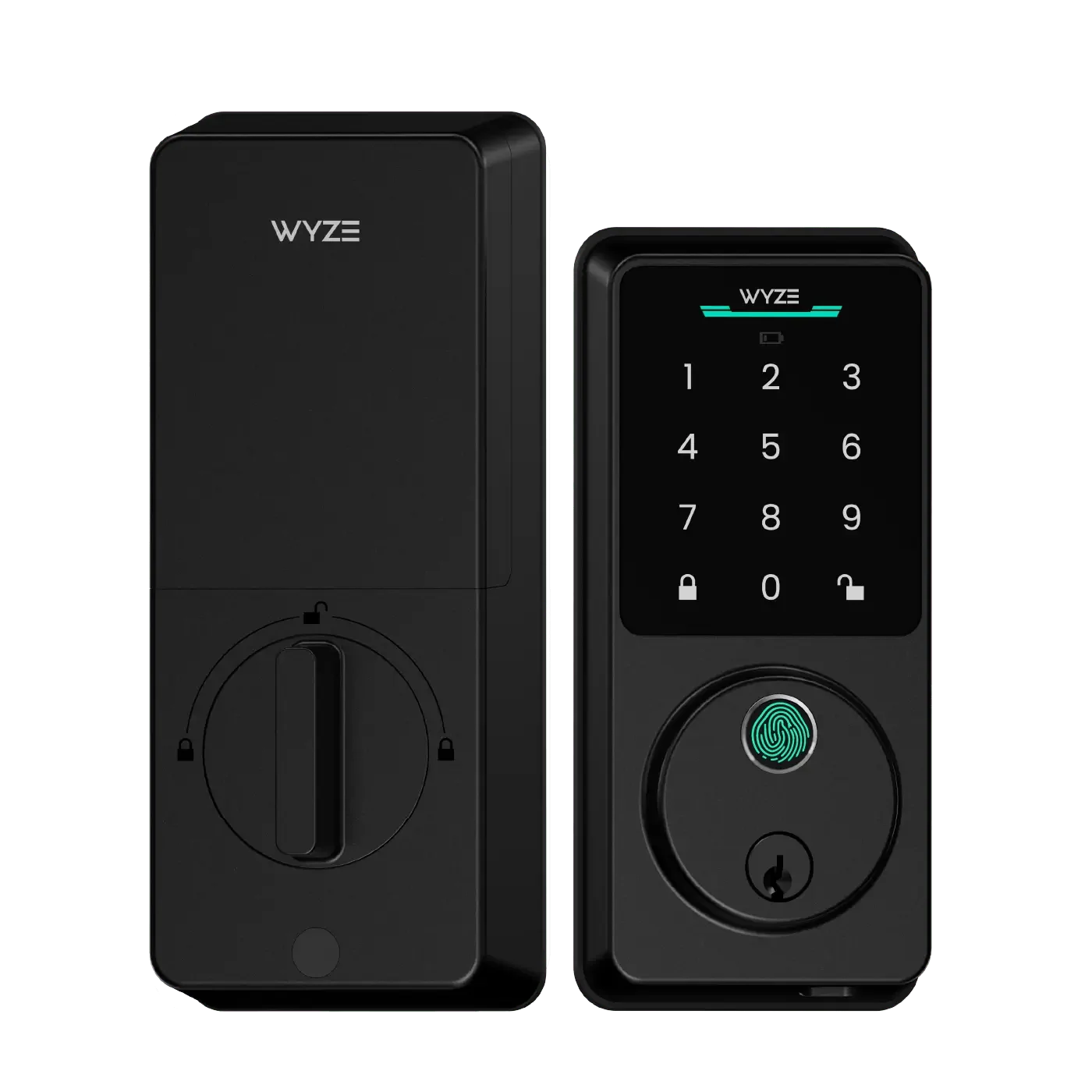
- Smart lock – Grant temporary access to guests or service providers without a physical key.
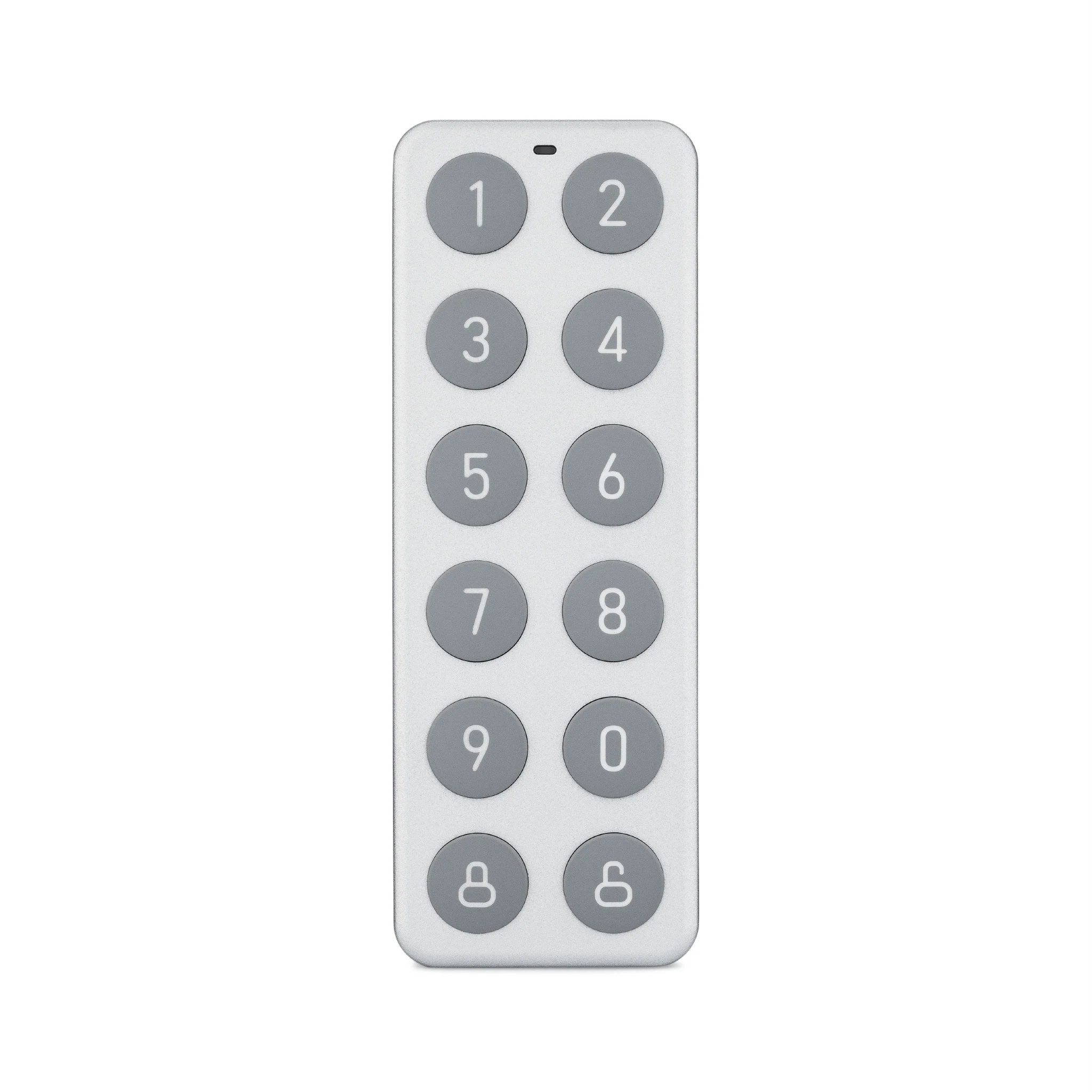
- Keypad – Mount it near the entry door to arm/disarm without your phone.
- Outdoor camera – If you have a balcony or patio, a battery-powered camera adds an extra layer.
Wyze's ecosystem is modular, so you can start small and expand over time.
Cost Comparison: Wyze vs. Traditional Security Systems
| Feature | Wyze DIY System | Traditional Monitored System |
|---|---|---|
| Equipment cost (starter kit) | $80–$200 | $200–$500+ |
| Monthly monitoring fee | $0 (self-monitoring) or ~$10 (optional professional) | $30–$60 |
| Installation | DIY, no tools required | Professional required (often $100+) |
| Renter-friendly | Yes – no drilling, removable | Often requires drilling and wall mounts |
| Contract term | None | 1–3 years |
Tips for Maximizing Your Wyze Home Monitoring
- Use the siren – Wyze devices can trigger a loud siren when a sensor detects an intrusion. This can scare off intruders and alert neighbors.
- Share access – Give trusted roommates or family members access to the app so they can also monitor the system.
- Set up camera schedules – Turn off indoor cameras when you're home for privacy, and arm them when you leave.
- Leverage Wyze's cloud storage – Recorded clips are stored securely, so you can review events later.
- Keep firmware updated – Regular updates improve security and add new features.
Common Questions About Apartment Security with Wyze
Will Wyze devices work if my Wi-Fi goes out?
Most Wyze devices rely on Wi-Fi for alerts and remote access. However, local recording (if you use a microSD card) continues even offline. For critical events, consider adding a cellular backup or a battery-powered camera that records locally.
Can I use Wyze sensors with existing smart home hubs?
Wyze devices work best within the Wyze ecosystem, but many integrate with Alexa and Google Assistant for voice control. You can also bridge them via IFTTT for more advanced automations.
How do I handle false alarms?
Adjust motion sensitivity and set up activity zones in the app. For sensors, use the app's notification settings to silence non-critical alerts (e.g., during the day when you're home).
Final Thoughts: Build Your Wyze Home Monitoring System Today
Setting up a Wyze home monitoring system for your apartment is straightforward, affordable, and renter-friendly. By combining sensors, cameras, and smart lights, you create a layered defense that deters intruders and keeps you informed. Start with the basics—like the Entry Point Security Kit Pro—and expand as needed. For a complete solution, consider pairing it with the Wyze Light Strip Pro to automate lighting and make your apartment look occupied even when you're away. With Wyze, you get professional-grade security without the professional price tag or commitment. Take the first step toward smarter apartment security and explore the full Wyze lineup today.
Ready to transform your apartment into a smart, secure home? Start with the Entry Point Security Kit Pro and build your custom DIY security system from there. Your peace of mind is just a few clicks away.