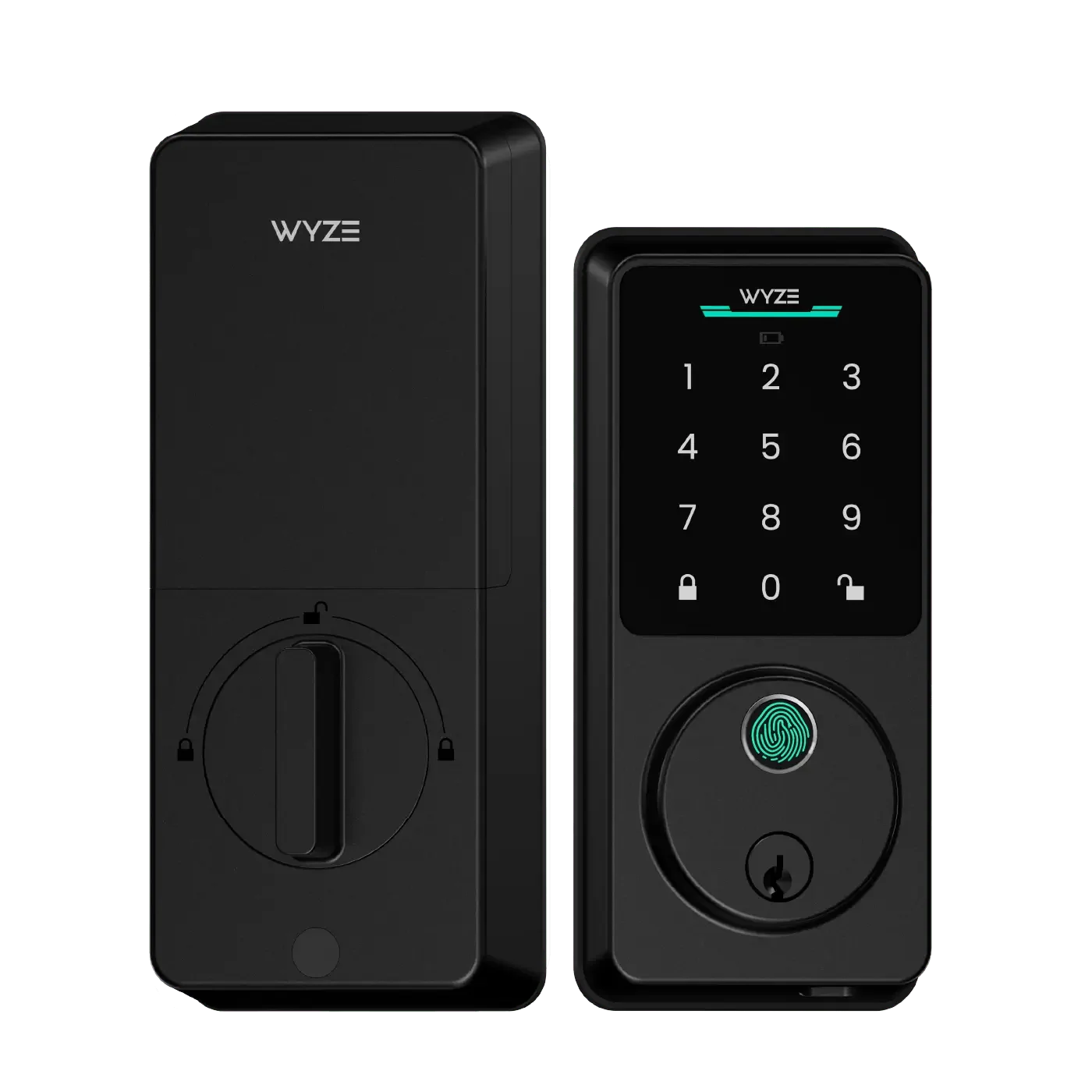
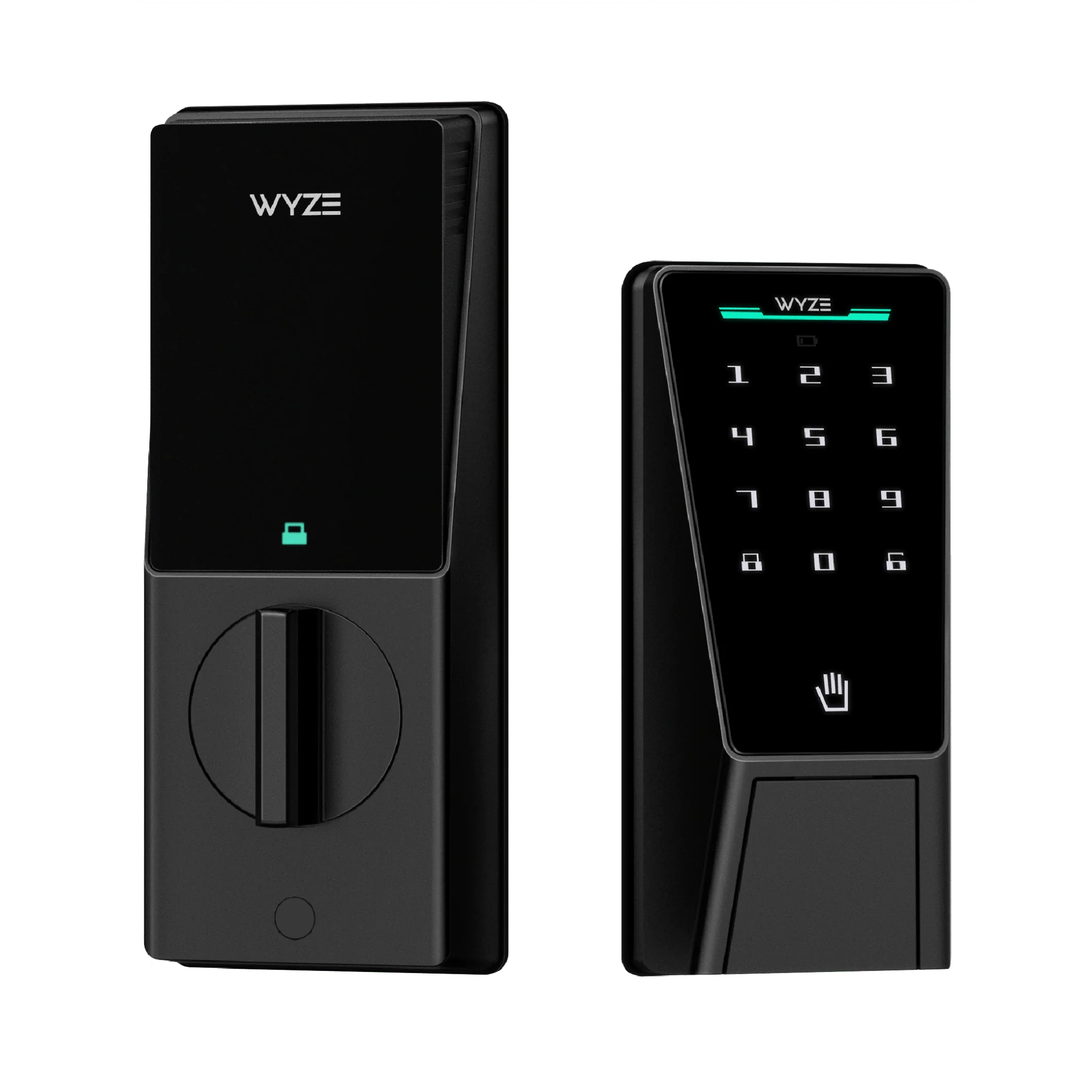
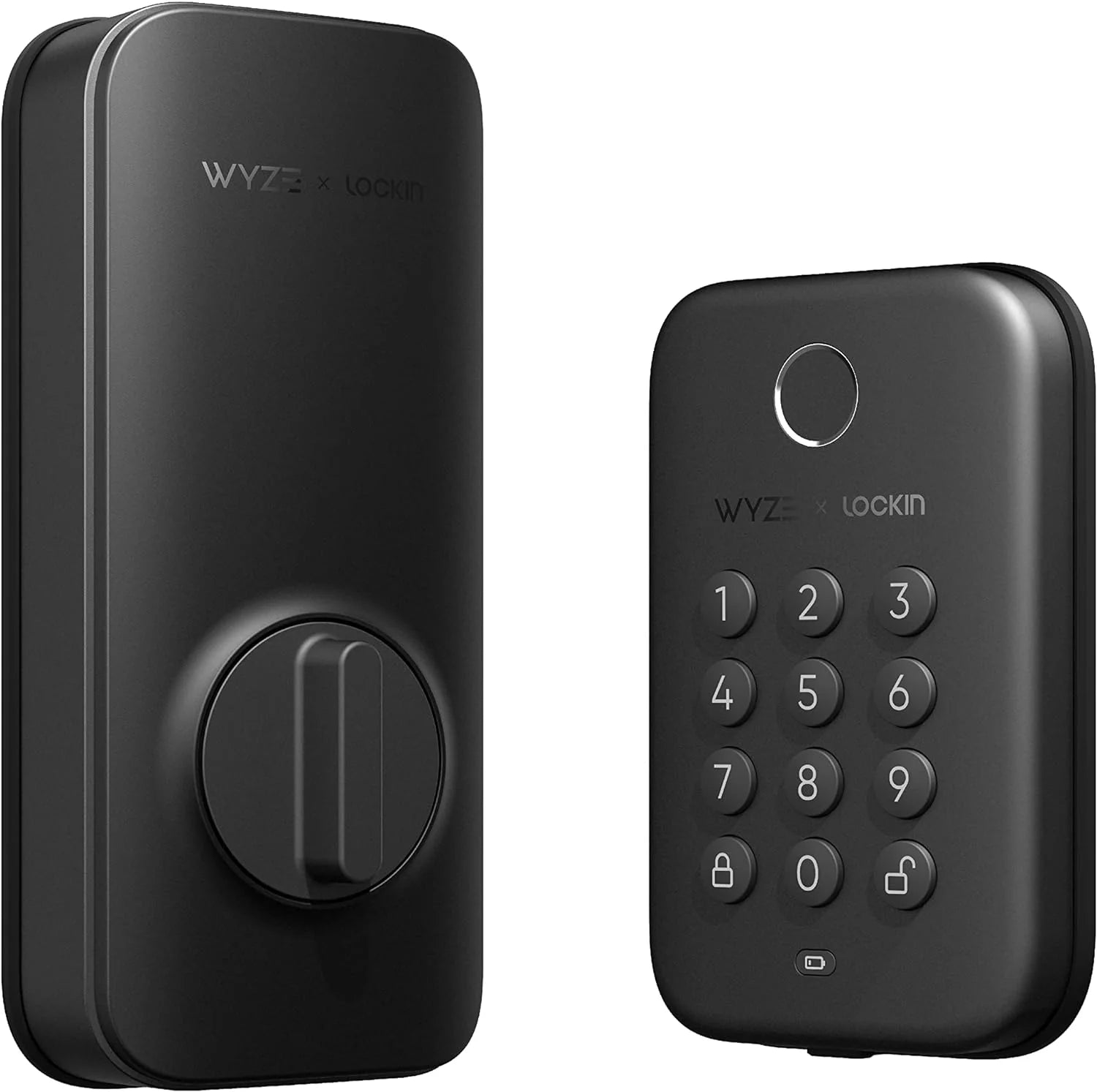
How to Troubleshoot Common Wyze Lock Bolt Issues: A DIY Guide
By Wyzeussale | Published: 2026-06-07
Category: How-to Guides
Solve common Wyze Lock Bolt problems with this DIY guide. From latch alignment to battery issues, learn step-by-step fixes to restore your smart lock's performance.
Smart locks are a cornerstone of modern home security, offering convenience and peace of mind. The Wyze Lock Bolt, known for its affordability and ease of use, is a popular choice among homeowners. However, like any mechanical device, it can encounter issues over time. Whether your lock is sticking, failing to connect, or making unusual noises, this comprehensive DIY guide will walk you through troubleshooting common Wyze Lock Bolt problems. We’ll cover everything from latch alignment to calibration, helping you avoid costly service calls. Plus, we’ll integrate related products like the Wyze Garage Door Controller and the Wyze Security Yard Sign to enhance your overall home security setup.
Understanding Your Wyze Lock Bolt
Before diving into troubleshooting, it’s helpful to understand how the Wyze Lock Bolt works. It replaces your existing deadbolt and uses a motorized mechanism to lock and unlock via the Wyze app, keypad, or key override. It communicates with your Wyze Bridge or hub via Bluetooth and Wi-Fi. Common issues often stem from installation errors, battery problems, or environmental factors.
Common Wyze Lock Bolt Problems
- Latch sticking or not retracting fully – Often due to misalignment or dirt.
- Lock not responding to app or keypad – Usually a connectivity or battery issue.
- Motor noise or grinding – Indicates mechanical resistance.
- Calibration errors – The lock loses its position memory.
- Key override difficult to turn – May require lubrication or adjustment.
Step 1: Check Battery and Power
Low battery is the most common cause of smart lock malfunctions. The Wyze Lock Bolt uses AA batteries, and when voltage drops, the motor may struggle.
- Replace batteries with fresh, high-quality alkaline or lithium cells.
- Check the battery compartment for corrosion or loose connections.
- Use the Wyze app to view battery level (recommended above 20%).
- If the lock is unresponsive, remove batteries for 30 seconds to reset.
For users with multiple smart devices, consider the Wyze Night Light as a companion—it helps illuminate the lock area at night without draining your lock’s battery.
Step 2: Align the Latch and Strike Plate
Misalignment between the deadbolt latch and the strike plate is a frequent culprit. If the door shifts due to weather or settling, the latch may bind.
- Close the door and check if the latch enters the strike plate hole smoothly.
- If it catches, use a screwdriver to loosen the strike plate screws slightly.
- Shift the strike plate slightly (1/16 inch) in the direction needed.
- Tighten screws and test. You may need to file the hole slightly for clearance.
- Re-calibrate the lock via the Wyze app after adjustments.
Pro Tip: Use a Pencil to Lubricate
Graphite from a pencil can act as a dry lubricant. Rub the pencil tip on the latch and strike plate edges to reduce friction. Avoid oil-based lubricants, as they attract dust.
Step 3: Calibrate the Lock
Calibration ensures the lock knows its fully locked and unlocked positions. If you’ve changed batteries or adjusted hardware, recalibration is essential.
- Open the Wyze app and navigate to the lock settings.
- Select “Calibrate” and follow on-screen instructions.
- Manually turn the lock to the fully locked position, then fully unlocked.
- The lock will test the movement. If it fails, repeat after checking alignment.
Calibration can also resolve intermittent connectivity issues, as the lock resets its internal position sensors.
Step 4: Address Wi-Fi and Bluetooth Connectivity
A lock that won’t respond to the app may have a weak signal. The Wyze Lock Bolt relies on a stable Bluetooth connection to the Wyze Bridge or your phone.
- Ensure your Wyze Bridge is within 30 feet of the lock (through walls, less).
- Move the bridge closer or use a USB extension cable to reposition it.
- Restart your router and the Wyze Bridge.
- Delete and re-add the lock in the Wyze app if needed.
If you have multiple smart home devices, the Wyze Garage Door Controller can serve as an additional hub to extend your network’s reach, improving connectivity for all devices.
Step 5: Clean and Maintain the Lock Mechanism
Dust, debris, and humidity can cause jams. Regular maintenance extends your lock’s life.
- Use compressed air to blow out the keyway and latch area.
- Wipe the exterior with a damp cloth (avoid moisture inside).
- Inspect the screws on the interior mounting plate—tighten if loose.
- For sticky key override, use a dry graphite lubricant in the keyway.
When to Seek Professional Help
If you’ve tried all steps and the lock still malfunctions, you may have a defective unit. Contact Wyze support for warranty replacement. Symptoms like continuous motor grinding or inability to calibrate after multiple attempts indicate hardware failure.
Preventative Tips for Long-Term Reliability
- Schedule battery changes every 6 months.
- Check alignment seasonally (doors expand in summer, contract in winter).
- Keep the lock firmware updated via the Wyze app.
- Install a Wyze Security Yard Sign to deter intruders before they test your lock.
Integrating Your Lock with a Full Security System
A smart lock is just one piece of the puzzle. For comprehensive security, combine it with cameras and sensors. For example, the Wyze Cam v3 Spotlight Kit can illuminate your entryway and record any activity, giving you visual confirmation when the lock is used. Pairing with motion sensors can trigger automations, like turning on lights when the door unlocks.
Using Wyze Lock Bolt with Other Smart Devices
Create routines in the Wyze app: “Good Night” mode can lock the door, turn off lights, and arm your system. The lock’s status can also trigger actions on your Wyze Bulb Color BR30 to flash if the door is left ajar.
Conclusion and Next Steps
Most Wyze Lock Bolt issues are solvable with patience and basic tools. By following this guide, you can save time and money while keeping your home secure. Remember to maintain your lock regularly and update software. If you’re looking to expand your smart home ecosystem, the Wyze Garage Door Controller is a natural next step—it integrates seamlessly with your lock for unified control. Explore more accessories at Wyzeussale to build a smarter, safer home today.