How to Use Wyze Smart Locks and Sensors to Create a Vacation Home Security Routine
By Wyzeussale | Published: 2026-06-18
Category: How-to Guides
Learn how to build a complete vacation home security routine using Wyze smart locks, sensors, and cameras. Remotely monitor, automate away mode, and protect your property with ease.
Vacation homes offer a peaceful escape, but they also present unique security challenges. Without daily oversight, an unlocked door, a broken window, or a sudden temperature drop can go unnoticed for days—or weeks. Fortunately, with a well-planned smart home setup, you can monitor and control your second home from anywhere. In this guide, we'll explore how to use Wyze smart locks, sensors, and cameras to create a reliable vacation home security routine that gives you peace of mind while you're away.
Why Wyze for Vacation Home Security?
Wyze stands out in the smart home market for its affordability, ease of use, and robust ecosystem. Unlike high-end systems that require professional installation or monthly subscriptions, Wyze devices are DIY-friendly and work seamlessly together through the Wyze app. For a vacation home—where you might not want to invest thousands—Wyze offers a cost-effective way to build a comprehensive security routine. Key devices include smart locks, motion sensors, contact sensors, cameras, and even environmental monitors.
Step 1: Secure Entry Points with Smart Locks
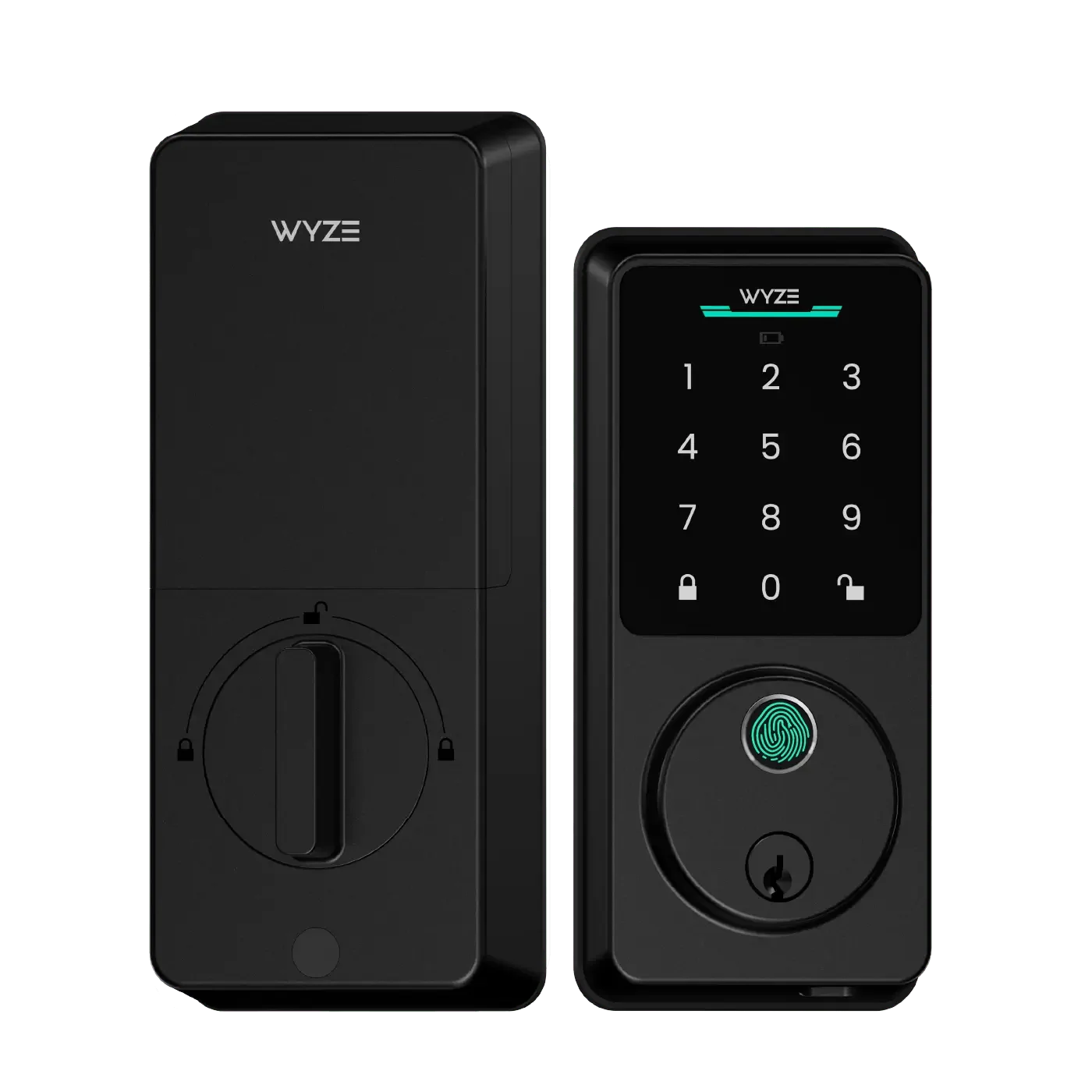
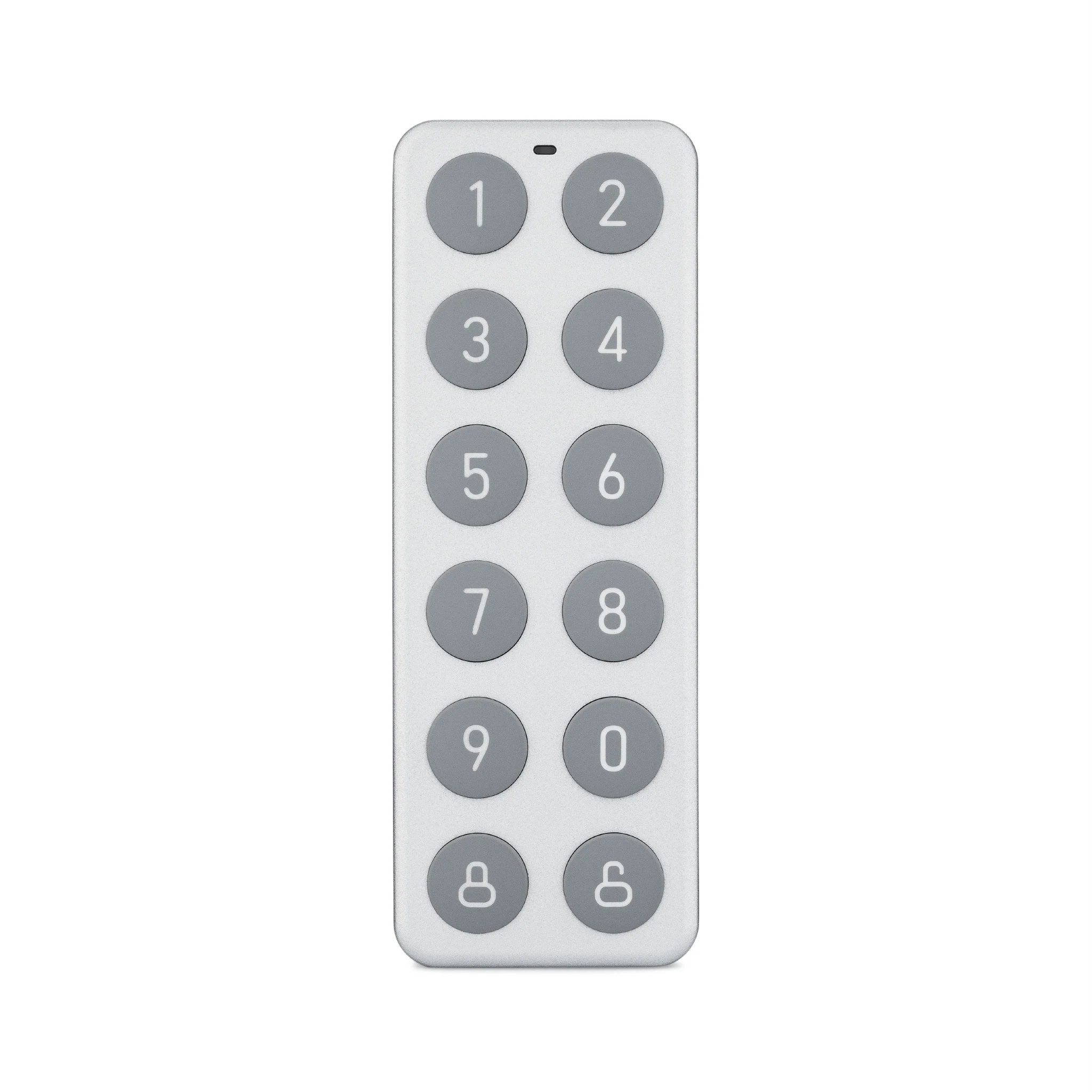
The first line of defense in any vacation home security routine is controlling access. A Wyze Lock Replacement Part Kit can be a lifesaver if your existing lock needs a quick repair, but the core of your entry control should be a full Wyze Lock system. With a smart lock, you can grant access to cleaning services, maintenance workers, or guests without leaving physical keys hidden under a mat. Set up a secure entry code that you can change remotely after each visitor.
To maximize security, pair your smart lock with a Wyze Video Doorbell inside a protected enclosure. When someone approaches, you get a live view and two-way audio. This lets you verify identities before unlocking—even from a different time zone.
Step 2: Add Sensors for Intrusion Detection
Smart locks alone can't detect if a window is forced open or if someone breaks a glass door. That's where Wyze sensors shine. Place Wyze Contact Sensors on every ground-floor window and door. When a sensor is triggered while you're in away mode, you'll receive an instant push notification. For motion detection, use Wyze Motion Sensors in hallways or near valuables. These can also trigger your smart lock to auto-lock if motion is detected after hours.
Consider creating an "Away" routine: when you set the lock to away mode, the sensors arm automatically. If a sensor trips, the system can set off a siren (via a Wyze Cam or a compatible alarm) and send you an alert. This layered approach is far more effective than relying on a single device.
Step 3: Monitor with Cameras (Battery-Powered for Flexibility)
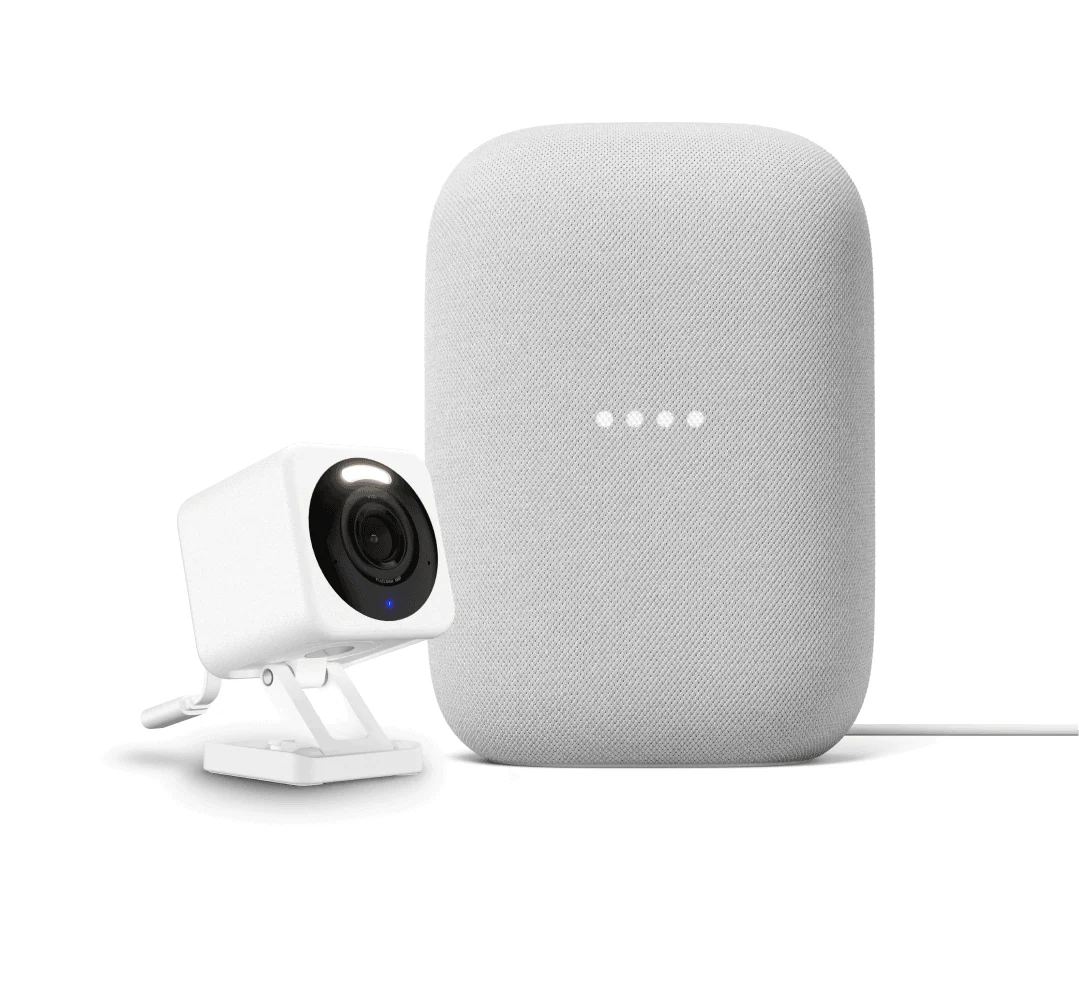
Vacation homes often lack easy access to power outlets in every corner. That's why battery-powered cameras are ideal. The Outdoor Security Plus - Wireless bundle offers a weatherproof camera with a rechargeable battery, plus a hub for extended range. Mount one at the front door and another at the back patio. The camera's two-way audio lets you scare off would-be intruders or talk to delivery drivers.
For indoor monitoring, place a Wyze Cam v3 or Wyze Cam Pan v3 in common areas. These cameras can be set to record only when motion is detected, saving battery life and storage space. Set up a rule: if the front door lock is unlocked and no one is home, trigger the indoor camera to start recording. This creates a visual log of any entry events.
Step 4: Automate Away Mode with Routines
The real power of a Wyze vacation home security routine lies in automation. Using the Wyze app, you can create scenes and rules that activate when you leave. For example:
- Vacation Mode Routine: When you manually arm away mode (or when the lock detects you've left), the system can automatically turn on exterior lights using Wyze Bulbs or the Wyze Light Strip Pro to simulate occupancy.
- Temperature Guard: Use a Wyze Temperature Sensor to monitor the home environment. If the temperature drops near freezing, you can get an alert and remotely adjust a smart plug connected to a space heater (if safe) or notify a neighbor.
- Vacuum While Away: If you have a Wyze Robot Vacuum, set it to clean a few days before your return so the home looks well-maintained. This also reduces dust buildup.
These routines not only deter burglars but also protect your property from environmental damage—a major concern for seasonal homes.
Step 5: Integrate Environmental and Utility Monitoring
Vacation homes are prone to issues like water leaks or power outages. Wyze offers a range of sensors that can alert you to these problems:
- Water Leak Sensor: Place under sinks, near water heaters, or in basements. A leak alert can save you thousands in water damage.
- Smart Plug with Energy Monitoring: Use a Wyze Plug to monitor devices like sump pumps or refrigerators. If power consumption drops unexpectedly (meaning the device turned off), you'll know.
- Outdoor Sprinkler Controller: If you have a yard, the Wyze Weatherproof Sprinkler Controller Box can automate lawn care based on weather data, preventing overwatering while you're away.
Step 6: Share Access with Trusted Contacts
A vacation home security routine isn't complete without a plan for emergencies. In the Wyze app, you can share device access with a neighbor, property manager, or family member. They can receive alerts and even control locks or cameras if needed. For example, if a sensor triggers, your neighbor can check the camera feed and decide whether to call the police. This collaborative approach ensures your property is never truly unattended.
Best Practices for Setting Up Your Routine
- Test everything before you leave. Simulate a door opening and check that notifications arrive on your phone.
- Use a dedicated router. For remote homes, a stable Wi-Fi connection is critical. Consider a mesh system or a cellular backup if internet is unreliable.
- Create a checklist. Before each trip, manually verify that all sensors are armed, the lock is in away mode, and cameras are recording.
- Update firmware. Wyze frequently releases security patches. Keep your devices updated to prevent vulnerabilities.
What About Power Outages?
Vacation homes can lose power during storms. To keep your Wyze system running, invest in a battery-powered backup for your router and a camera that uses the Wyze Battery Charging Dock to keep spare batteries ready. Many Wyze cameras also support local microSD card recording, so even if the internet goes down, you'll have footage stored on-site.
Conclusion: Peace of Mind from Anywhere
Building a vacation home security routine with Wyze doesn't require a huge budget or technical expertise. By combining smart locks, sensors, cameras, and automation routines, you can monitor and protect your second home as if you were there. Whether it's checking who's at the door, receiving a leak alert, or adjusting the thermostat remotely, Wyze puts control in your pocket.
Ready to secure your vacation home? Start with the Apartment Plus Kit—a complete starter bundle that includes a lock, sensors, and a camera to build your custom routine today.