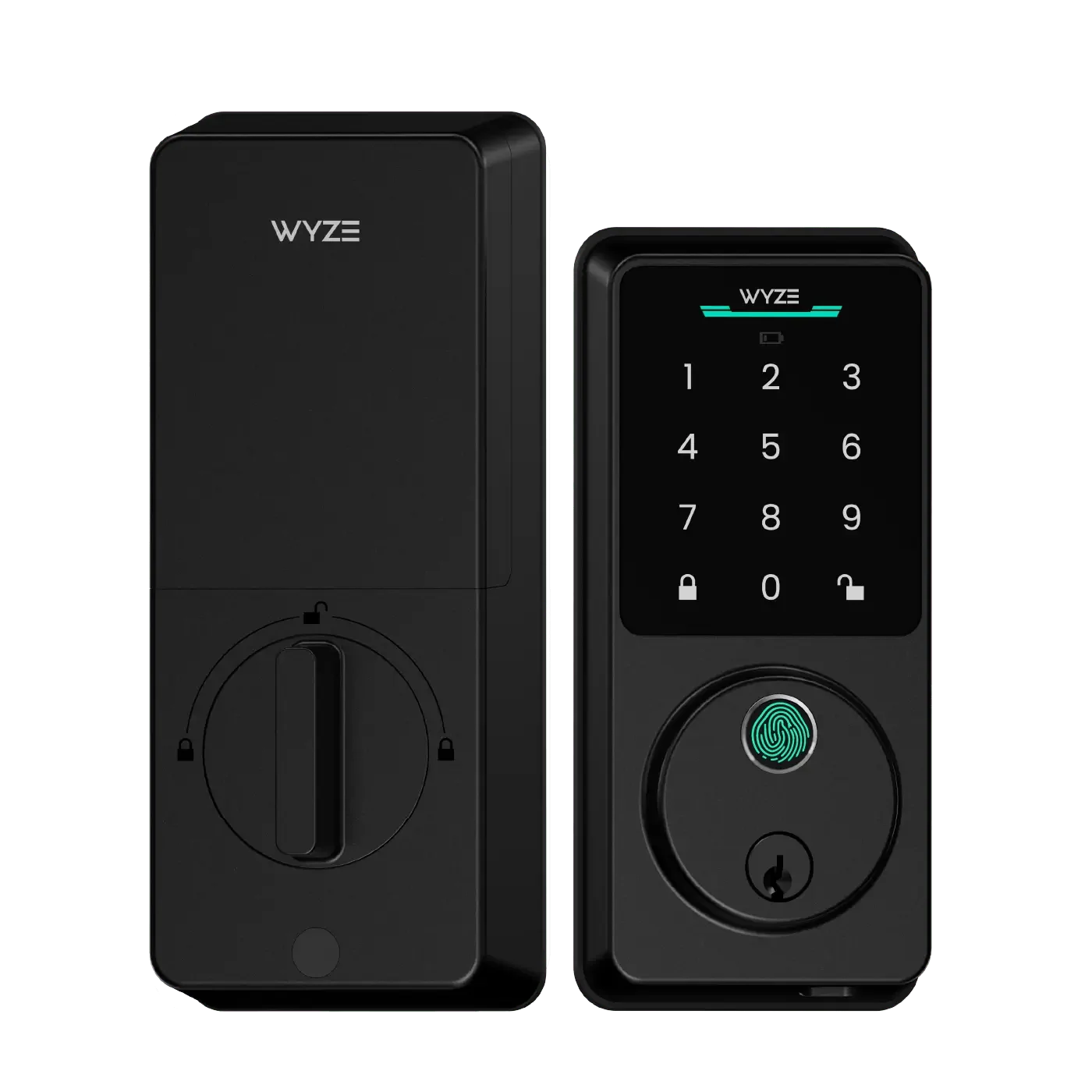
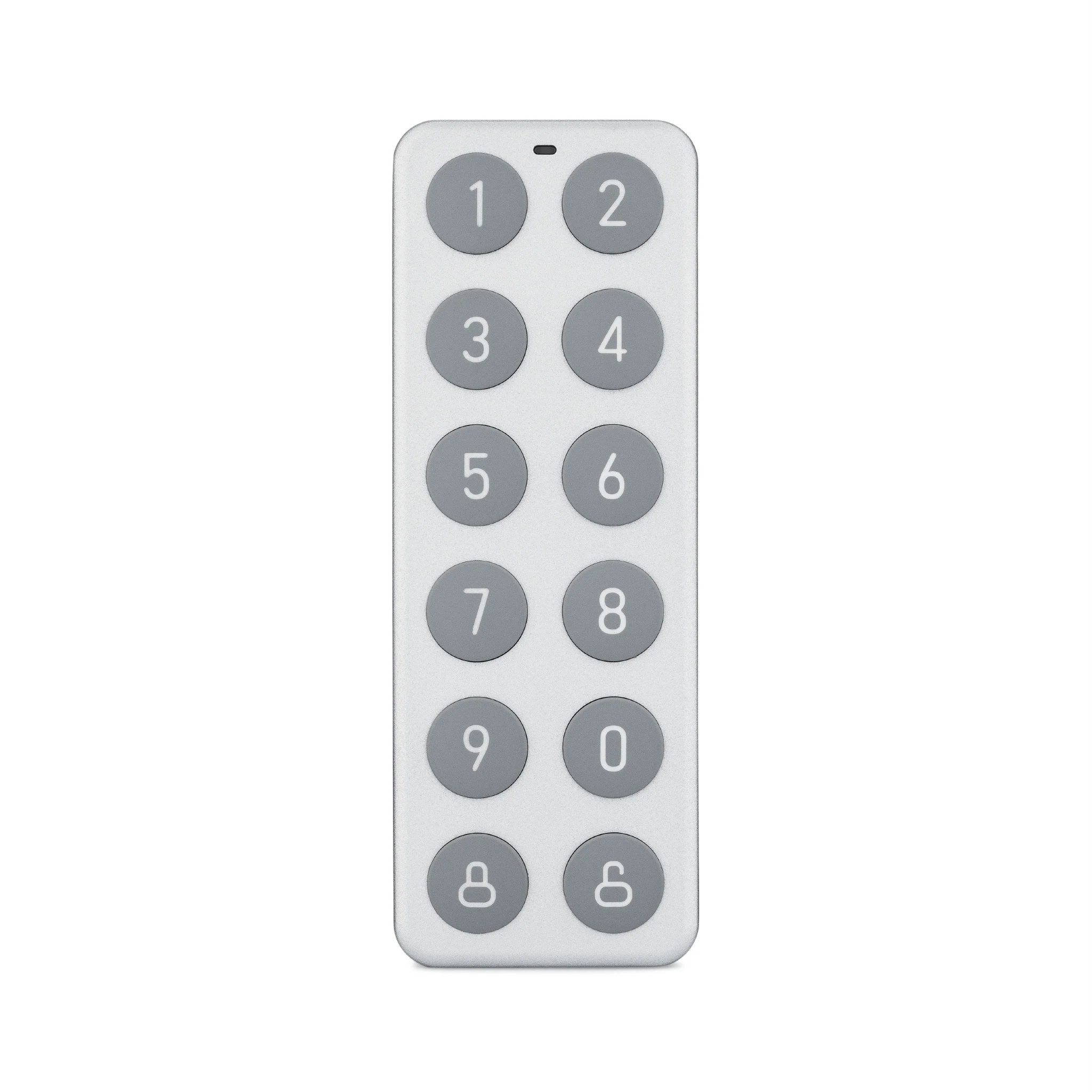
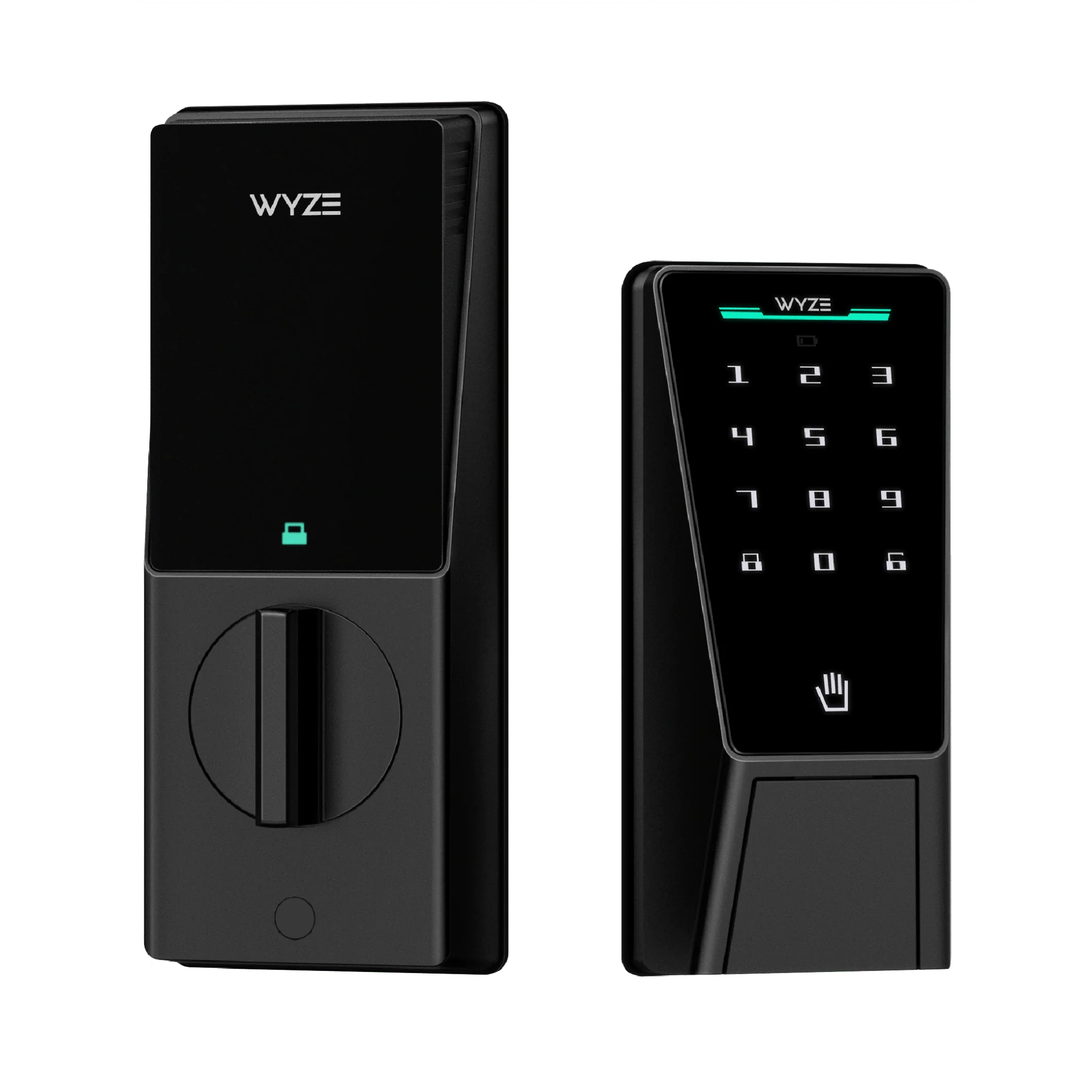
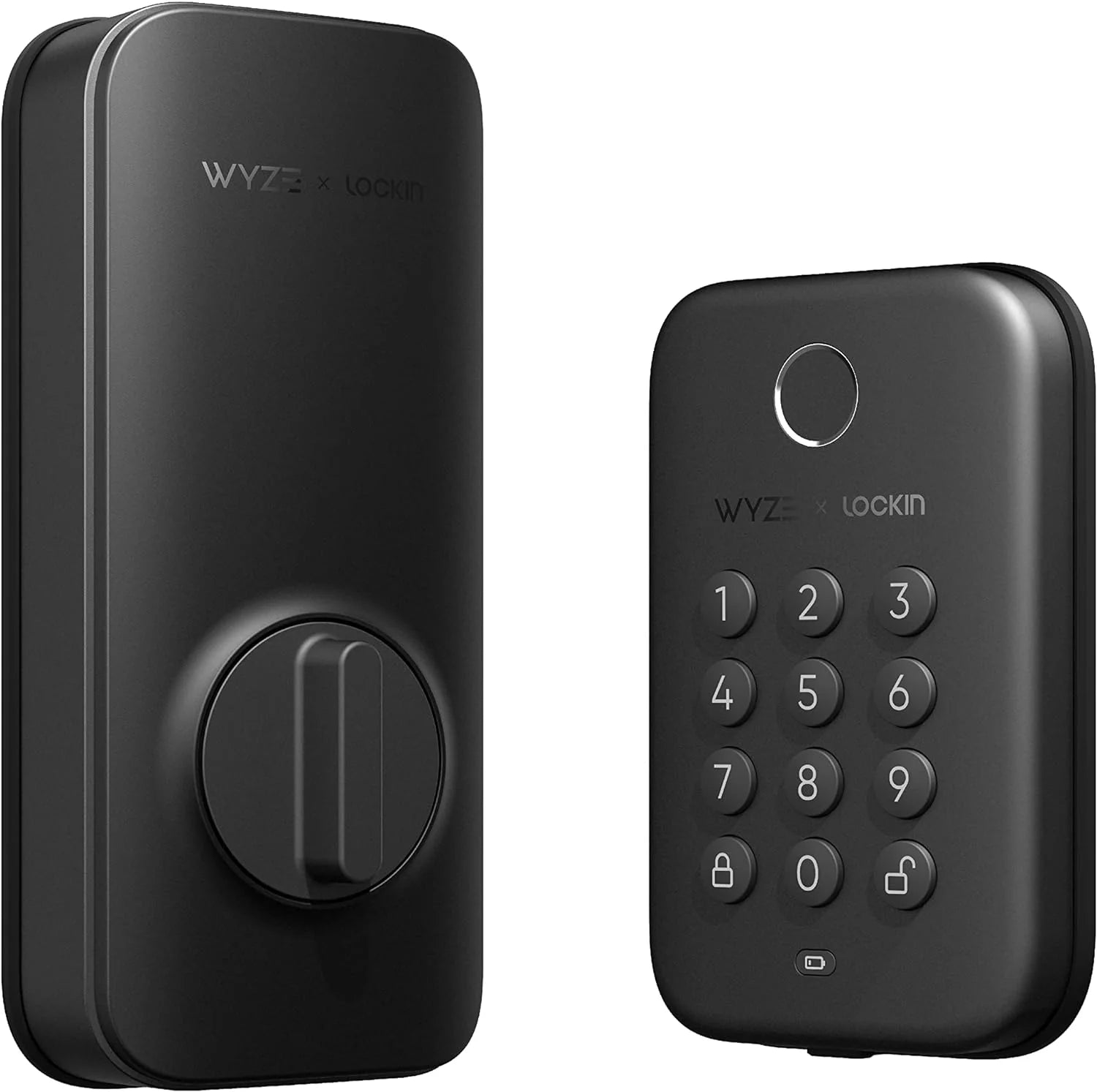
Wyze Lock Replacement Part Kit: How to Troubleshoot and Fix Common Smart Lock Issues
By Wyzeussale | Published: 2026-06-01
Category: How-to Guides
Learn how to troubleshoot and fix common Wyze Lock issues with replacement parts. This guide covers latch misalignment, battery drains, and motor jams to keep your smart lock working smoothly.
Your Wyze Lock is the gateway to a smarter, more convenient home. But like any mechanical device, it can encounter issues over time—whether it's a sticky latch, a sudden battery drain, or a motor that won't budge. Before you call for professional help or consider a replacement, you can often fix the problem yourself with the right Wyze Lock replacement parts and a bit of know-how. In this guide, we'll walk through common smart lock troubles, how to diagnose them, and step-by-step fixes that will save you time and money.
Common Wyze Lock Issues and Their Causes
Smart locks are reliable, but they're not immune to wear and tear. Here are the most frequent problems Wyze Lock users report:
- Latch doesn't fully extend or retract – Often caused by misalignment or a worn-out latch mechanism.
- Battery drains quickly – Could be due to frequent use, cold weather, or a faulty motor drawing extra power.
- Motor runs but lock doesn't move – This points to a jammed gear or a broken internal component.
- Keypad or app fails to respond – Usually a connectivity issue, but sometimes a sign of a dying battery or firmware glitch.
- Lock is stiff or hard to turn manually – Indicates debris buildup or lack of lubrication.
Fortunately, many of these can be fixed with simple smart lock troubleshooting steps and, if needed, a replacement part from Wyzeussale.
Tools and Parts You'll Need for Wyze Lock Repair
Before starting any repair, gather these essentials:
- Phillips-head screwdriver
- Small flat-head screwdriver (for prying)
- Lithium grease or silicone-based lubricant (avoid WD-40)
- Replacement latch or deadbolt assembly (if the original is worn)
- Fresh batteries (preferably lithium for cold climates)
- MicroSD Cards for storing event footage if you're also troubleshooting your camera system
For Wyze Lock-specific fixes, you may need a replacement motor module or a new keypad. While these aren't always sold individually, you can often find compatible parts in our store. For example, if your lock is part of a broader security setup, consider pairing it with the Outdoor Security Basic plan to get cloud recording and smart detection alerts.
Step-by-Step Guide to Fix a Sticky or Misaligned Latch
A misaligned latch is the #1 cause of lock failure. Here's how to fix it:
- Remove the lock from the door: Unscrew the interior and exterior plates. Carefully disconnect the wire harness between the keypad and the motor module.
- Check the latch alignment: Insert the latch into the strike plate hole on the door frame. If it doesn't slide in smoothly, the strike plate may need adjustment. Use a file to widen the hole slightly, or move the strike plate if necessary.
- Inspect the latch mechanism: Look for bent or broken parts. If the latch is chipped or deformed, replace it with a new one. You can find compatible latch assemblies in our accessories section.
- Clean and lubricate: Wipe away dirt and old grease. Apply a small amount of silicone lubricant to the latch and the bolt channel.
- Reassemble and test: Reattach the lock, ensuring no wires are pinched. Test the lock manually and with the app before tightening all screws.
If the latch still sticks, the issue might be with the strike plate depth. Use a chisel to deepen the mortise so the latch fully seats.
How to Diagnose and Fix Battery Drain Issues
Nothing is more frustrating than a dead lock when you're rushing out the door. If your Wyze Lock's batteries last only a few weeks instead of months, try these steps:
- Check battery type: Wyze recommends non-rechargeable lithium batteries. Alkaline batteries may work but drain faster, especially in cold weather. Replace all four batteries at once.
- Reduce lock activity: Each lock/unlock cycle draws power. If you have auto-lock enabled with a short timer, consider extending it to 30 seconds or more.
- Update firmware: Outdated firmware can cause the motor to run inefficiently. Open the Wyze app, go to your lock settings, and check for updates.
- Inspect the motor module: A failing motor can draw excessive current. If the lock feels sluggish or makes unusual noises, the motor may need replacement. Contact support for a replacement part.
- Monitor with a power meter: For advanced users, a multimeter can help measure battery voltage under load. If one battery cell shows significantly lower voltage, it may be defective.
As a bonus tip, position your Wyze Lock away from direct sunlight or extreme temperature swings, as heat and cold accelerate battery drain. For added peace of mind, consider installing a Wyze Security Reflective Sticker near your lock to deter potential intruders.
Motor Jams and Internal Gear Problems: What to Do
If you hear the motor running but the lock doesn't move, the internal gears may be stripped or jammed. This is less common but can happen after years of use or if the lock was installed incorrectly. Here's a fix:
- Remove the lock and separate the interior and exterior assemblies.
- Inspect the gearbox: Look for broken teeth or debris. If the gears are plastic, they can wear down over time. Metal gears are more durable but can still jam if misaligned.
- Attempt manual reset: Some models have a small reset button on the motor module. Press it with a paperclip for 5 seconds. Reconnect the battery and test.
- Replace the motor module: If the gears are damaged, the entire motor module may need replacement. Check our store for OEM parts or contact Wyze support for warranty assistance.
- Realign the mounting plate: A crooked mounting plate can cause the motor to bind. Use a level to ensure the plate is perfectly horizontal, then tighten screws.
While you're working on the lock, it's a good time to check other smart home devices. For example, ensure your MicroSD Cards in your cameras are functioning properly to capture any suspicious activity around your entry points.
Preventive Maintenance: How to Keep Your Wyze Lock Running Smoothly
Prevention is easier than repair. Follow these Wyze Lock maintenance tips to extend its lifespan:
- Lubricate annually: Apply a small amount of graphite powder or silicone spray to the latch and bolt channels. Avoid petroleum-based lubricants that attract dust.
- Check alignment every 6 months: As seasons change, doors can warp or settle. Test the lock manually and adjust the strike plate if needed.
- Clean the keypad: Wipe the touchpad with a microfiber cloth to remove dirt and oils that can affect sensitivity.
- Replace batteries proactively: Change all four batteries every 6 months (or when the app warns you), even if the lock still works.
- Update firmware regularly: Wyze releases updates that improve motor efficiency and battery life. Enable automatic updates in the app.
When to Consider Replacing Your Wyze Lock Entirely
While many issues are fixable, some problems signal it's time for a new lock. If you experience any of the following, a replacement may be more cost-effective:
- Repeated motor failures even after replacing parts
- Cracked or broken housing that compromises weather resistance
- Keypad is unresponsive after cleaning and battery change
- Bluetooth range is too short for your needs
- Lock is more than 3 years old and parts are no longer available
If you decide to upgrade, check out the latest Wyze Lock models on our store. They offer improved security features and faster response times. Also, consider bundling your new lock with a smart doorbell for comprehensive entry monitoring.
Conclusion: Fix It Yourself with Confidence
With the right tools and a little patience, most Wyze Lock issues can be resolved at home. By following this lock repair guide, you can avoid costly service calls and extend the life of your smart lock. Remember to use genuine Wyze Lock replacement parts for the best fit and reliability, and always keep your firmware up to date.
Ready to tackle your Wyze Lock repair? Visit Wyzeussale today to find compatible parts and accessories. For a complete security upgrade, explore the Outdoor Security Basic plan to add cloud recording and smart alerts to your home defense system.