Smart Lock Buying Guide 2025: Key Features, Security Tips, and Wyze Lock Bolt Review
By Wyzeussale | Published: 2026-05-24
Category: Product Reviews
Discover the essential smart lock features for 2025, from keyless entry and encryption to integration with home security. Our buying guide includes a detailed look at the Wyze Lock Bolt and tips for choosing the best smart lock for your home.
Smart locks have become a cornerstone of modern home security, offering convenience, control, and peace of mind. As we move into 2025, the market is flooded with options, but not all smart locks are created equal. Whether you're a first-time buyer or upgrading an existing system, this smart lock buying guide will walk you through the key features to look for, from encryption standards and battery life to seamless integration with your smart home ecosystem. We'll also spotlight one of the most compelling options on the market: the Wyze Lock Bolt, and show you how it stacks up against the competition.
Why Upgrade to a Smart Lock in 2025?
Traditional locks have served us well for centuries, but smart locks bring a new level of functionality. Imagine unlocking your door with your smartphone, granting temporary access to a dog walker, or receiving an alert when your child arrives home from school. Smart locks also integrate with other security devices, like cameras and sensors, to create a comprehensive home security system. In 2025, the technology is more reliable and affordable than ever, making it an ideal time to invest.
Key Smart Lock Features to Consider
When evaluating a smart lock, focus on these critical factors to ensure you get the best value and security for your home.
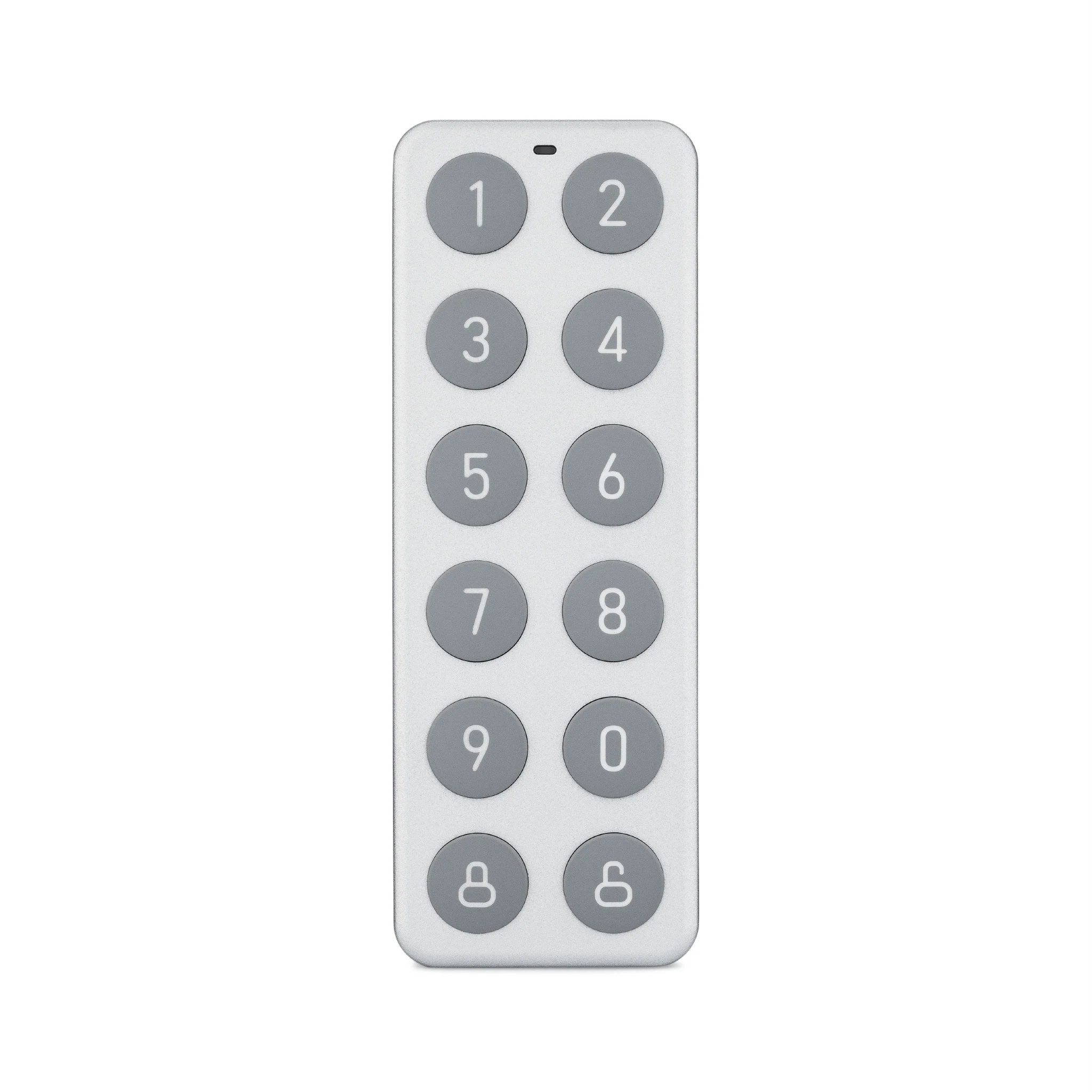
- Keyless Entry Methods: Look for locks that offer multiple ways to unlock, such as PIN codes, smartphone app control, key fobs, and even voice commands via Alexa or Google Assistant. The best locks also retain a traditional key slot as a backup.
- Encryption and Security: In 2025, cybersecurity is paramount. Choose a lock with AES-128 or AES-256 encryption, tamper alerts, and two-factor authentication (2FA) for the app. Avoid locks that rely solely on Bluetooth without encryption.
- Battery Life and Low-Battery Alerts: Most smart locks run on AA or lithium batteries. Look for models that offer 6–12 months of battery life and send push notifications when power is low. Some, like the Wyze Lock Bolt, also feature a low-battery warning right in the app.
- Integration with Smart Home Systems: Ensure the lock works with your existing ecosystem—whether that's Wyze, Amazon Alexa, Google Home, Apple HomeKit, or Samsung SmartThings. Seamless integration allows you to create routines, like locking the door when you arm your security system.
- Auto-Lock and Away Modes: The ability to automatically lock the door after a set time (e.g., 30 seconds) is a must. Away modes can simulate occupancy by locking and unlocking at random intervals when you're on vacation.
- Guest Access and Activity Logs: For Airbnb hosts or frequent guests, look for locks that let you create temporary codes with expiration dates. Activity logs show who entered and when, which is invaluable for monitoring.
- Physical Build and Installation: Choose a lock made from durable materials like zinc alloy or stainless steel. Most smart locks fit standard deadbolt holes, but check dimensions. Some models, like the Wyze Lock Bolt, are designed for easy DIY installation without drilling new holes.
Spotlight: Wyze Lock Bolt – A Top Contender for 2025
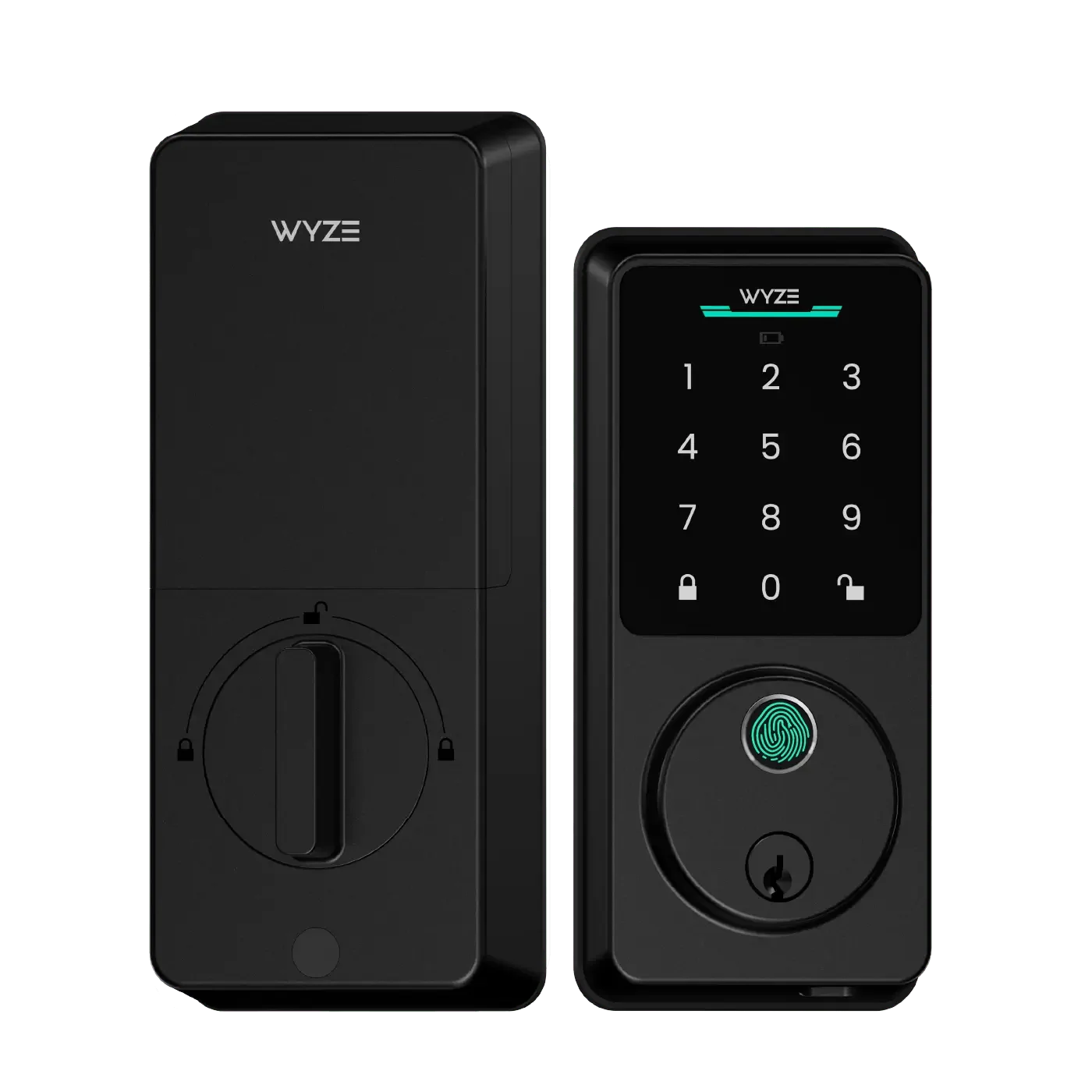
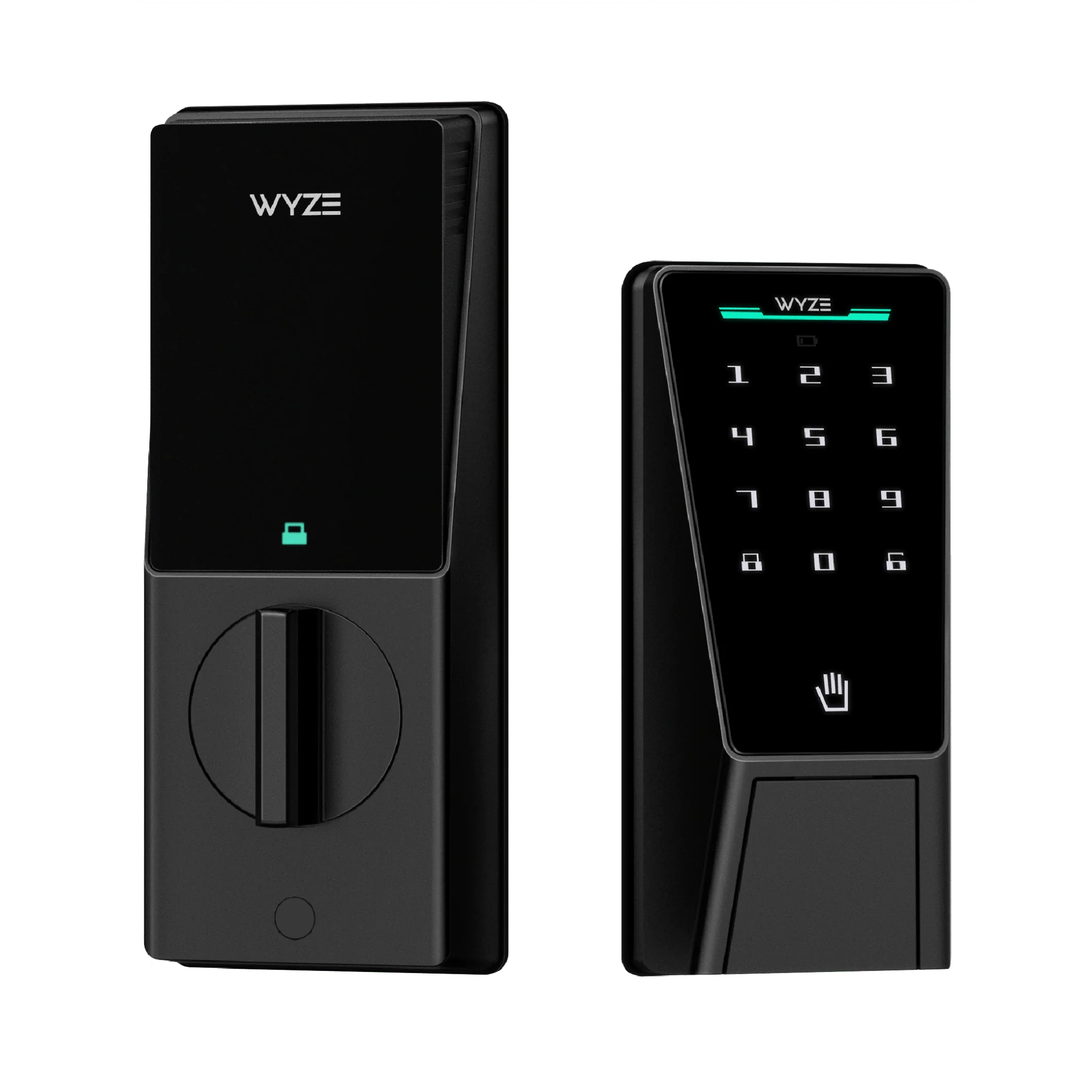
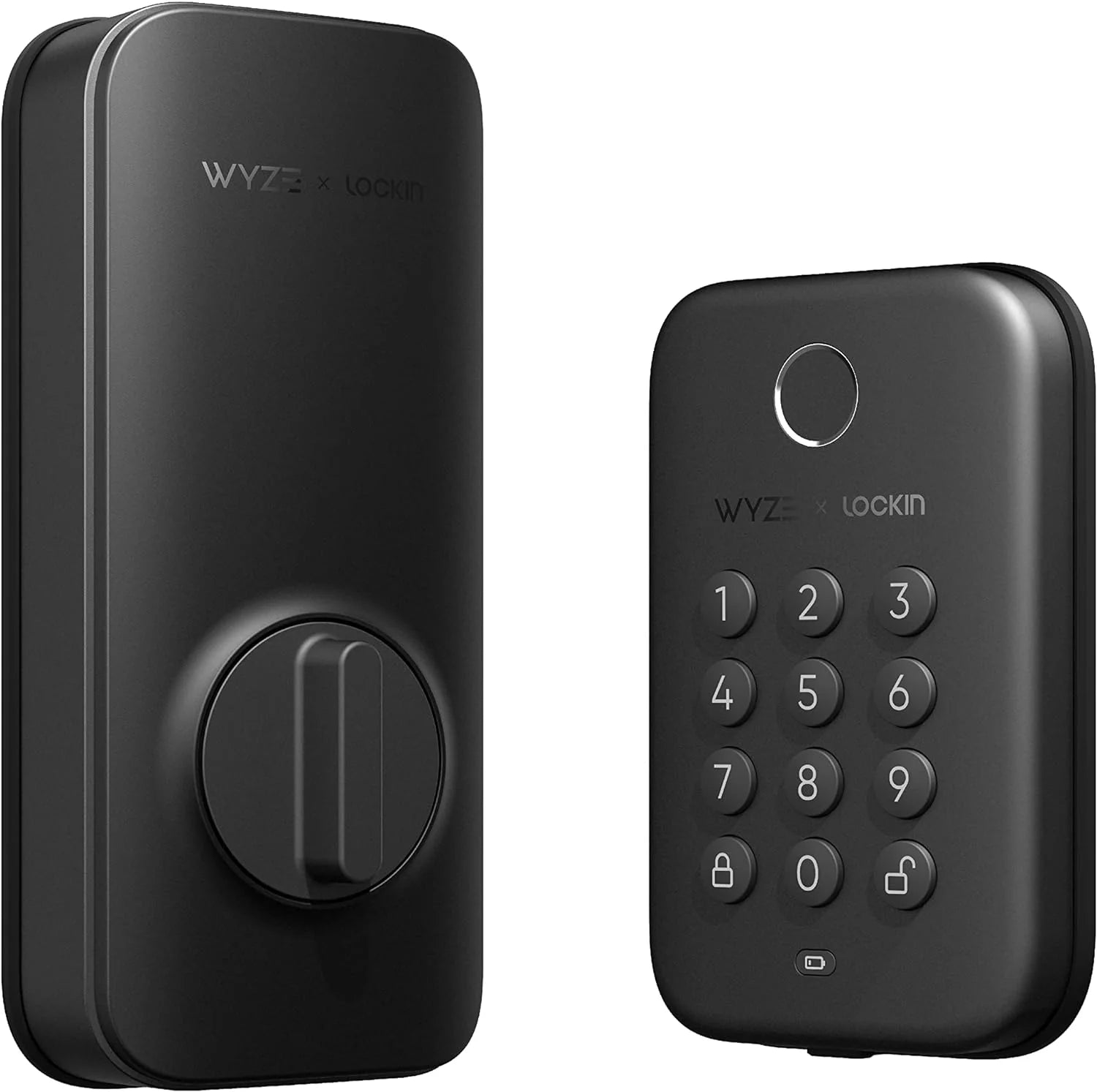
The Wyze Lock Bolt stands out in the crowded smart lock market for its blend of affordability, ease of use, and robust feature set. It offers keyless entry via a built-in keypad, smartphone app, and voice control. The lock uses AES-128 encryption and includes tamper alerts, so you're notified if someone tries to force the lock. One of its best features is the low-battery warning, which prevents you from getting locked out. Installation is straightforward—it fits most standard doors and takes about 30 minutes to set up. For those looking to build a complete smart home, the Wyze Lock Bolt pairs perfectly with other Wyze products, such as the Wyze Noise-Cancelling Headphones for private listening while you monitor your home, or the Outdoor Security Basic package to extend protection to your property's perimeter.
How Wyze Lock Bolt Compares to Competitors
To help you make an informed decision, here's a comparison of the Wyze Lock Bolt against two popular alternatives: August Wi-Fi Smart Lock and Schlage Encode Plus.
| Feature | Wyze Lock Bolt | August Wi-Fi Smart Lock | Schlage Encode Plus |
|---|---|---|---|
| Price | $89.99 | $199.99 | $269.99 |
| Keyless Entry | Keypad, App, Voice | App, Voice, Auto-Unlock | Keypad, App, Voice, Fingerprint |
| Encryption | AES-128 | AES-128 | AES-256 |
| Integration | Wyze, Alexa, Google | Alexa, Google, Apple HomeKit | Alexa, Google, Apple HomeKit |
| Battery Life | 6–9 months | 3–6 months | 6–12 months |
| Installation | Easy DIY, no drilling | Moderate, replaces interior only | Moderate, replaces entire lock |
| Activity Logs | Yes, in app | Yes, in app | Yes, in app |
As the table shows, the Wyze Lock Bolt offers excellent value for its price, especially if you're already invested in the Wyze ecosystem. While it lacks Apple HomeKit support and a fingerprint reader, its combination of keypad entry, app control, and strong encryption makes it a solid choice for most homeowners. For those who prioritize advanced biometrics or HomeKit, the Schlage Encode Plus is a worthy upgrade, but at nearly three times the cost.
How to Choose the Right Smart Lock for Your Home
Before making a purchase, assess your specific needs. Ask yourself:
- Do you rent or own? Renters should look for locks that don't require permanent modifications, like the Wyze Lock Bolt, which replaces only the interior thumb turn.
- How many users will access the lock? If you have a large family or frequent guests, prioritize locks with unlimited codes and easy code management.
- What's your smart home platform? Stick with a lock that integrates natively with your existing hub. For Wyze users, the Wyze Lock Bolt is a no-brainer.
- Do you need remote access? Most smart locks offer remote lock/unlock via Wi-Fi or a bridge. Ensure your lock supports this, especially if you travel often.
Installation Tips for Your New Smart Lock
Installing a smart lock is usually a weekend DIY project. Follow these steps for a smooth setup:
- Remove your old deadbolt and verify the door prep (bore hole size and backset).
- Follow the manufacturer's instructions—most include a template for drilling if needed.
- Install the lock and latch, then attach the interior escutcheon.
- Download the companion app, create an account, and pair the lock via Bluetooth or Wi-Fi.
- Test all entry methods (keypad, app, key) before finalizing the installation.
If you encounter issues, check the app for firmware updates or contact customer support. For Wyze products, the Wyze app provides step-by-step video guides.
Enhancing Your Smart Lock with Other Accessories
A smart lock works best as part of a larger security network. Consider pairing it with a video doorbell to see who's at the door before you unlock it, or with motion sensors to trigger auto-lock when no one is home. The Wyze Cordless Vacuum - HEPA Filter might not directly relate to security, but it's a great example of how you can build a cohesive smart home with Wyze products—one that's both secure and clean. For those who want to personalize their devices, the Wyze Cam v4 Skins by dBrand (Skin Only) allow you to customize your security camera to match your décor, making your smart home both functional and stylish.
Common Smart Lock Myths Debunked
Still on the fence? Let's clear up some misconceptions:
- Myth: Smart locks can be hacked easily. Reality: Modern smart locks use strong encryption and require physical proximity or account credentials to breach. No lock is 100% unhackable, but the risk is minimal compared to traditional locks that can be picked.
- Myth: Smart locks drain batteries quickly. Reality: Most last 6–12 months with normal use. Frequent remote access or Wi-Fi connectivity can reduce battery life, but you'll get plenty of warning.
- Myth: You need a professional to install them. Reality: Most smart locks are designed for DIY installation. If you can use a screwdriver, you can install a Wyze Lock Bolt in under an hour.
Conclusion and Call to Action
As we embrace 2025, a smart lock is one of the most impactful upgrades you can make for your home's security and convenience. By focusing on encryption, integration, battery life, and ease of use, you can find a lock that fits your lifestyle and budget. The Wyze Lock Bolt excels in all these areas, offering a premium experience at an affordable price. Whether you're building a new smart home or upgrading your existing setup, the Wyze Lock Bolt is a reliable choice that won't disappoint. Ready to take the next step? Explore the Outdoor Security Basic package to pair your smart lock with outdoor cameras and sensors for a complete security system that protects every corner of your property.