Wyze Bulb Color vs. Philips Hue: Which Smart Lighting Ecosystem Is Better for Your Home?
By Wyzeussale | Published: 2026-06-14
Category: Product Reviews
Compare Wyze Bulb Color and Philips Hue smart lighting ecosystems. Learn about cost, features, integration, and which is best for your smart home.
Smart lighting has become one of the most accessible and impactful upgrades for any modern home. Among the many options on the market, two names stand out: Wyze and Philips Hue. While Philips Hue has long been the gold standard for color-changing bulbs, Wyze has disrupted the market with surprisingly affordable alternatives. In this head-to-head comparison, we’ll break down the key differences between the two ecosystems — from initial cost and color quality to app control and smart home integration — so you can decide which is right for your home.
Overview of Wyze Bulb Color and Philips Hue
Philips Hue is the veteran in the smart lighting space, offering a wide range of bulbs, lightstrips, and fixtures that work seamlessly with most smart home platforms. The Hue ecosystem relies on a bridge (hub) to connect bulbs to your network, which adds cost but also enables robust features like out-of-home control, automation, and third-party integrations.
Wyze, on the other hand, has built a reputation for delivering high-value smart home products at a fraction of the cost of competitors. The Wyze Bulb Color is a Wi-Fi-enabled bulb that requires no hub — it connects directly to your home network. This simplicity and low price point make it an attractive option for those just starting with smart lighting or looking to outfit an entire home without breaking the bank. For those already invested in the Wyze ecosystem, the bulb integrates naturally with other products like the Wyze Switch and motion sensors.
Cost and Value: Wyze Wins on Price
One of the most significant differences between these two ecosystems is cost. A single Philips Hue White and Color Ambiance bulb (A19) typically retails for around $50, and you’ll need the Hue Bridge (about $60) for full functionality. In contrast, a two-pack of Wyze Bulb Color bulbs is often priced under $30 — and no hub is required. That means you can light three rooms with Wyze for the price of one Hue bulb.
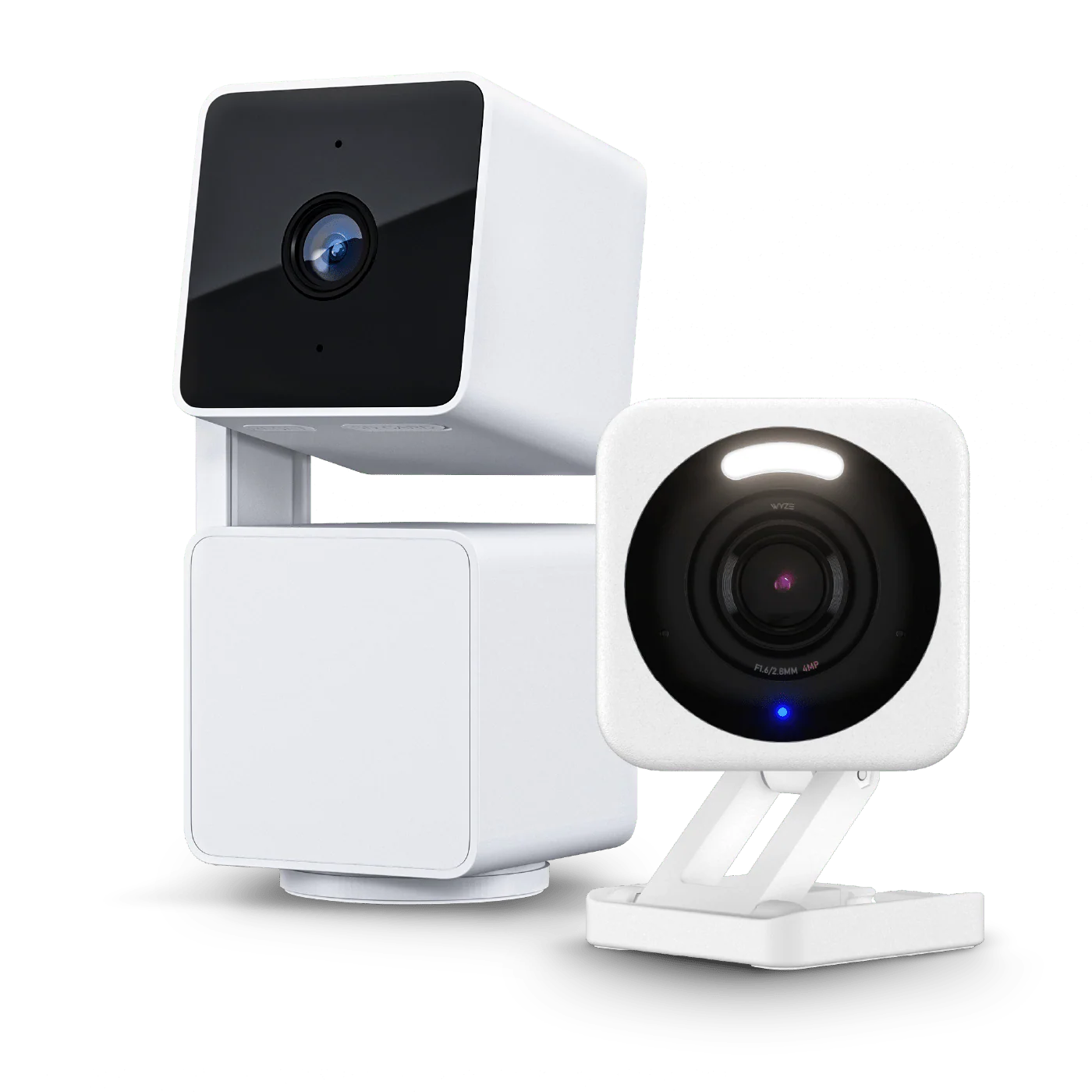
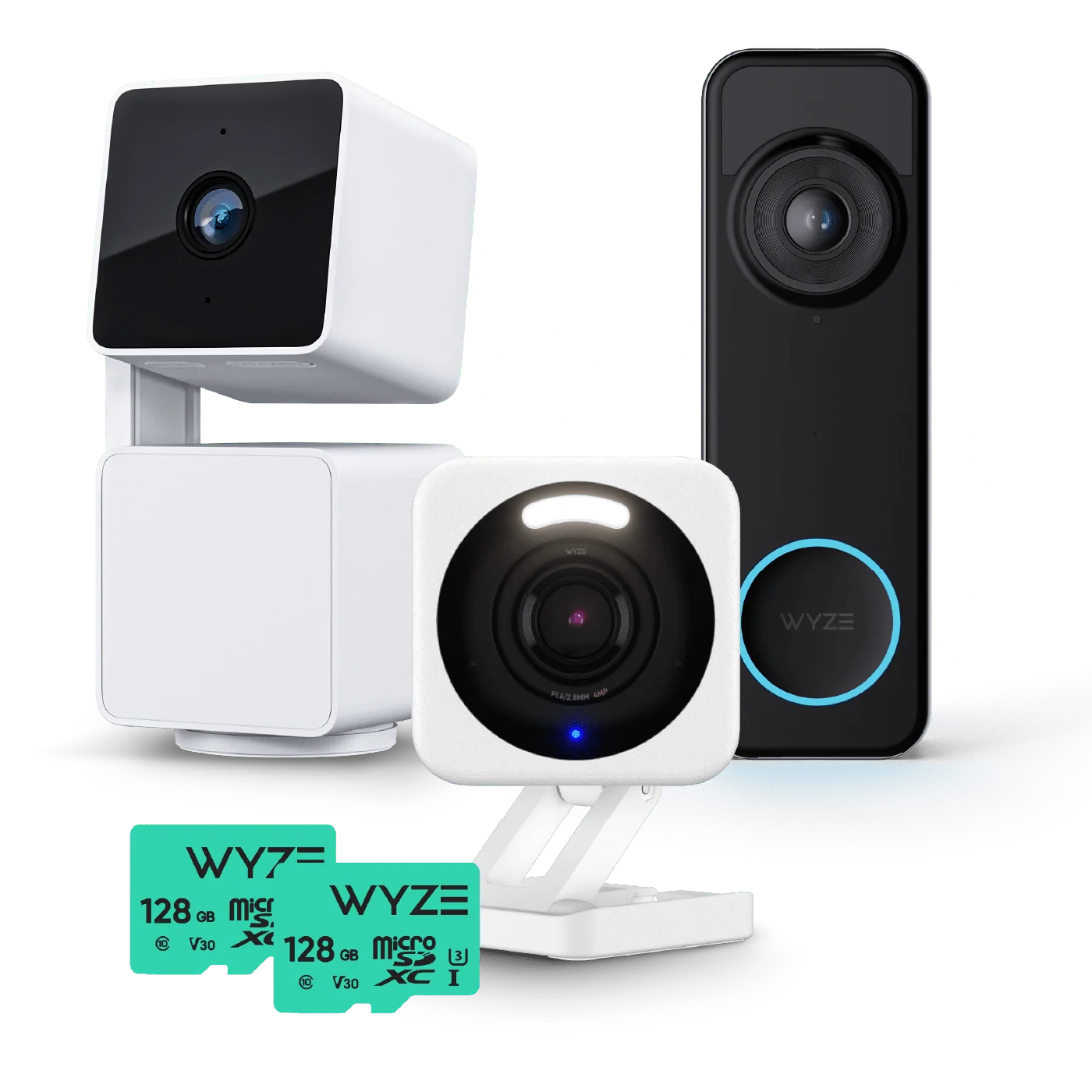
Wyze also offers bundles that include smart bulbs alongside other devices. For example, if you’re building out a full smart home, the Apartment Pro Kit combines a camera, sensor, and bulbs to give you a complete starter system. This kind of value is hard to beat for budget-conscious homeowners or renters.
That said, Philips Hue bulbs often go on sale, and the ecosystem’s longevity and reliability may justify the premium for some users. Hue bulbs are known for lasting years without connectivity issues, and the company offers a wide range of form factors — including GU10, BR30, and outdoor-rated bulbs — that Wyze does not currently match.
Color Quality and Brightness
When it comes to color performance, Philips Hue has a slight edge. Hue bulbs produce rich, saturated colors with smooth transitions and support a wide color gamut (up to 16 million colors). The white light range is also impressive, spanning from warm candlelight (2200K) to cool daylight (6500K). The brightness of a standard Hue color bulb is around 800 lumens, comparable to a 60W incandescent.
Wyze Bulb Color also offers 16 million colors and a similar white temperature range (2700K–6500K). In practice, colors are vibrant and pleasing, though some users report slightly less saturation in certain hues (like deep reds or blues) compared to Hue. Brightness is rated at 800 lumens as well, so for general room lighting, the two are very close. However, Hue bulbs tend to maintain consistent color quality at lower dimming levels, while Wyze bulbs can sometimes exhibit a slight flicker or color shift when dimmed very low.
If you’re a lighting enthusiast or plan to use color lighting as a primary decorative element, Hue’s superior color engineering may be worth the extra investment. For everyday use — accent lighting, mood scenes, or fun party colors — Wyze performs admirably.
Smart Home Integration and Ecosystem
This is where the two ecosystems diverge most significantly. Philips Hue supports a vast array of smart home platforms, including Apple HomeKit, Amazon Alexa, Google Assistant, IFTTT, and even Samsung SmartThings. The Hue Bridge allows for local control (no cloud dependency), which means faster response times and continued operation even if your internet goes down. Hue also supports Matter via a software update, ensuring future compatibility with the emerging smart home standard.
Wyze Bulb Color works with Alexa and Google Assistant, but notably lacks native HomeKit support. It also does not have a bridge, so control relies on a cloud connection. This means if your Wi-Fi or internet goes down, you lose remote control and automation. However, for most users, this is a minor inconvenience. Wyze’s app is user-friendly and offers robust scheduling, group control, and routines. The bulbs can also be integrated with other Wyze devices — for example, you can set a bulb to flash red when a Wyze Lock detects an unauthorized entry attempt.
Another consideration: Hue’s ecosystem includes accessories like the Hue Tap switch and motion sensors, which work locally with the bridge for near-instant response. Wyze offers its own sensors and switches, but they rely on cloud processing, introducing a slight delay (usually under a second).
Setup and Ease of Use
Wyze Bulb Color is incredibly easy to set up. Screw in the bulb, flip the switch, open the Wyze app, and follow the in-app instructions. The bulb connects directly to your Wi-Fi network (2.4 GHz) and is ready in under two minutes. No hub, no extra cables, no confusion.
Philips Hue setup requires you to plug in the Hue Bridge, connect it to your router via Ethernet, and then pair each bulb by serial number or by scanning a QR code. While not difficult, it adds a few extra steps and requires a spare Ethernet port on your router. The benefit is a more stable, dedicated network for your lights, which is especially useful in larger homes with many bulbs.
For small apartments or first-time smart home users, Wyze’s simplicity is a clear advantage. For tech enthusiasts or those with a large number of bulbs, the Hue Bridge’s reliability may be preferable.
Feature Comparison Table
| Feature | Wyze Bulb Color | Philips Hue (Color) |
|---|---|---|
| Price per bulb (approx.) | $12–15 (2-pack often under $30) | $50 (single) |
| Hub required | No | Yes (Hue Bridge ~$60) |
| Brightness (lumens) | 800 | 800 |
| White temperature range | 2700K–6500K | 2200K–6500K |
| Number of colors | 16 million | 16 million |
| Smart home platforms | Alexa, Google Assistant | Alexa, Google, HomeKit, IFTTT, SmartThings, Matter |
| Local control (no cloud) | No | Yes (via Hue Bridge) |
| Dimming smoothness | Good (slight shift at low levels) | Excellent |
| App quality | User-friendly, basic routines | Feature-rich, advanced scenes |
| Warranty | 1 year | 2 years |
Which Ecosystem Should You Choose?
The answer depends on your priorities:
- Choose Wyze Bulb Color if: You’re on a tight budget, want to outfit multiple rooms with color lighting, prefer a hub-free setup, or are already invested in the Wyze smart home ecosystem. The low cost per bulb makes it easy to experiment without regret.
- Choose Philips Hue if: You own an Apple HomeKit setup, demand the best color accuracy and dimming performance, need a wide variety of bulb shapes, or want local control that works even during internet outages. Hue is the more mature, polished system.
For many users, a hybrid approach might work best. Use Wyze bulbs in less critical areas like closets, basements, or guest rooms, and invest in Hue for the living room or home theater where color quality matters most. Both brands are reliable and offer excellent app experiences.
Final Verdict
Philips Hue remains the premium choice with unmatched ecosystem depth, but Wyze has proven that affordable smart lighting doesn’t have to feel cheap. The Wyze Bulb Color delivers 90% of the features at 25% of the price. For most households, especially those just beginning their smart home journey, Wyze is the smarter buy. But if you’re a lighting purist or need HomeKit compatibility, Hue is still the king.
Call to Action
Ready to upgrade your home lighting without breaking the bank? Explore the Apartment Pro Kit from Wyze and see how easy it is to build a complete smart home ecosystem that includes color-changing bulbs, sensors, and security cameras — all at a price that leaves Hue in the dust.