Wyze Wi-Fi 6 Mesh Router vs Google Nest Wifi: Which Mesh System Offers Better Coverage?
By Wyzeussale | Published: 2026-05-30
Category: Product Reviews
Compare Wyze Wi-Fi 6 Mesh Router and Google Nest Wifi in coverage, speed, and value. Discover which mesh system best fits your smart home needs in 2025.
When building a smart home, a reliable and fast Wi-Fi network is the unsung hero. Every connected device—from security cameras to smart locks—depends on a strong signal to function without lag or dropouts. Two popular mesh systems vying for your attention are the Wyze Wi-Fi 6 Mesh Router and the Google Nest Wifi. Both promise whole-home coverage and easy setup, but they differ in key areas like speed, price, and ecosystem integration. In this head-to-head comparison, we’ll break down coverage, performance, and value to help you decide which mesh system is the better fit for your home network.
Why Mesh Wi-Fi Matters for Smart Homes
Traditional single-router setups often struggle in larger homes or spaces with thick walls, creating dead zones that frustrate streaming and gaming—and worse, disconnect your security devices. Mesh Wi-Fi systems use multiple nodes that communicate with each other to blanket your home in seamless coverage. For a smart home reliant on devices like the Wyze Cam Floodlight v2 + Plug-In Mount for outdoor security, consistent connectivity is non-negotiable. A mesh network ensures that even cameras at the far end of your property stay online, sending alerts and footage without interruption.
Overview of the Contenders
Wyze Wi-Fi 6 Mesh Router
Wyze has built a reputation for affordable yet capable smart home gear, and their Wi-Fi 6 mesh router is no exception. It leverages the latest Wi-Fi 6 (802.11ax) technology to deliver faster speeds, lower latency, and better handling of multiple devices simultaneously. The system typically includes a main router and one or more satellite nodes, covering up to 5,000 square feet or more depending on the configuration. Wyze’s mesh router also integrates seamlessly with other Wyze products, offering a unified app experience for network management and device control.
Google Nest Wifi
Google Nest Wifi is one of the most recognized names in mesh networking, known for its sleek design and user-friendly Google Home app. The system uses Wi-Fi 5 (802.11ac) technology, though newer versions support Wi-Fi 6 in the Nest Wifi Pro line. The standard Nest Wifi router and points cover up to 4,400 square feet, with the points doubling as smart speakers for Google Assistant. Google’s strong software ecosystem provides advanced features like network prioritization and parental controls.
Coverage and Performance: Which System Reaches Farther?
Coverage is the most critical factor for any mesh system. The Wyze Wi-Fi 6 mesh router typically offers impressive range for its price, with each node capable of covering 1,500–2,000 square feet. In a three-node setup, that adds up to 5,000+ square feet of consistent coverage. Thanks to Wi-Fi 6, the system handles interference better in crowded environments like apartment buildings, maintaining strong signals even when many devices are connected. For example, if you have multiple cameras—like the Wyze Cam OG Telephoto for zoomed-in monitoring—a robust mesh ensures every stream stays smooth.
Google Nest Wifi (Wi-Fi 5 version) covers up to 4,400 square feet with a two-pack. In real-world testing, its range is reliable but slightly less aggressive than Wyze’s Wi-Fi 6 implementation, especially in homes with concrete walls or multiple floors. The Nest Wifi Pro, with Wi-Fi 6, closes this gap but at a higher price point. For most average-sized homes (2,000–3,500 sq ft), both systems perform well, but Wyze’s Wi-Fi 6 advantage gives it an edge in larger spaces or homes with many devices.
Speed and Latency: Wi-Fi 6 vs Wi-Fi 5
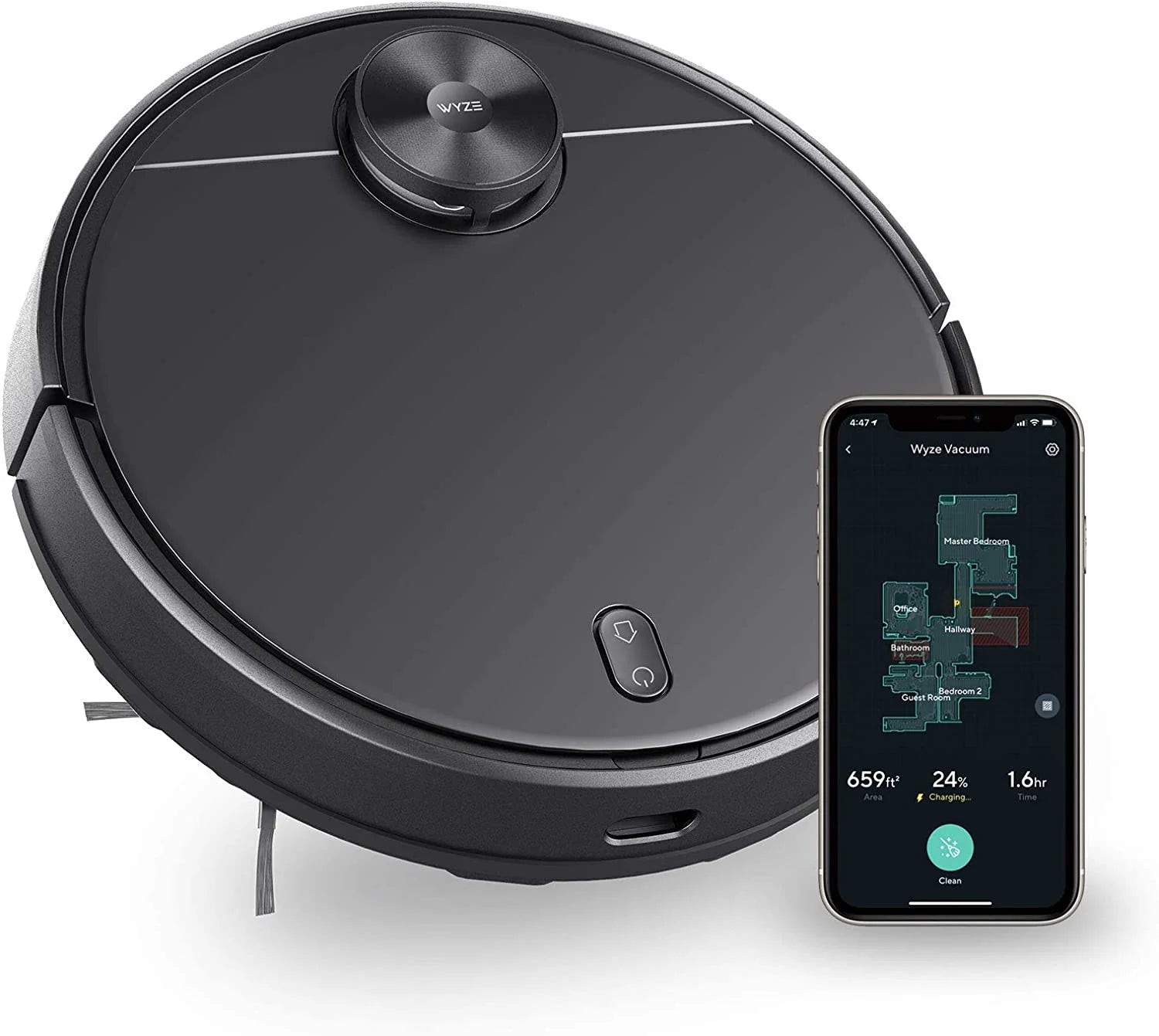
Wi-Fi 6 isn’t just a marketing buzzword—it brings tangible benefits for households with heavy internet usage. The Wyze Wi-Fi 6 mesh router supports theoretical speeds up to 3.0 Gbps (depending on the model), with improved efficiency that reduces lag during gaming or 4K streaming. This is especially valuable if you’re running multiple bandwidth-hungry devices like a Wyze Robot Vacuum - Main Rolling Brush replacement (when needed) and several cameras simultaneously. Google Nest Wifi (Wi-Fi 5) maxes out at around 1.2 Gbps, which is still sufficient for most households but may show strain under heavy load. The Nest Wifi Pro offers Wi-Fi 6 but at a premium, making Wyze the more budget-friendly Wi-Fi 6 option.
Ease of Setup and Management
Both systems prioritize user-friendly setup via mobile apps. The Wyze app guides you through node placement and network configuration in minutes, with clear indicators for signal strength. Google’s setup is equally straightforward, often praised for its step-by-step instructions and automatic optimization. Wyze edges ahead for users already invested in the Wyze ecosystem, as you can manage your network and smart devices from a single dashboard. Google Nest Wifi integrates with Google Home and Assistant, offering voice control and smart home routines, which is ideal for Google-centric households.
Smart Home Integration
If you’re building a smart home with Wyze products, the Wyze mesh router provides seamless integration. You can prioritize bandwidth for security cameras, set schedules for device access, and troubleshoot network issues directly from the same app that controls your lights and sensors. Google Nest Wifi works with a broader range of third-party devices via Google Home, but it doesn’t offer the same deep level of optimization for Wyze-specific gear. For example, if you rely on the Outdoor Security Basic plan for cloud recording, the Wyze router ensures your cameras always have priority connectivity.
Pricing and Value
Price is where Wyze typically wins. A two-pack Wyze Wi-Fi 6 mesh system often costs significantly less than a comparable Google Nest Wifi Pro setup. Even the standard Google Nest Wifi (Wi-Fi 5) is priced higher per node. For budget-conscious users who refuse to sacrifice performance, Wyze delivers exceptional value. Google Nest Wifi commands a premium for its brand recognition and Google Assistant integration, but you’re paying extra for features that may not matter if you don’t use Google services heavily.
Which System Should You Choose?
Your decision ultimately depends on your priorities and existing smart home ecosystem:
- Choose Wyze Wi-Fi 6 Mesh Router if: You want the fastest speeds for the price, need wide coverage for a large home, or already own Wyze security cameras and sensors. Its Wi-Fi 6 performance and seamless Wyze integration make it an outstanding choice for smart home enthusiasts.
- Choose Google Nest Wifi if: You deeply rely on Google Assistant, want smart speaker functionality built into your mesh points, or prefer a more established brand with extensive third-party support. The Nest Wifi Pro adds Wi-Fi 6 but at a higher cost.
Final Verdict
Both mesh systems are excellent, but the Wyze Wi-Fi 6 Mesh Router offers better coverage and performance for the price, especially if you’re building a Wyze-centric smart home. Its Wi-Fi 6 capabilities future-proof your network and handle multiple devices with ease, from cameras to vacuums. Google Nest Wifi remains a strong contender for those who prioritize Google integration, but you’ll pay more for similar coverage.
Ready to upgrade your home network? Explore the Wyze Wi-Fi 6 Mesh Router and see how it can transform your smart home experience with reliable, whole-home coverage and fast speeds for all your devices.